3ds Max Rigging: Creating the Sleeve Rig (Lesson 15)
Автор: MioToon
Загружено: 2026-02-09
Просмотров: 46
Описание:
Welcome back to the Advanced Cartoon Character Rigging course in 3ds Max!
In today's lesson, we are focusing on creating a professional Sleeve Rig. This setup ensures that the character's clothing moves realistically with the arm, avoiding common clipping issues.
What you will learn in this tutorial:
✅ Fixing Gimbal Lock: Why it happens and how to prevent it by changing the Axis Order (from XYZ to XZY) in the Motion Panel.
✅ Sleeve Bone Setup: Cloning shoulder bones and using Freeze Transform for a clean setup.
✅ IK Solutions: Implementing the HI Solver and setting up an IK Target using Helpers (Points).
✅ Constraints & Automation: Using Position Constraints and Wire Parameters to invert rotation and automate the sleeve's behavior relative to the forearm.
✅ Symmetry: How to correctly mirror the setup for the right side, accounting for flipped bone orientations.
This method builds upon the techniques we used for the shorts rig but adds specific logic for the shoulder's complex range of motion.
Timestamps:
00:00 - Introduction to Sleeve Rigging
00:23 - Understanding & Fixing Gimbal Lock (Axis Order)
01:00 - Creating and Positioning Sleeve Bones
03:01 - Setting up Helpers and HI Solver
04:32 - IK Target Configuration
05:41 - Using Wire Parameters to Invert Rotation
06:20 - Mirroring the Rig for the Right Side
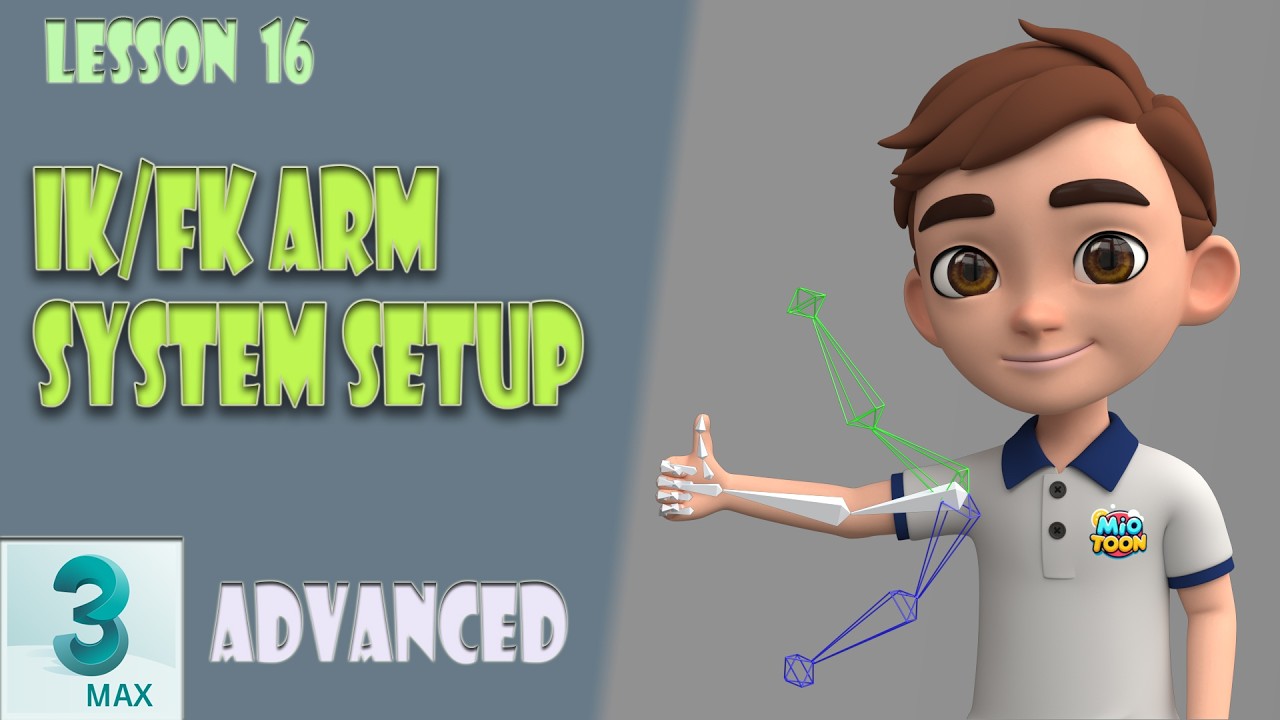
11:13 - Conclusion & What's Next: IK/FK Arms
#3dsmax #CharacterRigging #AnimationTutorial #3DAnimation #RiggingTips #GimbalLock #AdvancedRigging #SleeveRig
Повторяем попытку...
Доступные форматы для скачивания:
Скачать видео
-
Информация по загрузке: