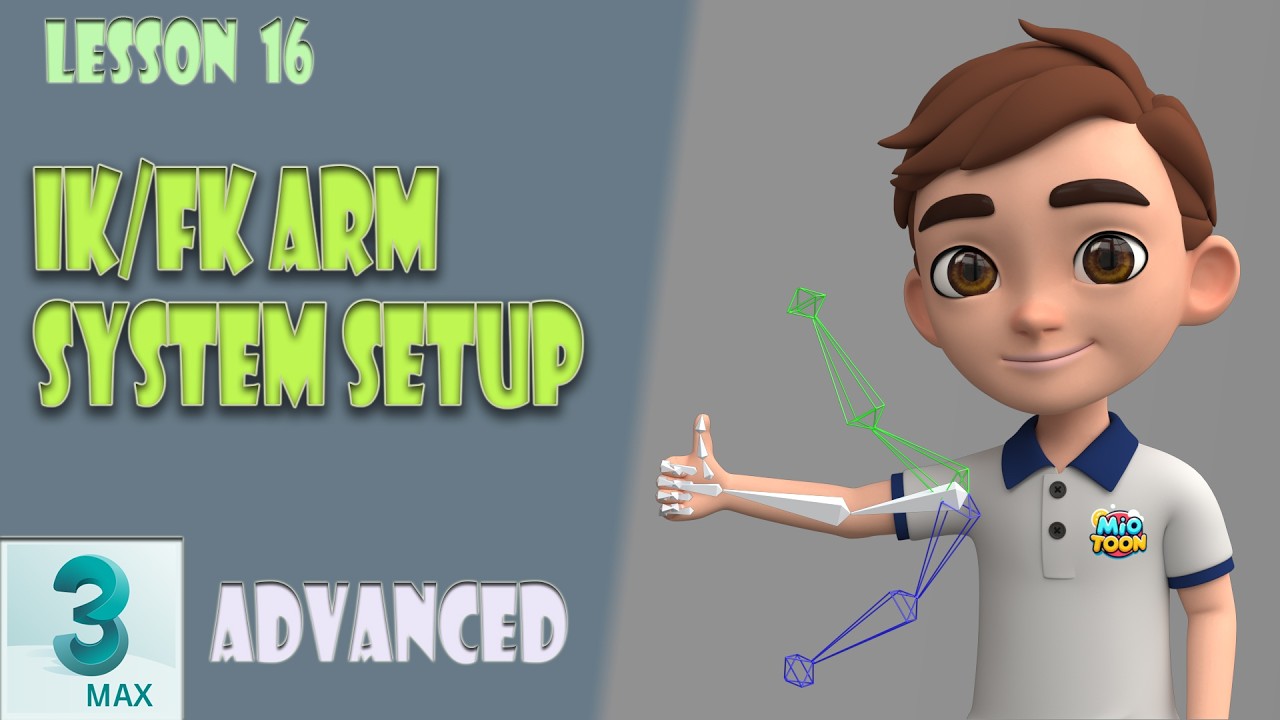
3ds Max Rigging: IK/FK Arm System Setup (Lesson 16)
Автор: MioToon
Загружено: 2026-02-16
Просмотров: 20
Описание:
Welcome to the Advanced Cartoon Character Rigging course in 3ds Max!
In this lesson, we will set up the IK/FK system for the arms and link it to the character's main bones. Since we have already covered the leg rig, this process will be much smoother, but we’ll dive deeper into automation and constraints.
In this video, we cover:
✅ Bone Logic: Cloning and preparing FK/IK chains.
✅ MAXScript Listener: Quickly resizing bones without manual scaling.
✅ Rename Objects Tool: Efficiently managing bone suffixes.
✅ Orientation Constraints: Setting up the relationship between Main, IK, and FK bones.
✅ Custom Attributes: Adding Boolean switches and organizing them in the UI (Alt+1).
✅ Wire Parameters: Linking attributes using expressions (1-x) for seamless IK/FK switching.
✅ IK HI Solver: Finalizing the IK setup and cleaning up the layer structure.
By the end of this tutorial, you will have a functional, switchable arm rig ready for controllers.
Timecodes:
00:00 — Introduction
00:26 — Creating and scaling the FK System (MAXScript)
01:18 — Using Rename Objects & Bone Tools
02:43 — Setting up the IK System
04:44 — Applying Orientation Constraints
05:42 — Adding Custom Attributes (Alt+1)
07:10 — Connecting systems via Wire Parameters (Alt+5)
09:59 — HI Solver & Layer Management
12:48 — Summary and what's next
Subscribe for more advanced 3ds Max rigging tutorials!
#3dsMax #IKFK #Tutorial #Rigging #CharacterRigging #Animation #3DAnimation
Повторяем попытку...
Доступные форматы для скачивания:
Скачать видео
-
Информация по загрузке: