Understanding Roughness in PBR Materials
Автор: Vertmode
Загружено: 2026-01-09
Просмотров: 25
Описание:
Roughness controls how light spreads across a surface.
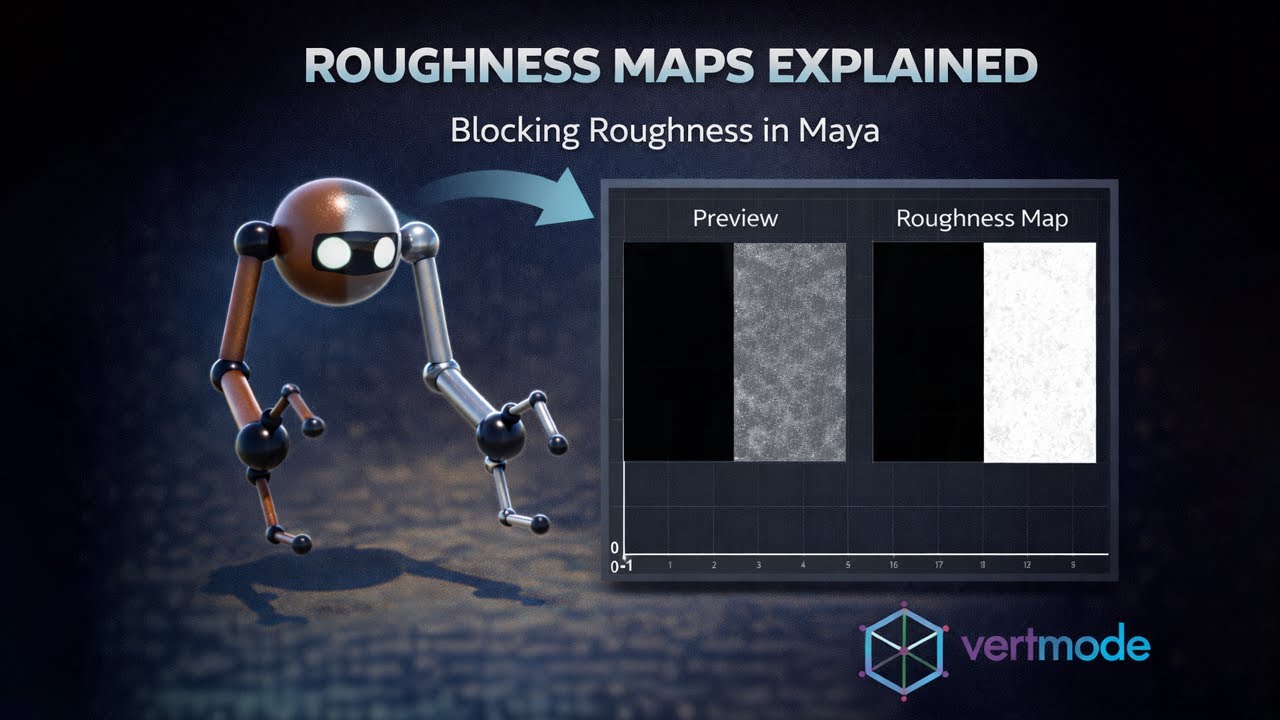
In this video, we break down roughness maps and demonstrate the basic process of blocking roughness values in Maya as part of a PBR material workflow.
This lesson focuses on:
What roughness represents in physically based rendering
How roughness affects highlights and surface response
The relationship between roughness and metalness
Blocking in a simple roughness map for the robot asset
Connecting the roughness map to a Standard Surface material
The goal here is understanding, not refinement — establishing clear, intentional roughness values before moving on to more detailed texture work.
This foundational pass makes materials more readable, lighting more predictable, and later polish more controlled.
🎓 If you’re looking for a structured place to start,
Complete 3D Animation Masterclass: Create Animated Shorts
covers PBR materials and texture workflows as part of a complete production pipeline.
🔗 https://www.udemy.com/course/3danimat...
Vertmode is built around long-term mastery.
Roughness is one of the most important controls in PBR shading.
Повторяем попытку...
Доступные форматы для скачивания:
Скачать видео
-
Информация по загрузке: