Getting Started: u-blox connectBlue Wi-Fi / WLAN module, Starter Kit & Configuration PC-program
Автор: u-blox connectBlue
Загружено: 2013-04-18
Просмотров: 3317
Описание:
Getting started when you have purchased a connectBlue module is easy. Let us show you how you begin.
On the u-blox connectBlue website, navigate to the support area.
Choose your product. For our example today, we will use the Wireless LAN UART Serial Port Module OWS451.
On this page you find a link to the document Wireless LAN serial port adapter toolbox example .
This document covers the basics and examples on how to configure the Wireless LAN module via the Serial Port Adapter Toolbox program. The datasheet gives you all the details on operation. We recommend everyone that is not yet very familiar with the u-blox connectBlue Wireless LAN Serial Port Adapters, to go through these documents as the very first step.
To get started smoothly, you can use a starter kit.
On the web page of the Wireless LAN UART Serial Port Module OWS451 is where you find the appropriate article number and also information on what the kit entails.
This is the USB Module Adapter which installs a virtual COM-port. And this is the Wireless LAN UART Serial Port Module OWS451. Here is the connector where you mount the Wireless LAN module, FTDI chip to covert USB to Serial, LED to show module status, push buttons to reset serial settings and to - for instance - trig a connection, reset button for the USB adapter, LEDs to show the communication between the PC and the module.
On the Wireless LAN UART Serial Port Module OWS451, here is the internal antenna, microcontroller with fully embedded TCP/IP stack, drivers and Serial Port application. For external antenna versions there are also dual U.FL connectors for primary and auxiliary external antennas.
The backside of the module is where you have the connector pads for the board-to-board connector mounted on the USB Module Adapter. The pin layout of the connector is compatible with all OEM Serial Port Modules from connectBlue, now a u-blox company.
It is important that you mount the module correctly.
During assembly, the wireless modules shall be placed as shown in the images on the datasheet for the USB Module Adapter.
This datasheet is also located on the Wireless LAN UART Serial Port Module OWS451 support page.
If you click on the link named Serial Port Adapter Toolbox, you get to a document from where you can download the toolbox. The toolbox is a PC application that simplifies the configuration of the module.
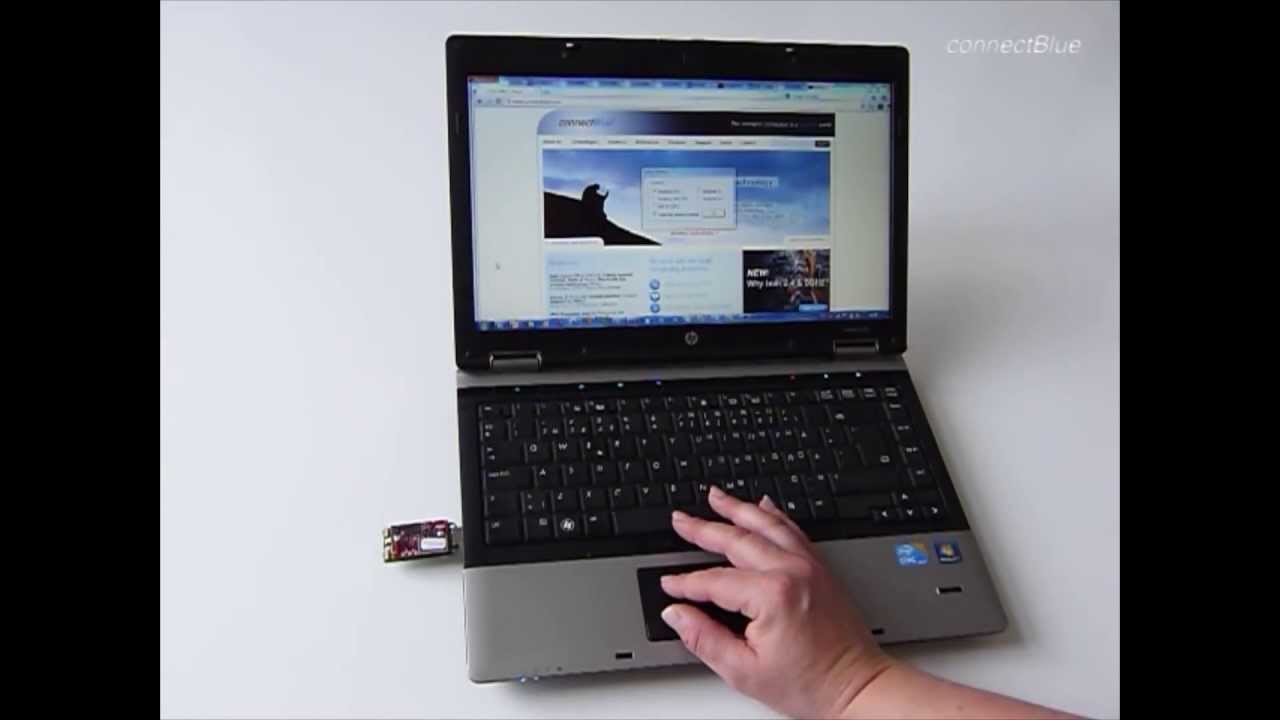
We install the Toolbox program on the PC and then we connect the USB Module Adapter to the computer.
Windows will create a virtual COM port which is then used during the configuration of the module. Note that there is no Wireless LAN stack or driver installed in the PC since the entire Wireless LAN stack is embedded in the module.
Now, let's start the Serial Port Adapter toolbox program. The toolbox covers the most commonly used settings, but more advanced configurations are available via AT commands.
We have tabs with Link Settings, Network Settings, if the module is to act as a client or a server, the Serial settings between the computer and the module and some optimization and miscellaneous tabs. All these settings are described in the AT commands specification document.
Повторяем попытку...
Доступные форматы для скачивания:
Скачать видео
-
Информация по загрузке: