Getting started: u-blox connectBlue Bluetooth module using a Starter Kit & Configuration PC-program
Автор: u-blox connectBlue
Загружено: 2012-04-13
Просмотров: 12307
Описание:
Getting started when you have purchased a connectBlue, now a u-blox company, module is easy. Let us show you how you begin. On the u-blox connectBlue website, navigate to the support area. Choose your product.
On the top of the page you find a link to the document Bluetooth Serial Port Adapter - Getting Started. This document covers all the basics that you need to know when you have purchased a Bluetooth Serial Port Adapter from connectBlue. We recommend everyone that is not yet very familiar with the u-blox connectBlue Bluetooth Serial Port Adapters, to go through this document as the very first step.
To get started smoothly you can use a starter kit. On the product web page is where you find the appropriate article numbers and also information on what the kits entail.
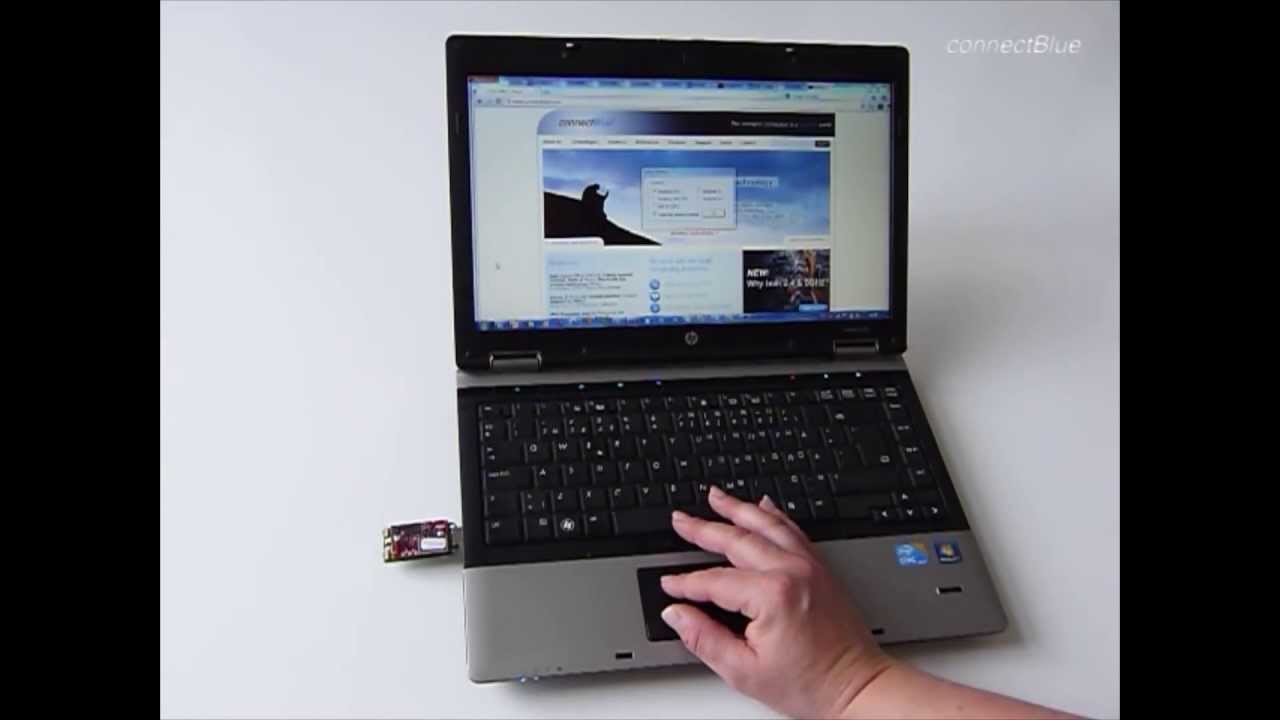
This is the USB Module Adapter which installs a virtual COM-port. And this is the Bluetooth Serial Port Module OBS411.
If you click on the link named Serial Port Adapter Toolbox, you get to a document from where you can download the toolbox. The toolbox is a PC application that simplifies the configuration of the module.
Now, we are to connect the USB Module Adapter to the computer. Windows creates a virtual COM port which is then used during the configuration of the module.
As the Serial Port Adapter program is opened, we have to specify what wireless module we are going to configure. This is the Toolbox for the Serial Port Adapter showing all the tabs and parameters available when configuring the module. All these settings are all very well described in the Getting Started document.
You select the COM port that is used to communicate with the USB port. Now we want the module to go into configuration mode which we call AT mode. Read all will send a list of requests to the module to ask for the different parameters and you can also see that all the other fields are now also populated with information from the module.
Configuring a device as a server means that the module will accept an incoming connection from an external device. We check that incoming connection feature is enabled. Also, in this case, we choose the Serial Port Profile (SPP). By clicking the data mode button, we leave configuration mode. The settings are sent to the module by clicking the WRITE button.
When the module is configured to act as a client, it is able to initiate a connection to another device. Also here, we have to specify what Bluetooth profile we intend to use.
The next parameter we have to configure for the client is how many devices it should be able to connect to. The next thing we need to know is the MAC address for peer 0 of the device we are going to connect to. We will search for devices by clicking on Device Discovery.
The last thing we need to configure is when this module is to initiate the connection.
We write these settings onto the module's flash memory by clicking on the button that says write. We leave the AT configuration mode by pressing the Data Mode button.
Visit u-blox connectBlue's support area on www.connectblue.com to download the necessary documents and programs.
Повторяем попытку...

Доступные форматы для скачивания:
Скачать видео
-
Информация по загрузке: