#2 How to get started with the u-blox C099-F9P application board (1/2)
Автор: u-blox
Загружено: 2020-07-10
Просмотров: 89288
Описание:
#howto #ublox #C099 #F9P
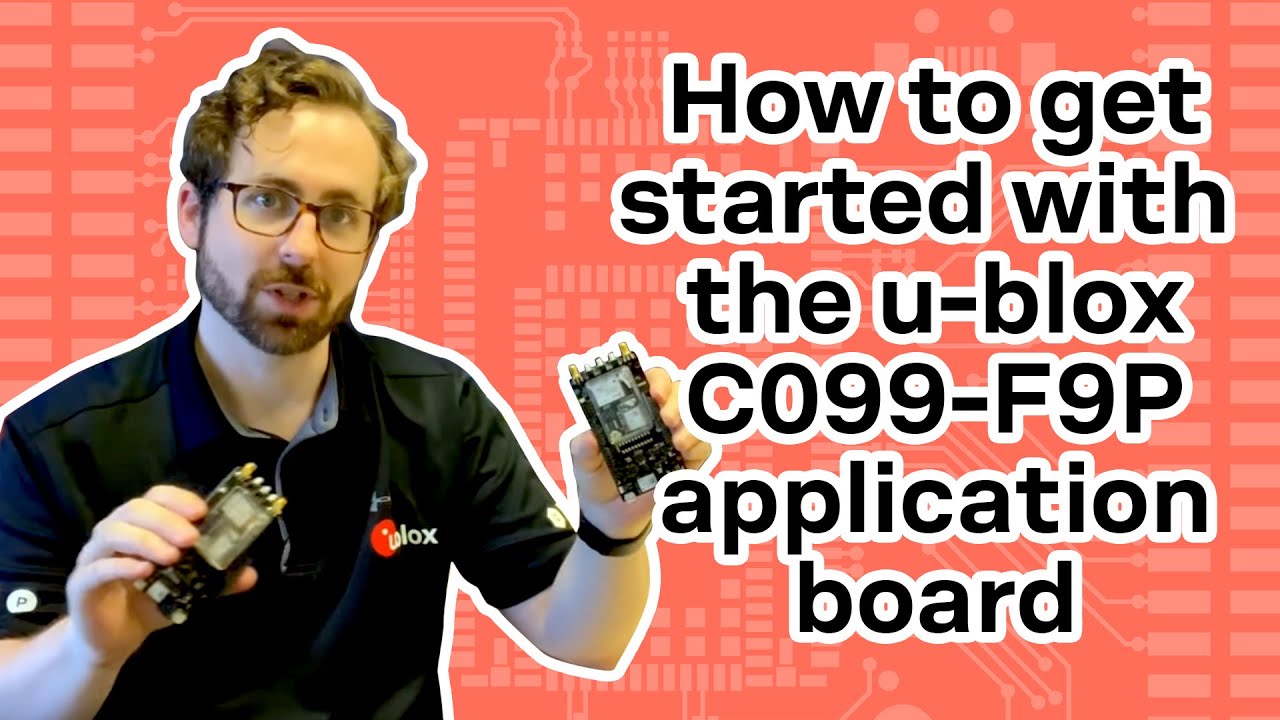
The C099-F9P application board allows efficient evaluation of ZED-F9P, the u‑blox F9 high precision positioning module.The ZED-F9P module provides multi-band GNSS positioning and comes with built-in RTK technology providing centimeter level accuracy to users.The C099-F9P application board integrates the ZED-F9P module and includes an ODIN-W2 short range module for connectivity options.The application board is designed to support evaluation of the ZED-F9P module, while the ODIN-W2 module provides wireless connectivity capabilities for common use cases. Refer to the C099-F9P User Guide for details on supported configurations.
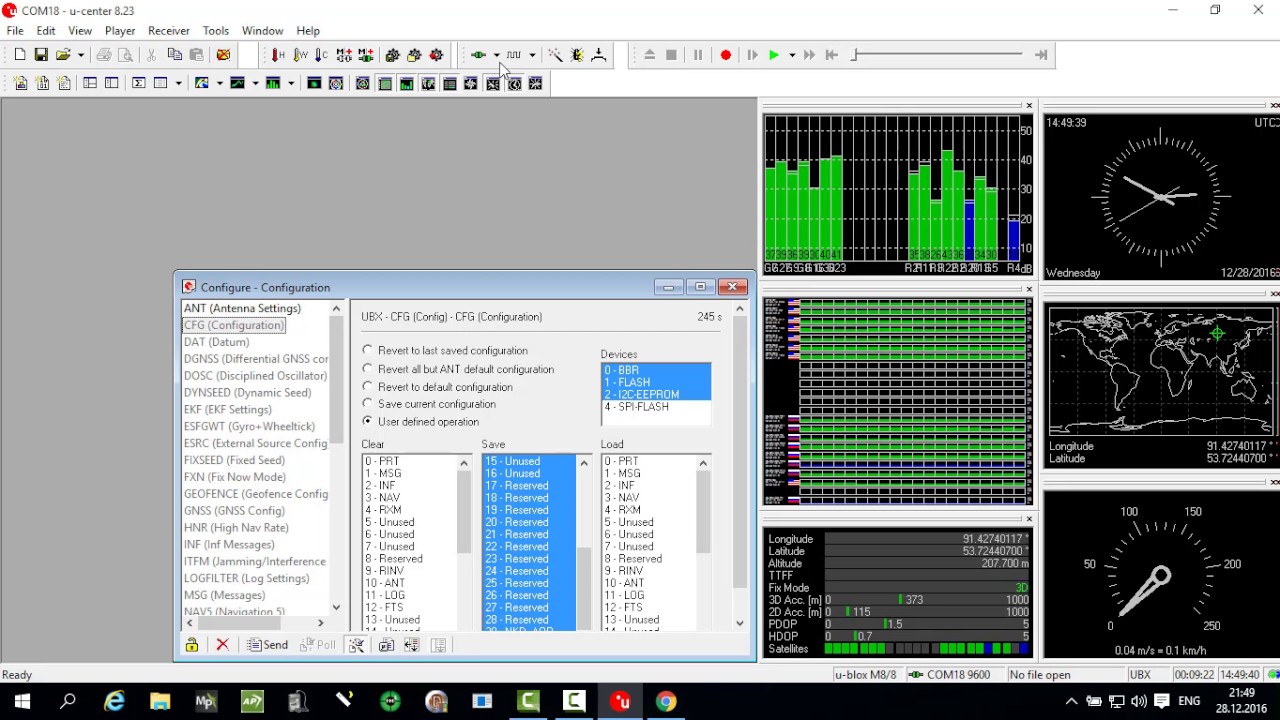
The u-center evaluation software provides a powerful platform for evaluation of u‑blox GNSS receivers. With u-center, data can be logged as well as visualized in real time. The u-center software contains an NTRIP server/client which can be used to manage the RTCM correction stream to and from a C099-F9P application board.
C099-F9P: https://www.u-blox.com/en/product/c09...
u-center: https://www.u-blox.com/en/product/u-c...
uconnectXpress: https://www.u-blox.com/en/product/u-c...
0:00 Start
00:10 C099-F9P introduction
03:03 Application board overview
05:11 Connecting antennas and USB
05:37 USB set-up
06:41 Bluetooth Rover set-up
11:40 Wi-Fi Rover set-up
15:52 Wrap-up
Find answers, ask questions and connect with our community of u-blox users from around the world: https://portal.u-blox.com/s/
Check out our social media channels:
Facebook: / ublox
Twitter: https://twitter.com/ublox?lang=en
LinkedIn: / u-blox
Повторяем попытку...

Доступные форматы для скачивания:
Скачать видео
-
Информация по загрузке: