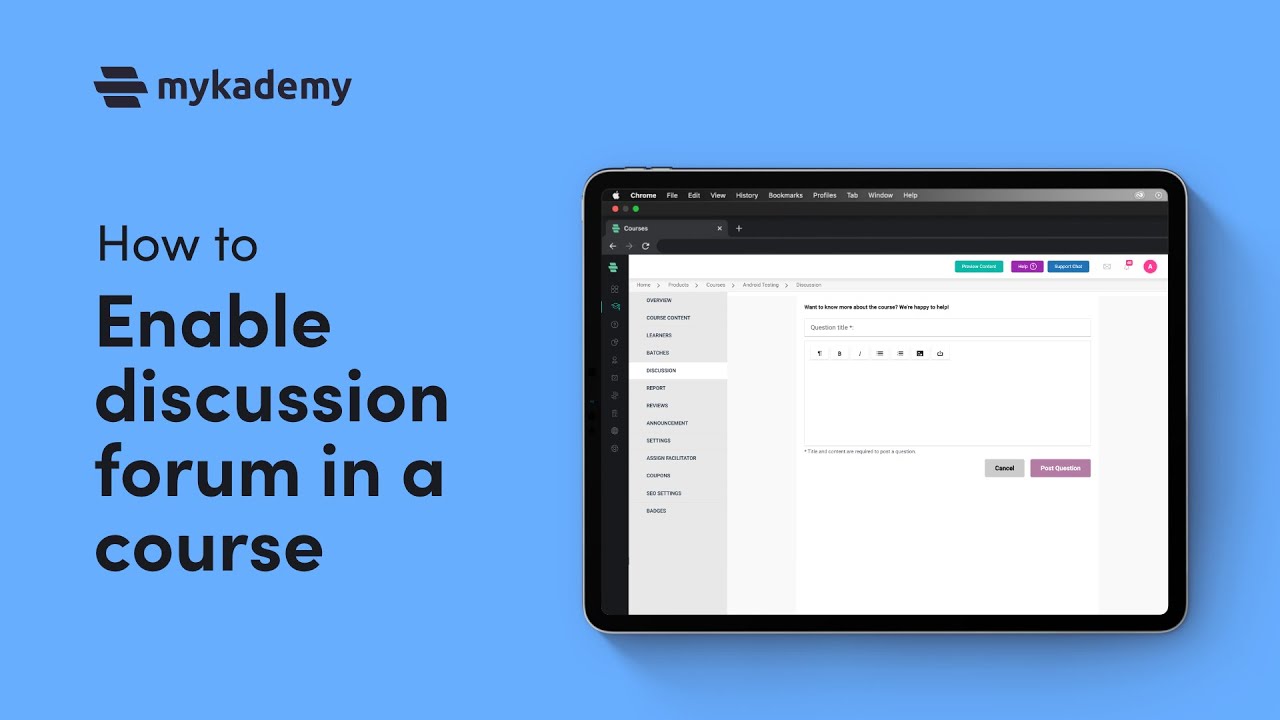
How to make course announcements using LMS Platform | Mykademy
Автор: Mykademy
Загружено: 2021-11-29
Просмотров: 221
Описание:
Make new announcements about a course and notify your participants with Mykademy’s course announcement feature. You can send announcements batch-wise or to all learners.
Follow these steps to make course announcements:
1. On the dashboard, click the Course icon on the dashboard or the icon on the left navigation bar.
2. Click on a course on which you want to make an announcement.
3. Click ANNOUNCEMENT on the left panel.
4. Click ADD ANNOUNCEMENT on the top-right corner of the page. The ANNOUNCEMENT window pops up.
5. Type a title and a brief description for the announcement.
6. Click CONTINUE. The ANNOUNCEMENT window pops up, enabling you to select the participants to send the announcement. You can choose one of the following participants:
All Learners: Choosing this option sends an announcement to all Learners registered to the system.
Branches: Choosing this option enables you to select the Branches to which you want to send the announcement.
Batch: Choosing this option enables you to select the Learners' batches to which you want to send the announcement.
7. Click SEND.
8. Click OK. The announcement is posted on the ANNOUNCEMENT page with the user name, title, description, and date of the announcement.
Note: Click the Dropdown icon corresponding to the announcement you want to edit or remove from the page and use the Edit or Delete options, respectively.
#CreateAnnouncements #CourseAnnouncements #NewCourseAnnouncement #howto #Mykademy #LMS #CreateCourseOnline #TeachTheWorld
Повторяем попытку...

Доступные форматы для скачивания:
Скачать видео
-
Информация по загрузке: