How to Add Discussion Forums to LMS Platform | Mykademy
Автор: Mykademy
Загружено: 2022-02-28
Просмотров: 942
Описание:
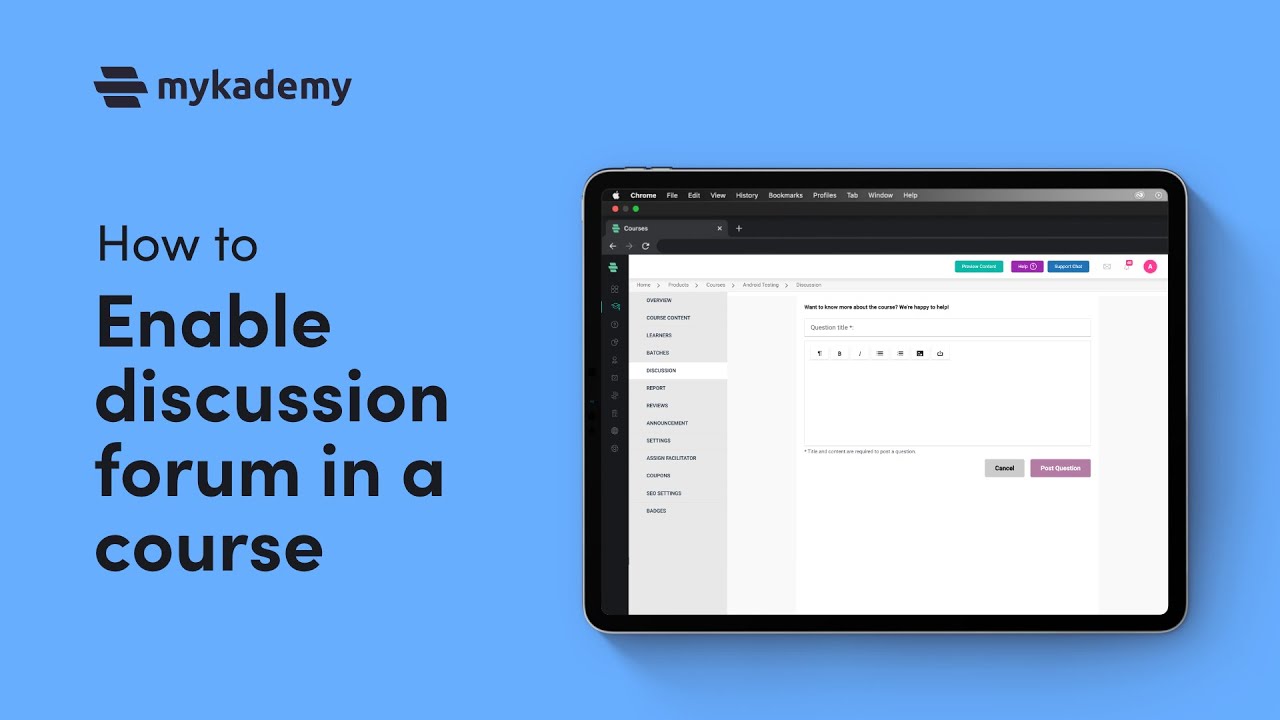
A discussion forum is a commonly used feature in digital learning for easy communication enabling learners to ask questions/doubts regarding the course content. Learners can connect with trainers and peers through these forums.
Follow the steps given below to manage the discussion forums of courses where learners post their questions or ideas:
1. On the dashboard, click the Course icon or the icon on the left navigation bar. Click on a course you want to manage by adding instructions to the discussion forums. The OVERVIEW page of the course appears.
2. Click DISCUSSION - DISCUSSION INSTRUCTION. The Discussion Instruction page appears.
3. Add the instruction you want to display to the learners involved in the discussions.
4. Click SAVE.
5. Click OK.
How to Manage Discussions
1. On the dashboard, click the Course icon on the dashboard. Click on a course you want to manage by adding instructions to the discussion forums. The OVERVIEW page of the course appears.
2. Click DISCUSSION - GOTO DISCUSSION. A list of existing discussions is displayed that includes a question and replies.
3. Click on a discussion. You will be redirected to a page with questions and replies to that discussion.
4. Edit, report abuse, or delete the required questions and replies of the learners.
Choose Mykademy’s feature-rich LMS platform for some exciting features and more. https://mykademy.com/
#DiscussionInstructions #LMS #DiscussionForum #Discussion #DiscussionQuestion #DiscussionPosts #LMSplatform #Mykademy #CreateOnlineCourse #SellCourse #OnlineTeaching #Edtech #TeachTheWorld
Повторяем попытку...
Доступные форматы для скачивания:
Скачать видео
-
Информация по загрузке: