ycliper

Популярное

Музыка Кино и Анимация Автомобили Животные Спорт Путешествия Игры Юмор

Интересные видео

2025 Сериалы Трейлеры Новости Как сделать Видеоуроки Diy своими руками

Топ запросов

смотреть а4 schoolboy runaway турецкий сериал смотреть мультфильмы эдисон
Скачать

Adding live sessions to a course | All-in-One LMS Platform | Mykademy

Автор: Mykademy

Загружено: 2022-03-07

Просмотров: 384

Описание: LIVE sessions aid to promote synchronous learning, which boosts interaction, helps structured learning and gives clear instructions. In just a few simple steps, you can create and manage your live sessions:

1. Click on the Courses icon.
2. From the active courses page, select the course in which the live session is to be created.
3. Click on LIVE located at the course modules.
4. Enter the Title, section, Batch, speaker, Live room, and Date & time, along with duration.
5. Notifications can be sent to the learner about this live session if needed.
6. Click on Schedule.
7. By clicking on schedule, they will be redirected to the Create Live Class page, which shows the preview of the live session created.
8. The session link can be copied from the admin side and shared with any Tutor or other faculties who were not included while creating the session.
9. The agenda and description of the live session will be displayed at the bottom. Click Next to continue.
10. All those learners enrolled in the live session will be displayed on the right side. Click on Add Speakers to add the speakers leading the session.
11. To add members outside your organisation, add them to the Bulk Learners section by adding their Name and Email Address; these members will not be added as learners to Mykademy but given temporary access to the live session only.
12. When a live session is created within a course, all those enrolled in the course will be included in the live session.
13. If any additional learner is to be added or removed from the session, the admin can click on Manage learners, and the learner list can be edited.
14. The presenter/Tutor can start the live session from this page by clicking on Start this meeting.
15. If the session has already commenced, a message will be displayed to the left of Start this meeting which indicates the live ongoing.
16. They can also delete or edit the live session from this page if it has not commenced.
17. After the live session, the admin/tutor can download the recordings, available near the Attendees button.

Choose Mykademy’s all-inclusive LMS platform to conduct LIVE sessions effortlessly. Get started today with a 14-day free trial! https://mykademy.com/signup/

#LiveSessions #CreatingLiveSessions #OnlineTeaching #LMSplatform #Mykademy #TeachTheWorld #LiveClass #TeachOnline #OnlineEducation #EdTech #LiveClassroom #LiveLearning

Не удается загрузить Youtube-плеер. Проверьте блокировку Youtube в вашей сети.
Повторяем попытку...
Adding live sessions to a course | All-in-One LMS Platform | Mykademy

Поделиться в:

Доступные форматы для скачивания:

Скачать видео

  • Информация по загрузке:

Скачать аудио

Похожие видео

How to Create Live Online Class on WordPress using Tutor LMS and Zoom | Tutor LMS Zoom Integration

How to Create Live Online Class on WordPress using Tutor LMS and Zoom | Tutor LMS Zoom Integration

How to add Test Questions in Cloud-based LMS Platform | Quiz Creation in LMS | Mykademy

How to add Test Questions in Cloud-based LMS Platform | Quiz Creation in LMS | Mykademy

AI Rant - Obvious and Less Obvious AI Affects

AI Rant - Obvious and Less Obvious AI Affects

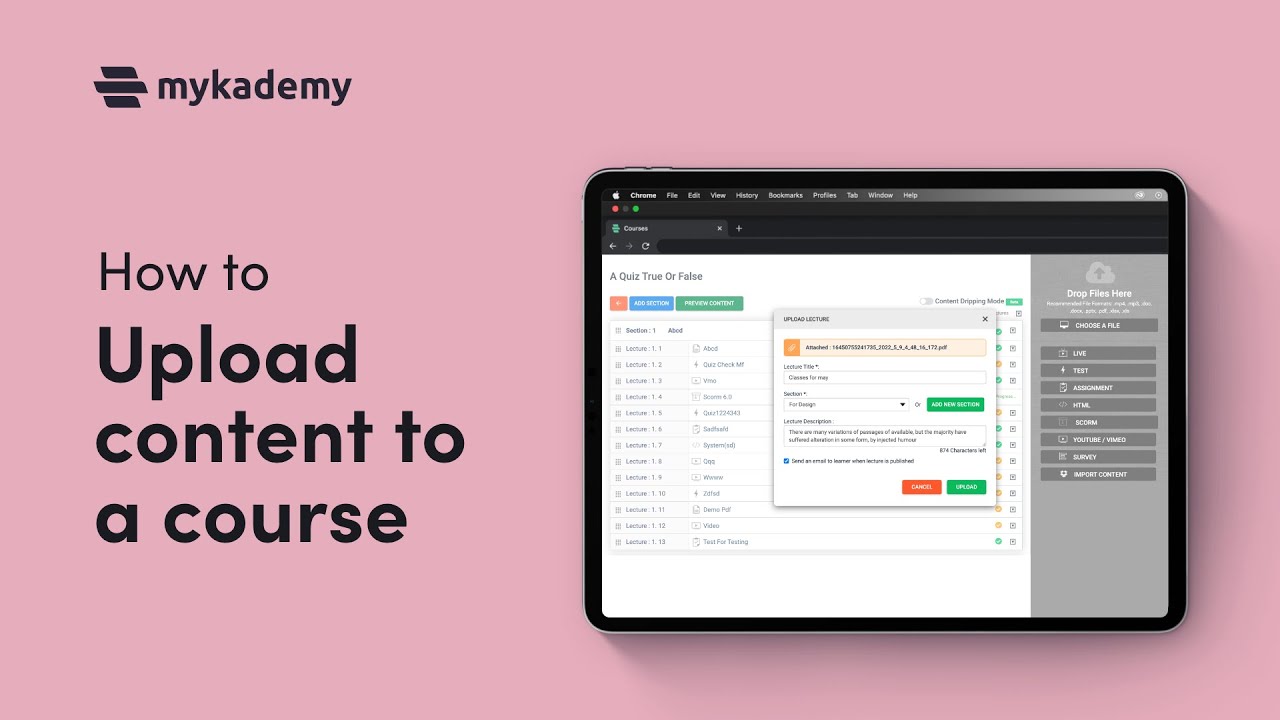
How to upload content in a course || Mykademy Tutorial video || LMS platform

How to upload content in a course || Mykademy Tutorial video || LMS platform

Учебник по GoHighLevel для Начинающих - шаг за шагом

Учебник по GoHighLevel для Начинающих - шаг за шагом

10 НАУЧНО-ФАНТАСТИЧЕСКИХ ФИЛЬМОВ, КОТОРЫЕ СТОИТ ПОСМОТРЕТЬ ХОТЯ БЫ РАЗ В ЖИЗНИ!

10 НАУЧНО-ФАНТАСТИЧЕСКИХ ФИЛЬМОВ, КОТОРЫЕ СТОИТ ПОСМОТРЕТЬ ХОТЯ БЫ РАЗ В ЖИЗНИ!

WordPress LMS Tutorials

WordPress LMS Tutorials

15 ПРЕСТУПНО НЕДООЦЕНЕННЫХ ФАНТАСТИЧЕСКИХ ФИЛЬМОВ,  которые НУЖНО УВИДЕТЬ! 2026

15 ПРЕСТУПНО НЕДООЦЕНЕННЫХ ФАНТАСТИЧЕСКИХ ФИЛЬМОВ, которые НУЖНО УВИДЕТЬ! 2026

NotebookLM: большой разбор инструмента (12 сценариев применения)

NotebookLM: большой разбор инструмента (12 сценариев применения)

9 Скрытых Фишек ChatGPT о которых никто не говорит

9 Скрытых Фишек ChatGPT о которых никто не говорит

Когда неудачные дубли оказались лучше сценария

Когда неудачные дубли оказались лучше сценария

SHAZAM Top 50🏖️Лучшая Музыка 2025🏖️Зарубежные песни Хиты🏖️Популярные Песни Слушать Бесплатно #40

SHAZAM Top 50🏖️Лучшая Музыка 2025🏖️Зарубежные песни Хиты🏖️Популярные Песни Слушать Бесплатно #40

НЕВЕРОЯТНЫЙ ФИЛЬМ ПОКОРИЛ СЕРДЦА МИЛЛИОНОВ! ЧЕМПИОН МИРА / Смотреть ФИЛЬМ онлайн бесплатно

НЕВЕРОЯТНЫЙ ФИЛЬМ ПОКОРИЛ СЕРДЦА МИЛЛИОНОВ! ЧЕМПИОН МИРА / Смотреть ФИЛЬМ онлайн бесплатно

Зачем нужна топология?

Зачем нужна топология?

ПИАНИСТКА. Короткометражный фильм

ПИАНИСТКА. Короткометражный фильм

Лекция от легенды ИИ в Стэнфорде

Лекция от легенды ИИ в Стэнфорде

Microsoft Foundry — фабрика приложений и агентов на основе искусственного интеллекта.

Microsoft Foundry — фабрика приложений и агентов на основе искусственного интеллекта.

Учебное пособие по ClickUp — Как использовать ClickUp для начинающих

Учебное пособие по ClickUp — Как использовать ClickUp для начинающих

Лучший документальный фильм про создание ИИ

Лучший документальный фильм про создание ИИ

ЧТО СКРЫВАЕТ ДНО БАЙКАЛА? КУСТО НАШЕЛ ЭТО И УМЕР ЧЕРЕЗ 3 ДНЯ...

ЧТО СКРЫВАЕТ ДНО БАЙКАЛА? КУСТО НАШЕЛ ЭТО И УМЕР ЧЕРЕЗ 3 ДНЯ...

© 2025 ycliper. Все права защищены.


  • Контакты
  • О нас
  • Политика конфиденциальности


Контакты для правообладателей: [email protected]