3 Easy Ways to Migrate Unreal Engine Assets | Kitbash3D Workflow for 5.5
Автор: Logan Pinney
Загружено: 2024-11-18
Просмотров: 1880
Описание:
🚀 Upgrade Your Unreal Engine Project: 5.4 to 5.5 Migration Guide 🎮
Are you ready to unlock the latest features of Unreal Engine 5.5? This step-by-step video walks you through the process of migrating your 5.4 project to Unreal Engine 5.5 seamlessly. Whether you're building stunning game worlds, cinematic renders, or interactive experiences, this guide has you covered!
📌 What You'll Learn in This Video:
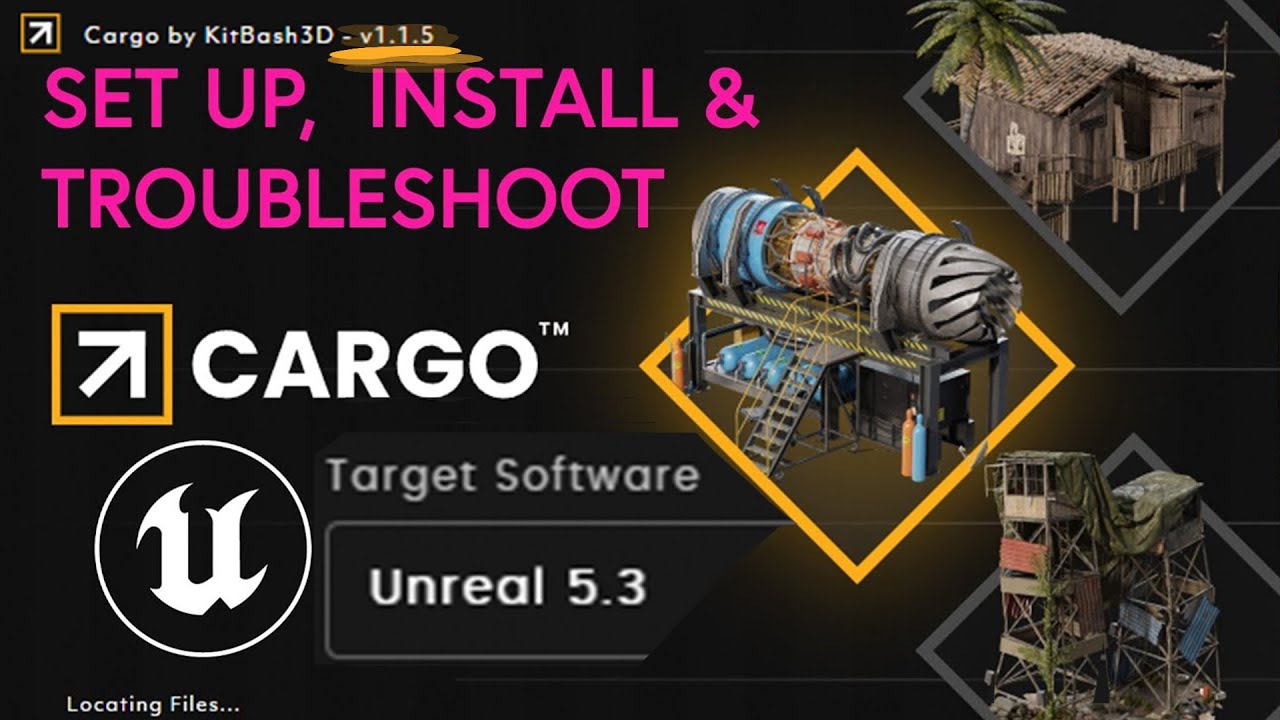
Plugin Setup & Troubleshooting: Activating and using the Cargo plugin effectively.
Individual Asset & Level Migration: Best practices for transferring content across engine versions without overwriting.
Project Backup Tips: Why duplication is your safety net during updates.
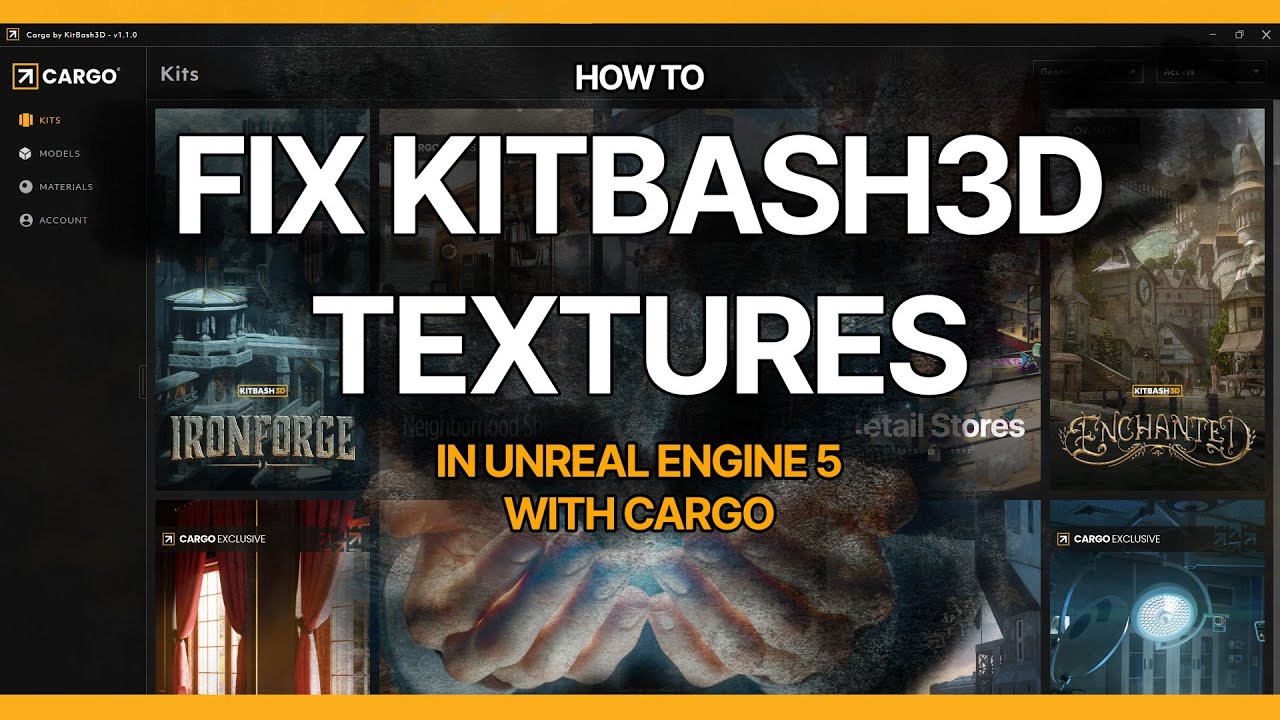
Fixing Broken Materials: Quick solutions for resolving master material issues after migration.
💡 Bonus Tips:
Learn to handle common migration challenges, like missing plugins and broken textures. Watch a live demo of importing assets in real time with insights into optimizing workflow.
🔥 Why Upgrade? Unreal Engine 5.5 offers enhanced tools and optimizations to take your projects to the next level. Stay ahead with the latest features and ensure compatibility for future updates.
📥 Resources & Links:
Cargo:
https://kitbash3d.com/pages/cargo
Unreal Engine Official Website:
http://unrealengine.com/
👍 Don’t forget to like, subscribe, and hit the bell 🔔 to stay updated on all things Unreal Engine. Share your thoughts and questions in the comments below! Let's build amazing worlds together. 🌍✨
If it not real-time then I don't have the time.
Check out my Coursera Unreal Fundamentals here:
https://www.coursera.org/professional...
Повторяем попытку...

Доступные форматы для скачивания:
Скачать видео
-
Информация по загрузке: