How to replace a toner for Ricoh Aficio MP2000
Автор: Bassonia Tv
Загружено: 2022-03-31
Просмотров: 2088
Описание:
How to replace a toner for Ricoh Aficio MP2000
Replacing the toner cartridge in a Ricoh Aficio MP2000 is a relatively straightforward process. Here's a step-by-step guide to help you do it:
Open the Front Cover: Start by opening the front cover of the Ricoh Aficio MP2000. This will give you access to the toner cartridge.
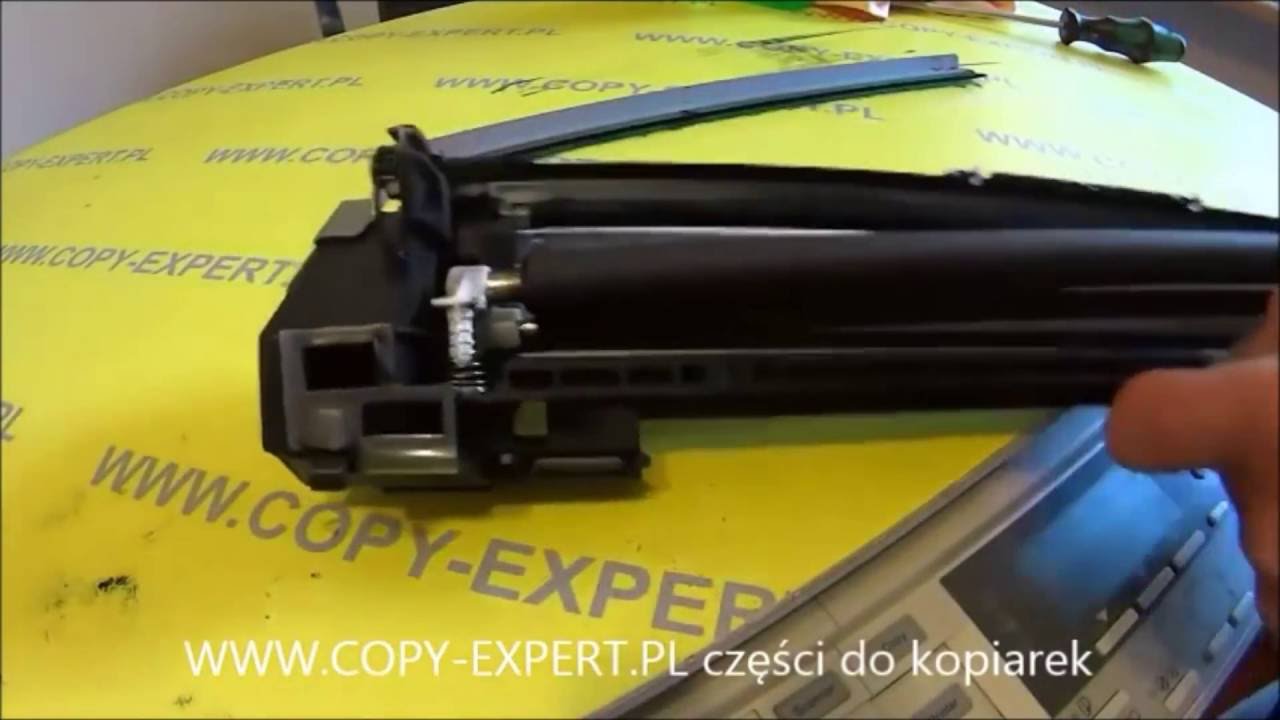
Remove the Old Toner Cartridge: Locate the old toner cartridge inside the printer. Grasp the cartridge's handle and gently pull it out towards you. Be careful not to spill any toner.
Prepare the New Toner Cartridge: Unpack the new toner cartridge from its packaging. Before installing it, shake it gently from side to side to distribute the toner inside evenly.
Remove the Sealing Tape: Check the new toner cartridge for any protective sealing tapes or tabs. If you find any, remove them to expose the toner.
Insert the New Toner Cartridge: Hold the new toner cartridge by its handle and carefully slide it into the printer, making sure it fits securely in its designated slot.
Close the Front Cover: Once the new toner cartridge is correctly installed, close the front cover of the printer until it clicks into place.
Allow Initialization: The printer may take a moment to recognize the new toner cartridge and initialize it for use. This process should happen automatically.
After following these steps, the toner cartridge in your Ricoh Aficio MP2000 should be successfully replaced. Your printer is now ready to print with the new toner. Remember to dispose of the used toner cartridge following the proper recycling guidelines in your area.
Повторяем попытку...

Доступные форматы для скачивания:
Скачать видео
-
Информация по загрузке: