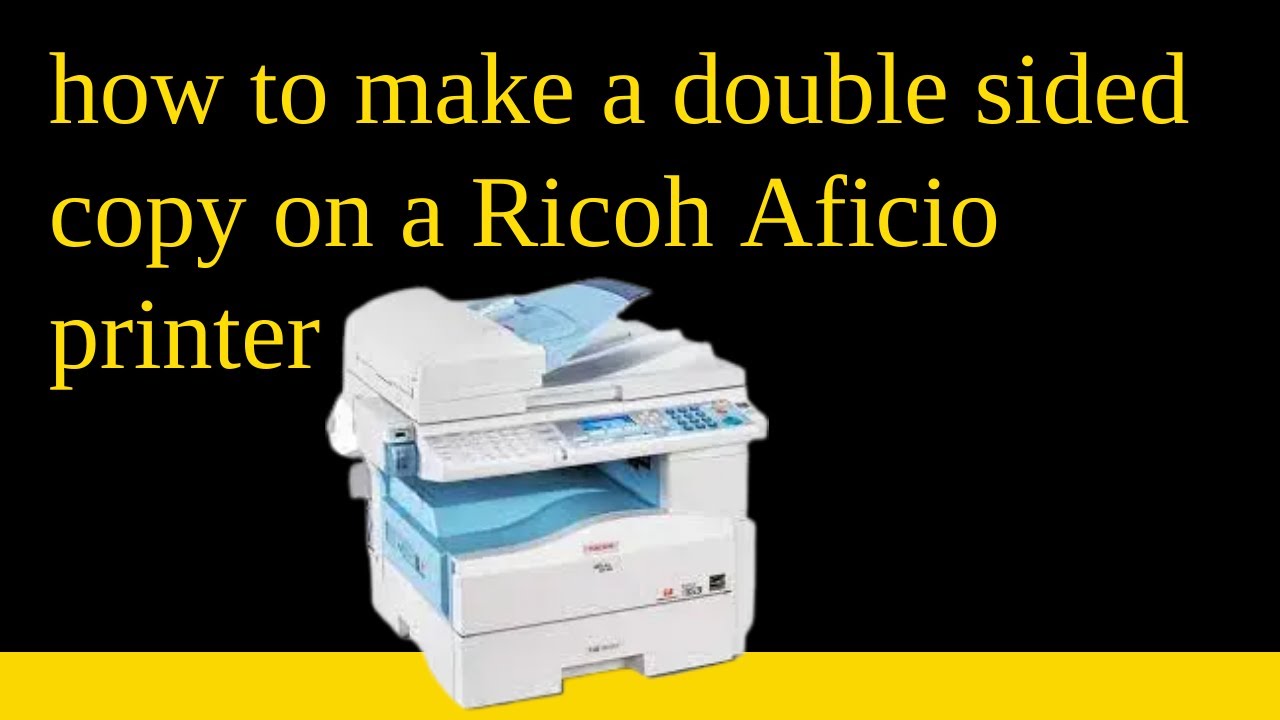
how to make a double sided copy on a Ricoh Aficio printer MP1515,MP161,MP171,MP201 and MP2000
Автор: Bassonia Tv
Загружено: 2022-03-31
Просмотров: 1626
Описание:
how to make a double sided copy on a Ricoh Aficio printer MP1515,MP161,MP171,MP201 and MP2000.
To make a double-sided copy on a Ricoh Aficio printer (models MP1515, MP161, MP171, MP201, and MP2000), you can follow these steps:
Load Paper: Ensure that you have the correct paper loaded in the paper tray or bypass tray. Make sure the paper size and type are compatible with the printer.
Access the Copy Menu: On the printer's control panel, press the "Copy" button to access the copy menu.
Select Copy Settings: Use the arrow keys or touch screen (if available) to navigate through the copy settings. Look for the "Duplex" or "Double-Sided" option.
Set Duplex Mode: Choose the "Duplex" or "Double-Sided" option, and select the desired duplex mode. Depending on the printer model, you may have options like "1-2 Sided," "2-2 Sided," or "2-1 Sided."
"1-2 Sided" means the original will be printed on one side, and the copy will be printed on both sides.
"2-2 Sided" means the original will be printed on both sides, and the copy will be printed on both sides as well.
"2-1 Sided" means the original will be printed on both sides, but the copy will be printed on one side.
Set Number of Copies: Enter the number of copies you want to make using the numeric keypad.
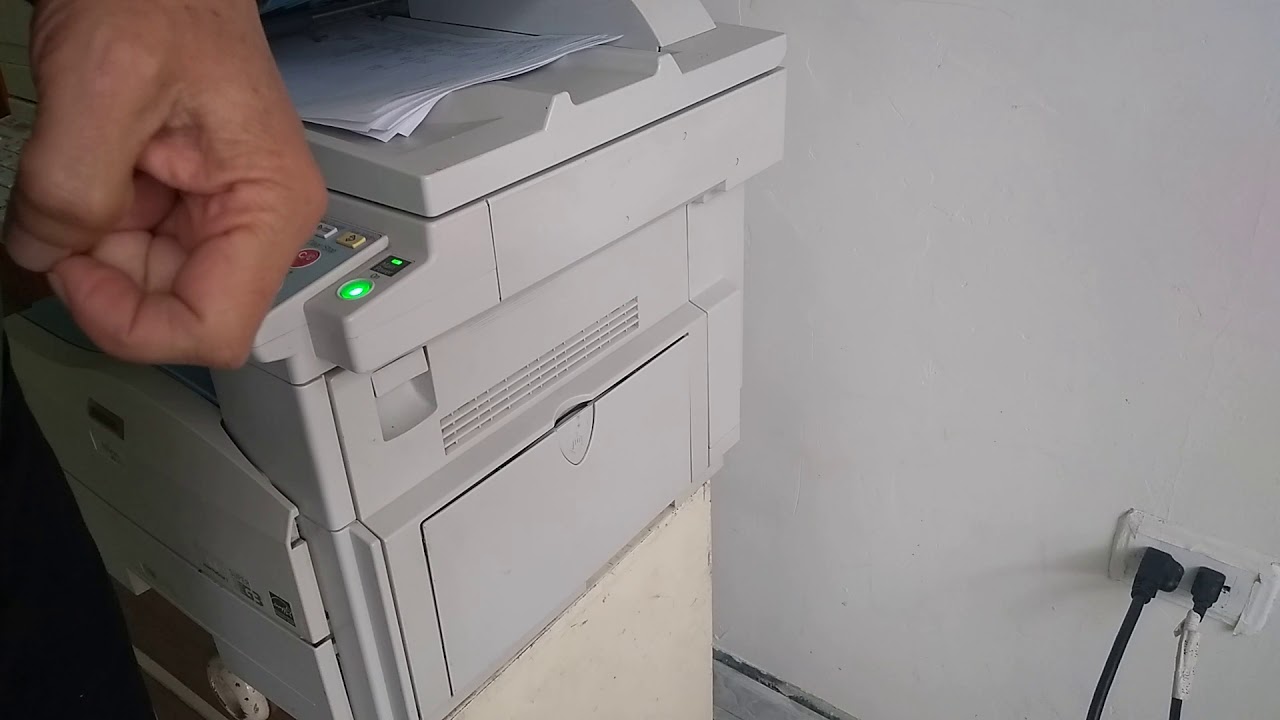
Start Copying: Once you have set the desired copy settings, press the "Start" button or the copy button with a green icon to begin the double-sided copying process.
Please note that the menu options and steps may slightly vary depending on the specific model and configuration of the Ricoh Aficio printer you are using. If you are unsure about the specific steps, refer to the printer's user manual for detailed instructions on making double-sided copies. You can find the user manual on Ricoh's official website or by contacting Ricoh support.
Повторяем попытку...
Доступные форматы для скачивания:
Скачать видео
-
Информация по загрузке: