Arena Basics: Batch, Match, Separate, and Adjustable Batch
Автор: All About Industrial Engineering
Загружено: 2024-04-21
Просмотров: 2769
Описание:
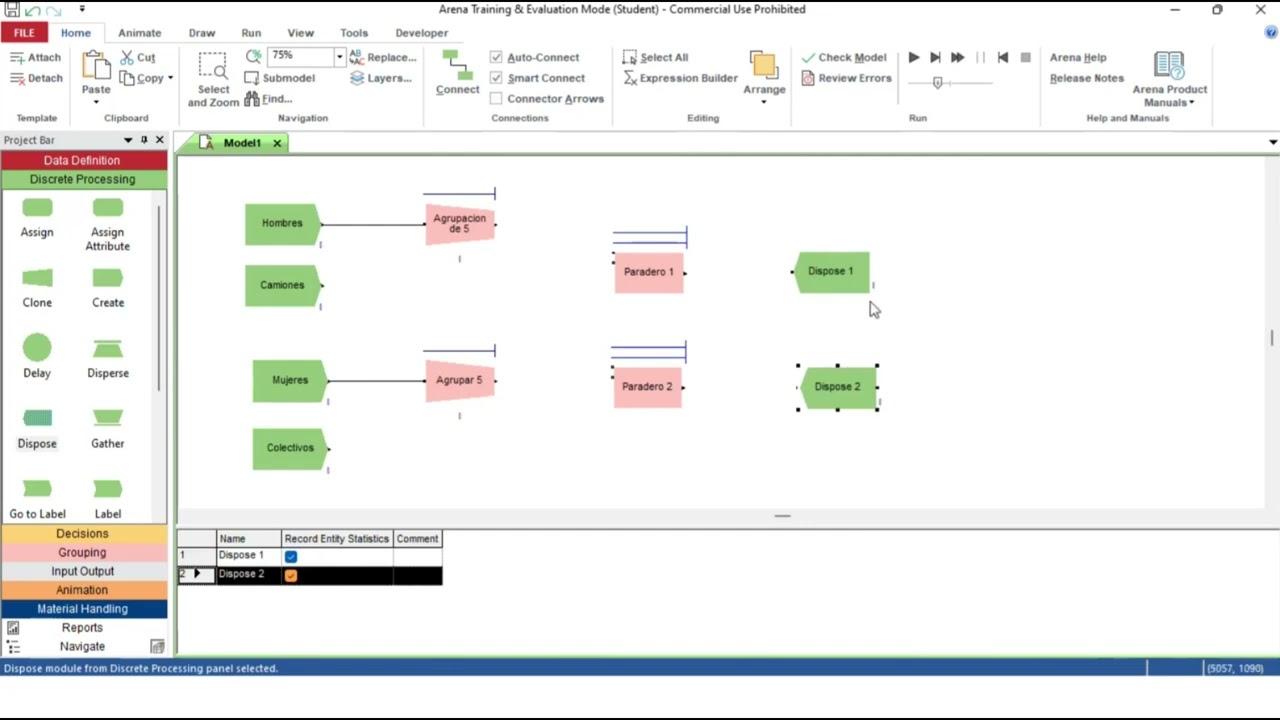
This video covers batching and matching of entities in Arena, including how you can use that to make a 1 card Kanban setup.
Match:
The Match module brings together a specified number of entities waiting in different queues. The match may be accomplished when there is at least one entity in each of the desired queues. Additionally, an attribute may be specified such that the entities waiting in the queues must have the same attribute values before the match is initiated.
When an entity arrives at the Match module, it is placed in one of up to five associated queues, based on the entry point to which it is connected. Entities will remain in their respective queues until a match exists.
Once a match exists, one entity from each queue is released to be matched. The matched entities are then synchronized to depart from the module.
Optional batching of the matched entities can be performed after the match is made. The batches of entities can be permanently or temporarily grouped. Once the match is made, a new representative entity is created. Temporary batches must later be split using the Separate module. The entity type of the outgoing entity may be changed by specifying a representative entity type.
Batch:
This module is intended as the grouping mechanism within the simulation model. Batches of entities can be permanently or temporarily grouped. Temporary batches must later be split using the Separate module.
Batches may be made with any specified number of entering entities or may be matched together based on an attribute.
Entities arriving at the Batch module are placed in a queue until the required number of entities has accumulated. Once accumulated, a new representative entity is created.
The entity type of the outgoing entity may be changed by specifying a representative entity type.
Separate:
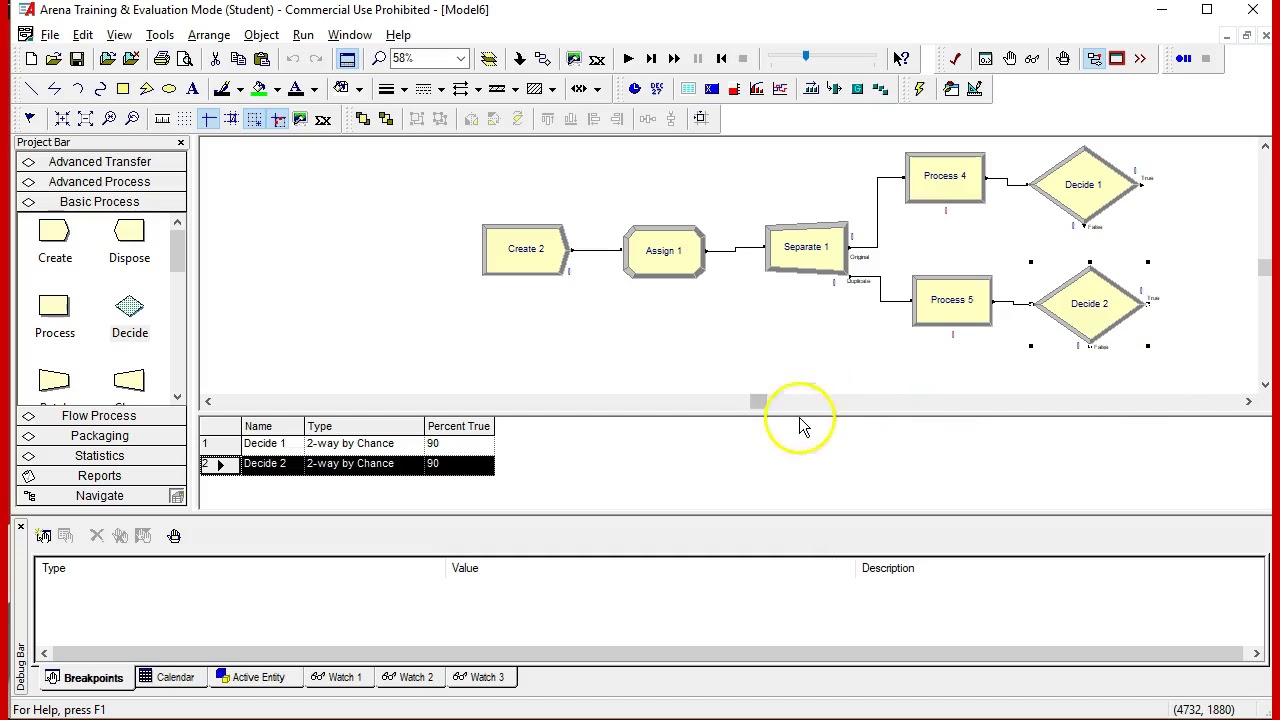
This module can be used to either copy an incoming entity into multiple entities or to split a previously batched entity. Rules for allocating costs to the duplicate are specified. Rules for attribute assignment to member entities are specified as well.
When splitting existing batches, the temporary representative entity that was formed is disposed and the original entities that formed the group are recovered. The entities proceed sequentially from the module in the same order in which they originally were added to the batch.
When duplicating entities, the specified number of copies is made and sent from the module. The original incoming entity also leaves the module.
Adjustable Batch:
This module is a grouping mechanism within the simulation model. Full or partial batches of entities can be permanently or temporarily grouped. Temporary batches must later be split using the Separate module.
Batches are made with up to the 'Preferred Batch Size' number of entering entities. Entities arriving at the Batch module are placed in a queue until the 'Preferred Batch Size' number of entities has accumulated. Once accumulated, a new representative entity is created.
This module is different from the Batch module in that there are two methods to create a partial batch.
If Maximum Wait Time is selected, a partial batch is created when the first entity has waited the Maximum Wait Time specified. The partial batch size will be the current number of entities waiting in the queue. Note that if Maximum Wait Time is 0, a (partial) batch size of 1 will be created every time an entity arrives to this module.
The entity type of the outgoing entity may be changed by specifying a representative entity type.
🔎Welcome to "All About Industrial Engineering," your comprehensive synthesis to the principles, techniques, and applications of industrial engineering. offering insights and practical advice to enhance your understanding and skills.
📢Subscribe and Stay Updated: Make sure to subscribe to our channel for regular updates. We cover a wide range of topics, including software tutorials, system optimizations, quality control strategies, and much more, designed to cater to both newcomers and seasoned professionals in the field of industrial engineering.
💡Discover the core concepts and advanced techniques as we explore all things IE. Whether you are a student aiming to ace your courses, or a professional seeking to improve your workplace systems, you will find valuable information that can be directly applied.
💬Your Input Is Valuable: We appreciate your engagement! Feel free to share your thoughts and questions in the comments section below. Your input helps us to improve our content and answer your burning questions on industrial engineering.
👍Thank you for watching "All About Industrial Engineering." We are excited to help you learn and grow in your understanding of this vital field. Stay tuned for more! I hope you find Industrial Engineering as interesting as I do.
Повторяем попытку...
Доступные форматы для скачивания:
Скачать видео
-
Информация по загрузке: