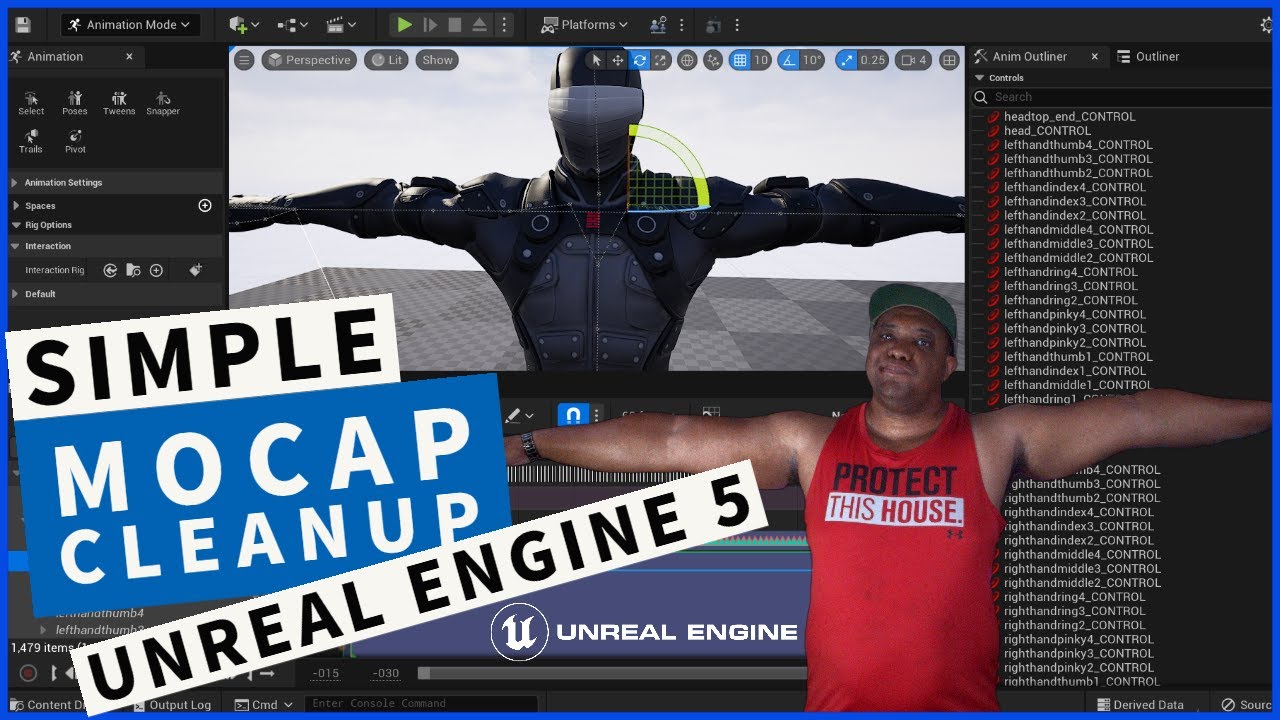
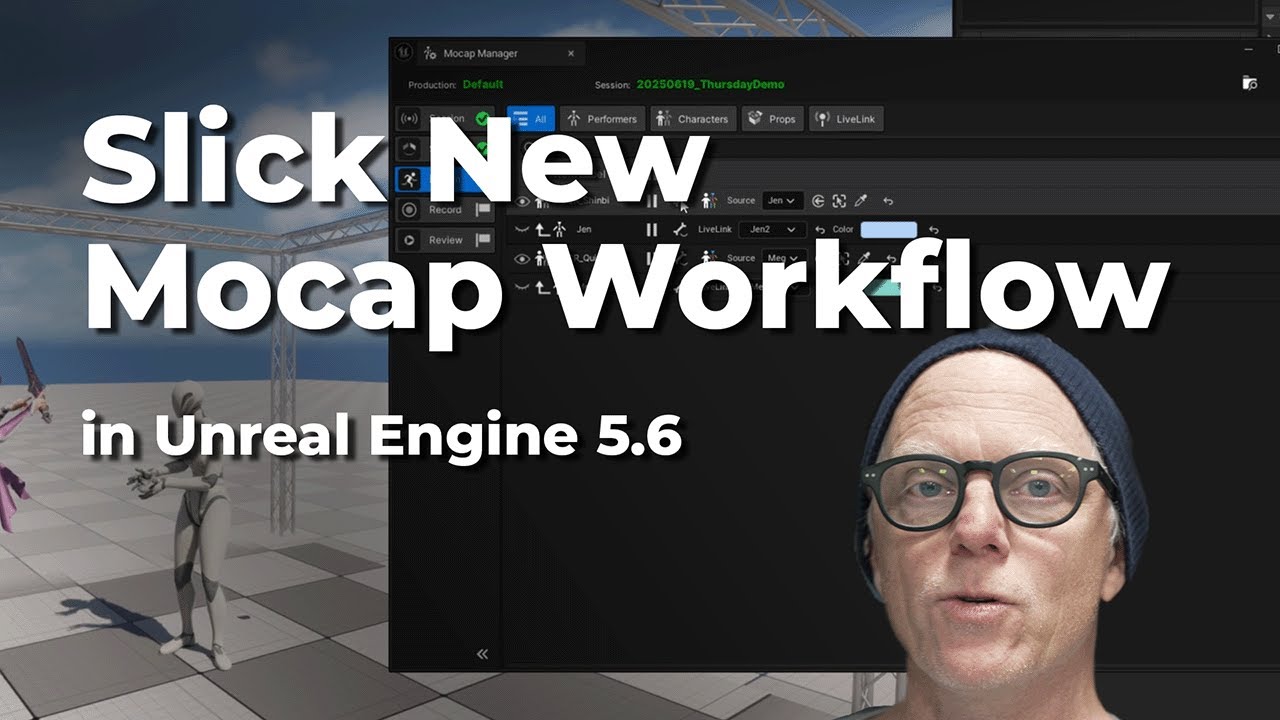
Mastering Vicon Motion Capture: From Data Capture to Unreal Engine 5
Автор: Logemas
Загружено: 2023-11-16
Просмотров: 4553
Описание:
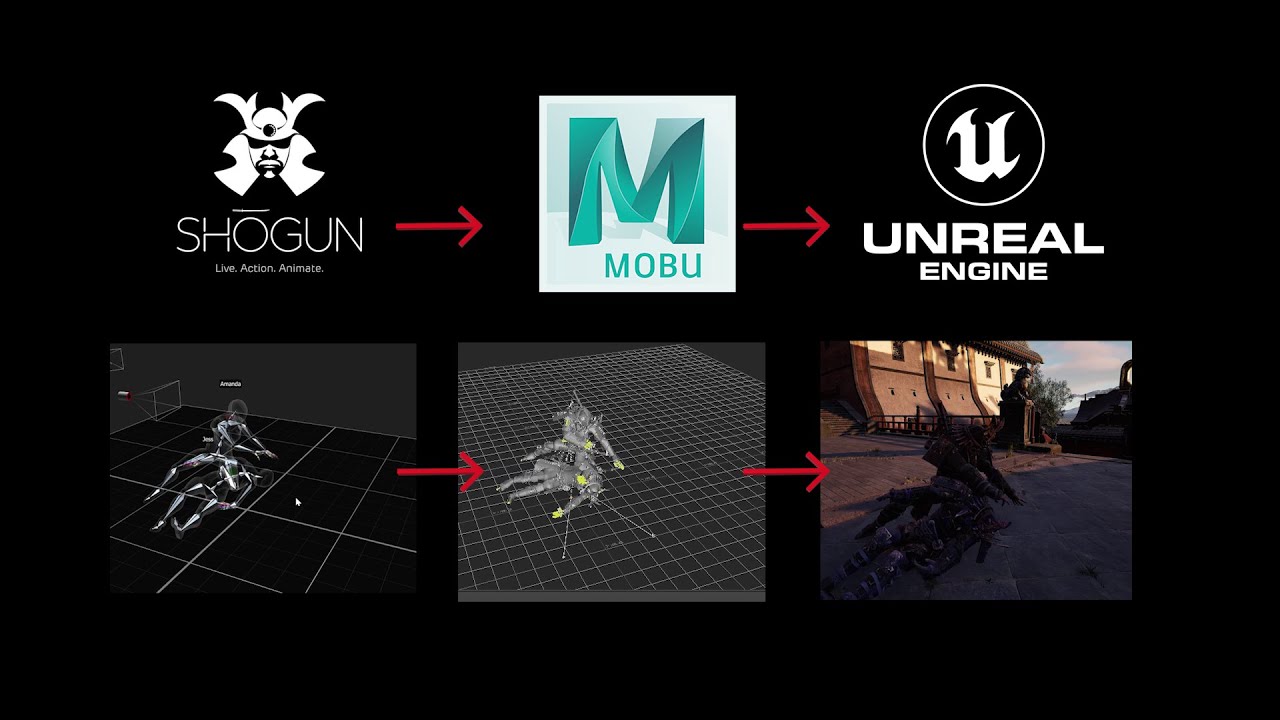
🎥 Welcome to our comprehensive guide on integrating Vicon Motion Capture data into Unreal Engine 5! In this tutorial, we'll take you through the exciting journey of capturing real-time motion data using Vicon's state-of-the-art technology, retargeting it for compatibility, and seamlessly streaming it into Unreal Engine 5 for stunning real-time animations. Perfect for game developers, animators, and VFX artists looking to bring their projects to life with realistic motion capture.
🔍What You'll Learn:
Vicon Motion Capture Basics: Understand the fundamentals of Vicon's motion capture technology.
Manually Retargeting Techniques: A detailed walkthrough on retargeting your motion data to match your digital characters.
Optimise the retarget for real-time use: Step-by-step guide to optimise the character retargets to use in the Shogun Live software.
Retargets in Shogun Live: Comprehensive guide to using your custom character retargets in a real-time workflow.
Streaming into Unreal Engine 5: Integrating your motion data into Unreal Engine 5 for real-time animations.
Troubleshooting Common Issues: Solutions to common problems you might encounter during the process.
💡Who Should Watch:
Game Developers
Animators
VFX Artists
Students and Educators in Animation and Game Development
Motion Capture Enthusiasts
🛠️Tools and Software Used:
Vicon Motion Capture System
Vicon Data Processing Software
Unreal Engine 5
👥Join Our Community:
Don't forget to join our community for more tutorials, tips, and industry insights. Share your projects, get feedback, and connect with other professionals and enthusiasts.
📝 Notes and Resources:
Vicon's official website: https://www.vicon.com/
Vicon Shogun Docs: https://docs.vicon.com/display/Shogun...
Logemas Website: https://logemas.com/
Unreal Engine Doc Page: https://docs.unrealengine.com/5.3/en-US/
Vicon Subject Calibration: • 6 - Shōgun Live - Subject Calibration
📌Remember, motion capture technology is constantly evolving, and staying updated with the latest trends and techniques is key to achieving the best results.
👍 If you find this tutorial helpful, please like, share, and subscribe for more content. Drop your questions and suggestions in the comments below – we love hearing from you!
🔔Stay tuned for our next video where we'll dive deeper into advanced motion capture techniques and their applications in gaming and film.
#ViconMotionCapture #UnrealEngine5 #GameDevelopment #Animation #VFX #RealTimeAnimation #Tutorial #MotionCaptureTutorial
Chapters:
0:00 | Intro
0:19 | Studio Streaming method
0:27 | Streaming Method used for this tutorial
0:37 | Shogun Post Retarget Requirements
0:56 | Import ROM
1:42 | Selection & Subject Pannels
2:07 | Import Retarget
2:19 | View Filter for Retarget
2:33 | Retarget Skin Directory
2:56 | Parent Retarget Skeleton Hierachy
3:48 | Map mode explainer
4:21 | Map Mode Retarget - Position character
5:31 | Map Mode Retarget - Scale_Character
6:01 | Map Mode Retarget - Arm position
6:47 | Map mode Retarget - Constrains Explainer
7:36 | Map mode Retarget - Create Position constraints
8:00 | Map mode Retarget - Create Rotaton constraints Body/arms
9:55 | Map mode Retarget - Create constraints Hands
12:00 | Map mode Retarget - Create Rotaton constraints Legs
12:22 | Map mode Retarget - Constraint Weighting
12:46 | Map mode Retarget - Degrees Of Freedom
13:32 | Save Retarget File (VSR)
13:43 | Retargeting Explainer
14:16 | Retarget over play range
14:25 | Review Retarget
14:36 | Save Shogun Post Project
14:45 | zOptimisation for realtime - Explanation
15:16 | Optimise for realtime - Delete unused bones
15:57 | Save Shogun File
16:03 | Warning for export as Animation Take
16:29 | Shogun Live - Vicon Virtual System
17:51 | Shogun Live - How to Apply Retarget
18:08 | How to find retargets folder
18:25 | Shogun Live applying live retarget
18:56 | Unreal Engine - Vicon Live link plugin
19:08 | Unreal Create Live link Source
19:47 | Create Blueprint Actor
20:06 | Setting up Character Blueprint
20:31 | Setting up Animation Blue Print
21:16 | Assign ABP To BP actor
21:30 | Bring your Blueprint into the Scene!
21:53 | Optimise Skeleton in Unreal
22:20 | Outro
Повторяем попытку...

Доступные форматы для скачивания:
Скачать видео
-
Информация по загрузке: