Cast PLEX from Ipad over Chromecast to TV
Автор: Vincent Russell
Загружено: 2014-02-13
Просмотров: 18713
Описание:
How to Cast Plex from Apple Ipad to TV using Chromecast
Step 1. Download and install the Plex Media Server. Free Program
https://plex.tv/downloads
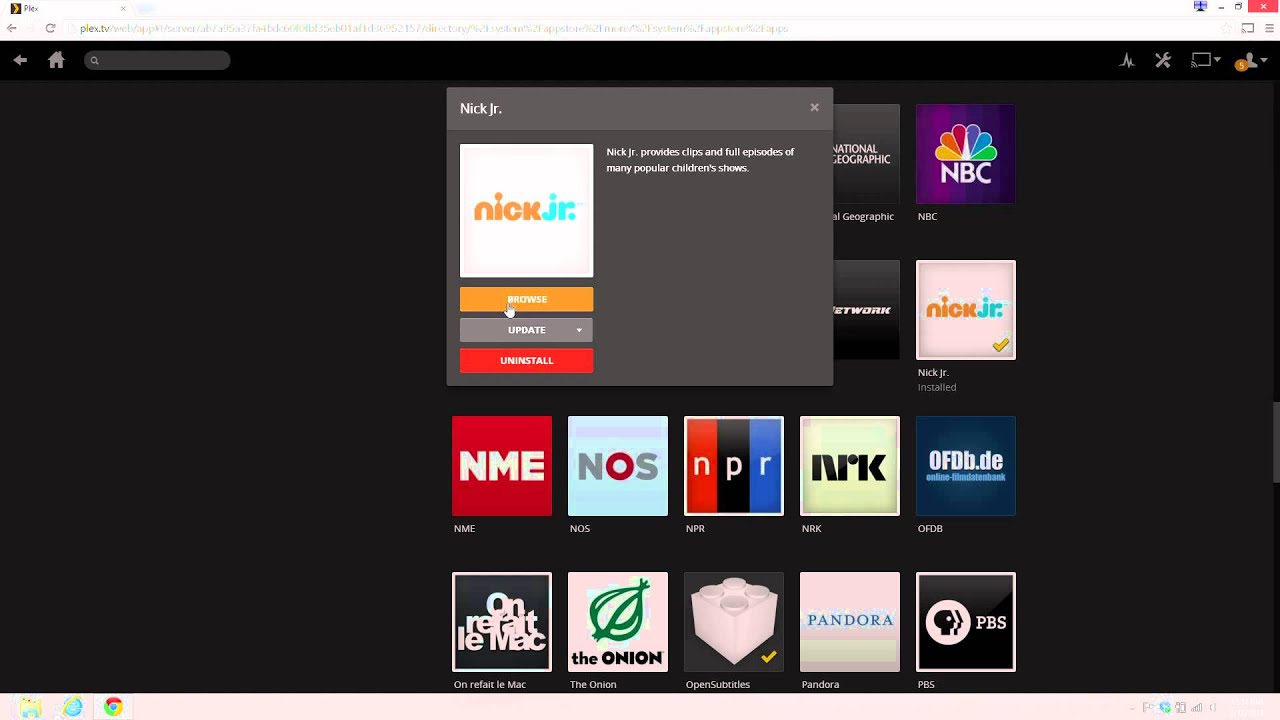
Step 2. Sign in and add your channels.
Step 3. Sign up for Plex Pass Subscription.
3 Different Price Plans. The chromecast feature will eventually be free.
https://plex.tv/subscription/about
Step 4. Download Plex from the Itunes Apple Store. Cost $1.99
https://itunes.apple.com/us/app/plex/...
Step 5. Demonstration
Start Chromecast
Make sure Plex Media Server is running on computer
Start Plex App on Ipad
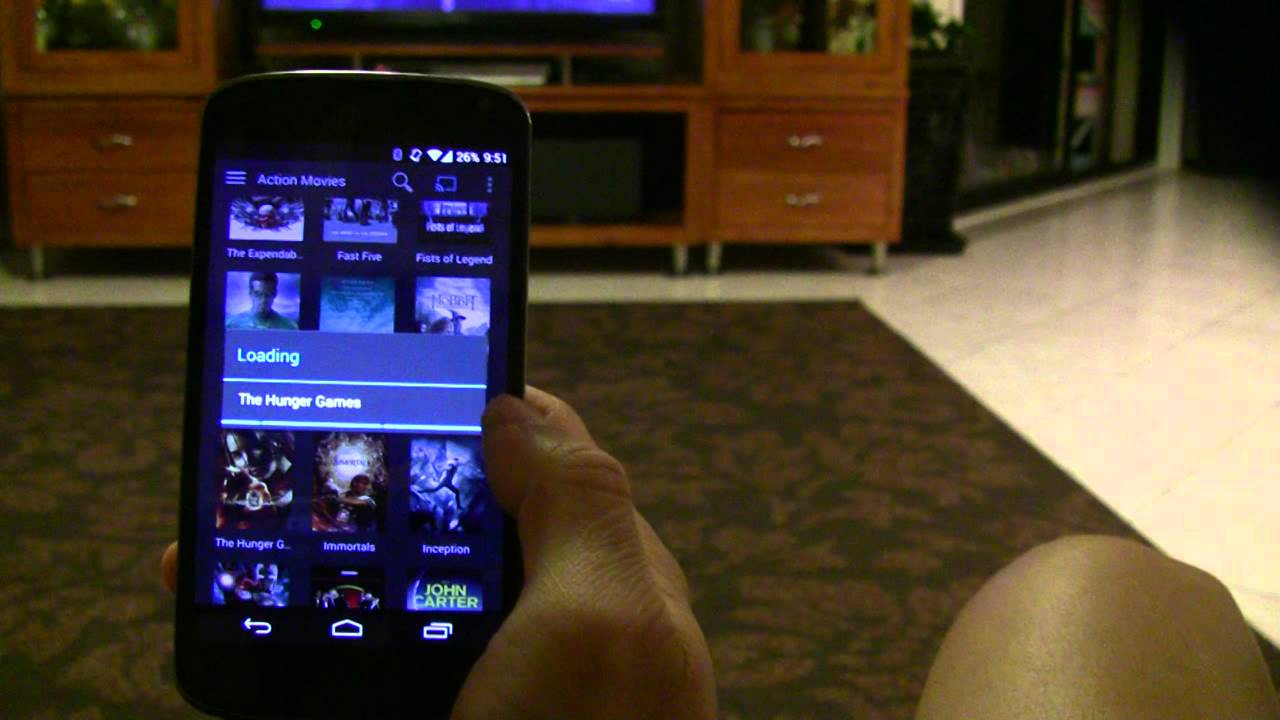
Choose your channel and then your video on Ipad - Click the Cast Button and it automatically finds the Video Player and plays the video. You hit the cast button and it casts from phone to the Television.
Повторяем попытку...
Доступные форматы для скачивания:
Скачать видео
-
Информация по загрузке: