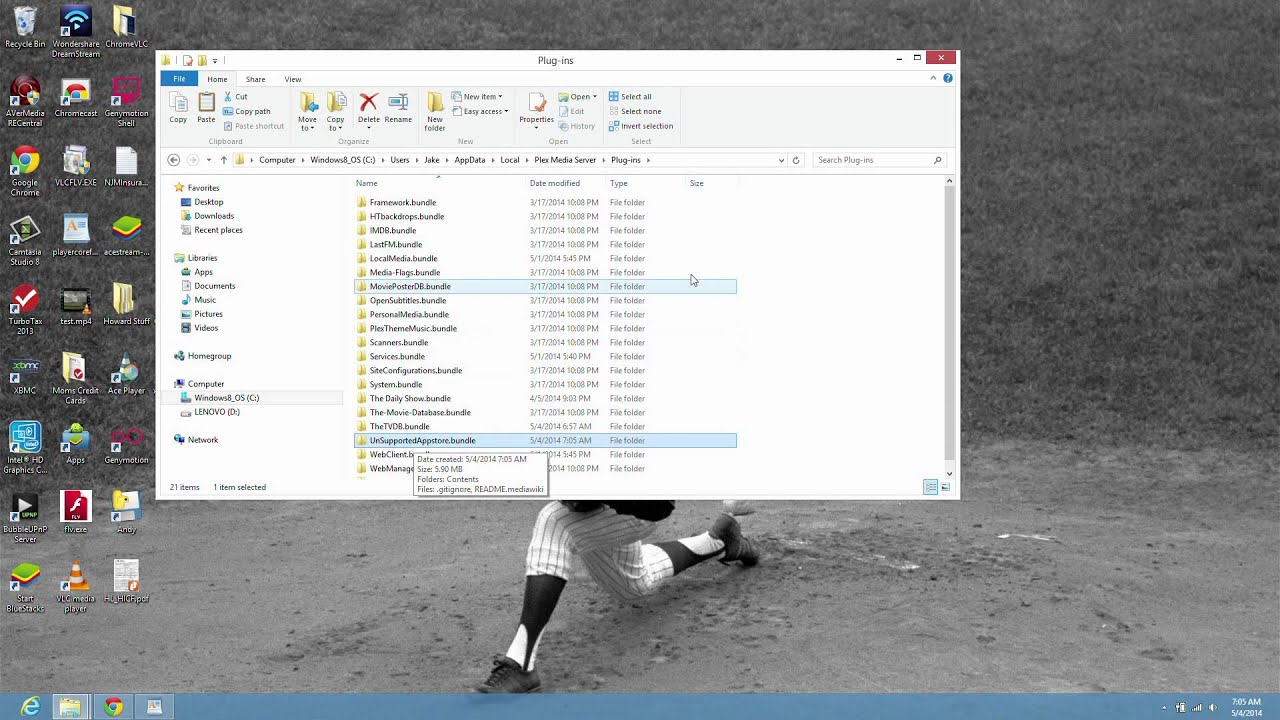
Cast XBMC from Computer to TV using Bubbleupnp - No Phone Needed
Автор: Vincent Russell
Загружено: 2014-04-27
Просмотров: 31310
Описание:
This is a video on how to Chromecast Xbmc videos from Computer to TV using Bubbleupnp. You can transcode formats not native to the Chromecast.
Step 1. Download and Install BubbleUPnP Windows Server on a computer.
http://www.bubblesoftapps.com/bubbleu... Download the Windows Installer.
I needed to change my Public Host name from Default to Localhost to get internet connectivity.
Step 2. Open port 58050 on your router.
Step 3. Download and install Bluestacks app player onto your computer.
Http://www.bluestacks.com
Step 4. Download Non Neon XBMC XAF Build. Save this to your desktop and run it. This will install the XBMC Android .apk to Blue Stacks.
http://www.xbmcandroid.com/2013/05/04...
Step 5: Open Blue Stacks and go to the search Bar, Type Bubbleupnp and a Search in Play Store option will come up. Click that and Search for Bubbleupnp. Download to Blue Stacks. Free version has 20 minute maximum for transcoded files. $4.69 for full version.
Bubbleupnp Settings
Devices - Renderer should be set on Chromecast and Libraries set on Local Media Server.
Settings..Networks and settings..Unset...Server Address is http://localipaddress:58050
Settings...Chromecast....Transcoding - Check box
Settings...Networks and settings - Various Settings regarding bitrate and transcoding speeds.
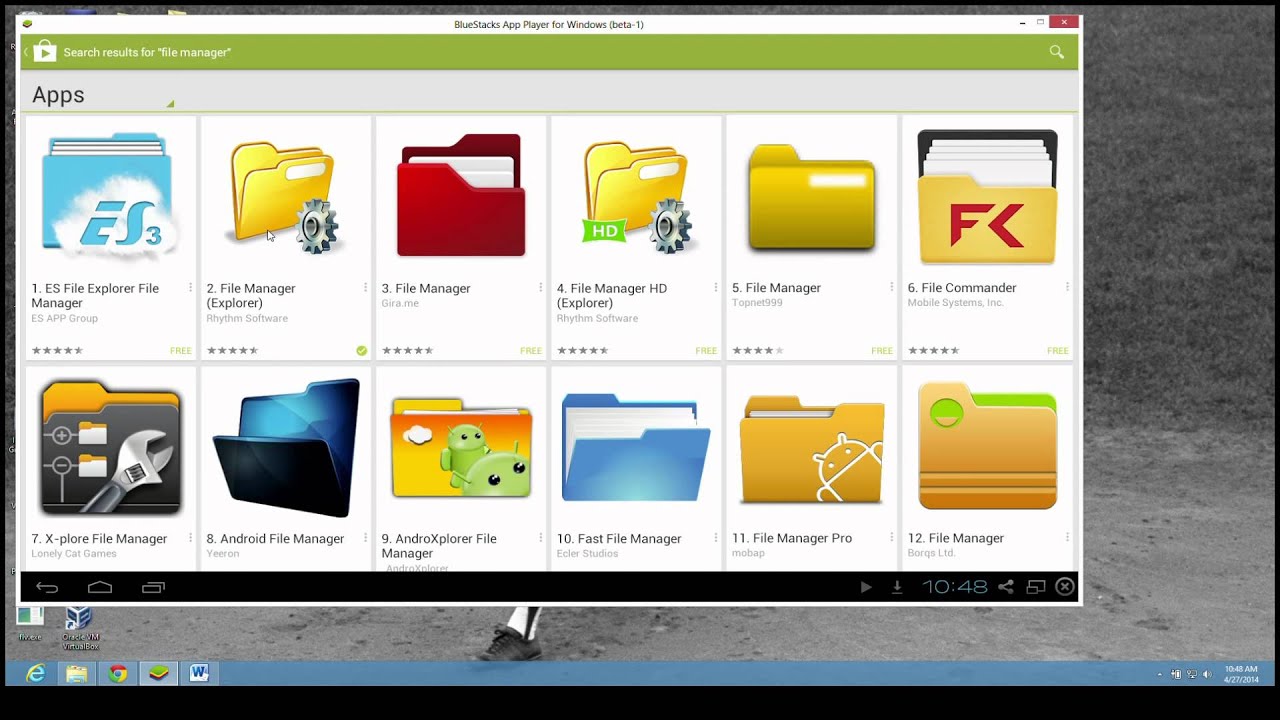
Step 6. Also download a file manager in the Play Store within Blue Stacks.
Step 7. Download Modified BubbleUpnP playcorefactory.xml and put it in the userdata directory using File Manager.
You will be overwriting the original playercorefactory.xml.
/android/data/org.xbmc.xbmc/files/.xbmc/userdata/playercorefactory.xml
You will have to run XBMC Android once in Blue Stacks in order for all the folders in the above file path to appear.
http://www.mediafire.com/view/gyyge5l...
Step 8. Open XBMC Android and play a video which should open in Bubbleupnp and begin casting to your big TV.
Повторяем попытку...
Доступные форматы для скачивания:
Скачать видео
-
Информация по загрузке: