ZTE Nubia RedMagic 11 Air – How to Open Apps in Split Screen View
Автор: TUTORIAL_info
Загружено: 2026-02-25
Просмотров: 18
Описание:
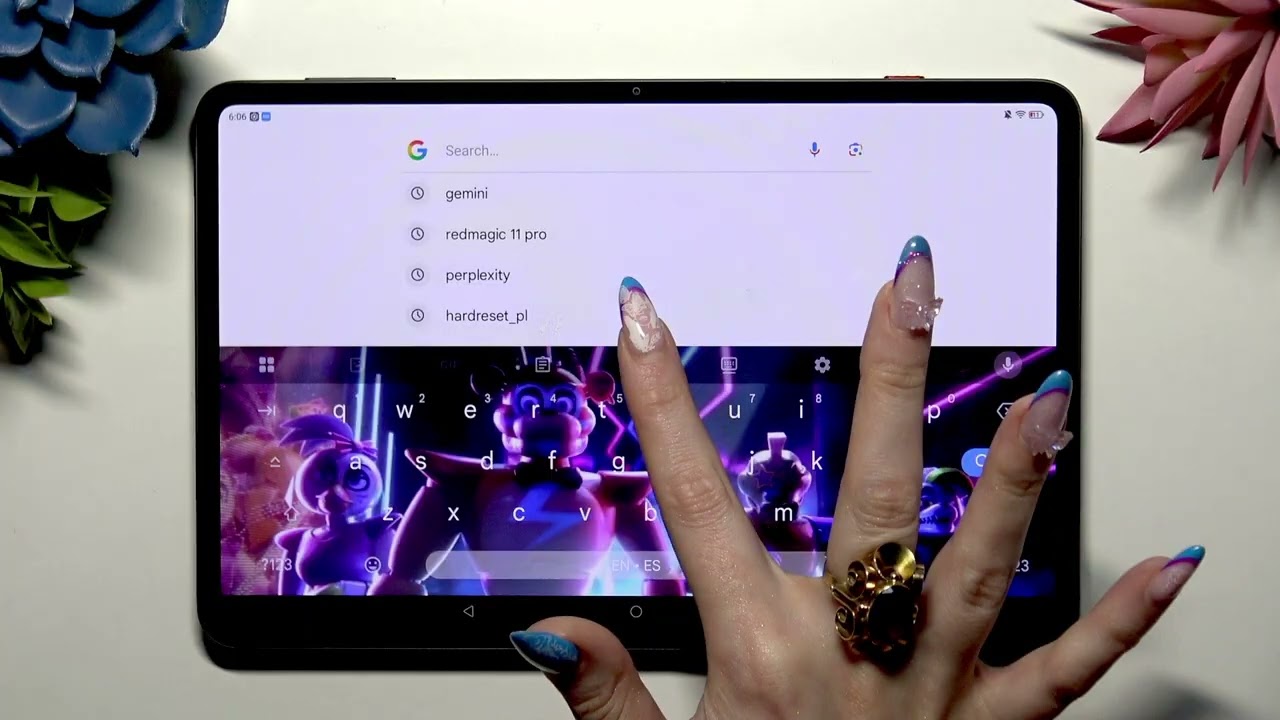
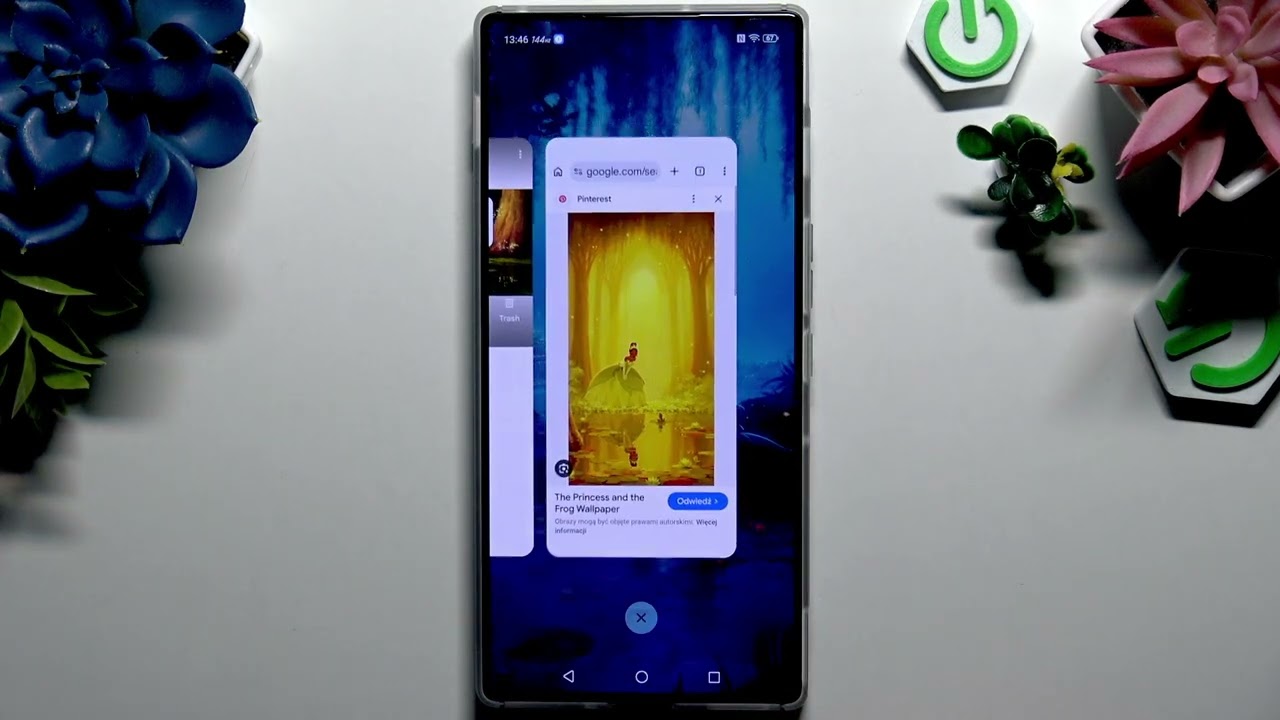
In this short guide you’ll learn how to open two apps side-by-side on your ZTE Nubia RedMagic 11 Air using Split Screen View. I show the exact taps: choose the top app (Chrome), launch it in the background, tap the rectangle icon, pick a second app (File Manager), and then use the middle handle or three-dot menu to resize, switch, or close apps. You’ll also see how to create a split-screen shortcut for instant two-app multitasking and how to remove that shortcut when you don’t need it. This method works on RedMagic 11 Air (Android) and is perfect for browsing while managing files, watching videos while chatting, or any quick multitasking task.
How to open apps in Split Screen View on ZTE Nubia RedMagic 11 Air?
How to create a split screen shortcut on ZTE Nubia RedMagic 11 Air?
How to close, swap, or resize apps in Split Screen on ZTE Nubia RedMagic 11 Air?
0:00 Intro – what we’ll do
0:09 Select the first app (Chrome) for top half
0:22 Launch and open split screen icon
0:32 Pick the second app (File Manager)
0:44 How to exit split screen by swiping or dragging
1:07 Use the three-dots menu – close lower app or options
1:31 Swap apps, change lower app, and create shortcut
2:16 How to delete the split-screen shortcut & outro
#RedMagic11Air #Nubia #SplitScreen #AndroidTips
Find out more:
https://www.hardreset.info/devices/zt...
Follow us on Instagram ► / hardreset.info
Like us on Facebook ► / hardresetinfo
Tweet us on Twitter ► / hardreseti
Support us on TikTok ► / hardreset.info
Use Reset Guides for many popular Apps ► https://www.hardreset.info/apps/apps/
Повторяем попытку...
Доступные форматы для скачивания:
Скачать видео
-
Информация по загрузке: