ZTE Nubia Red Magic Astra – How to Use Keyboard Clipboard
Автор: TUTORIAL_info
Загружено: 2026-02-28
Просмотров: 0
Описание:
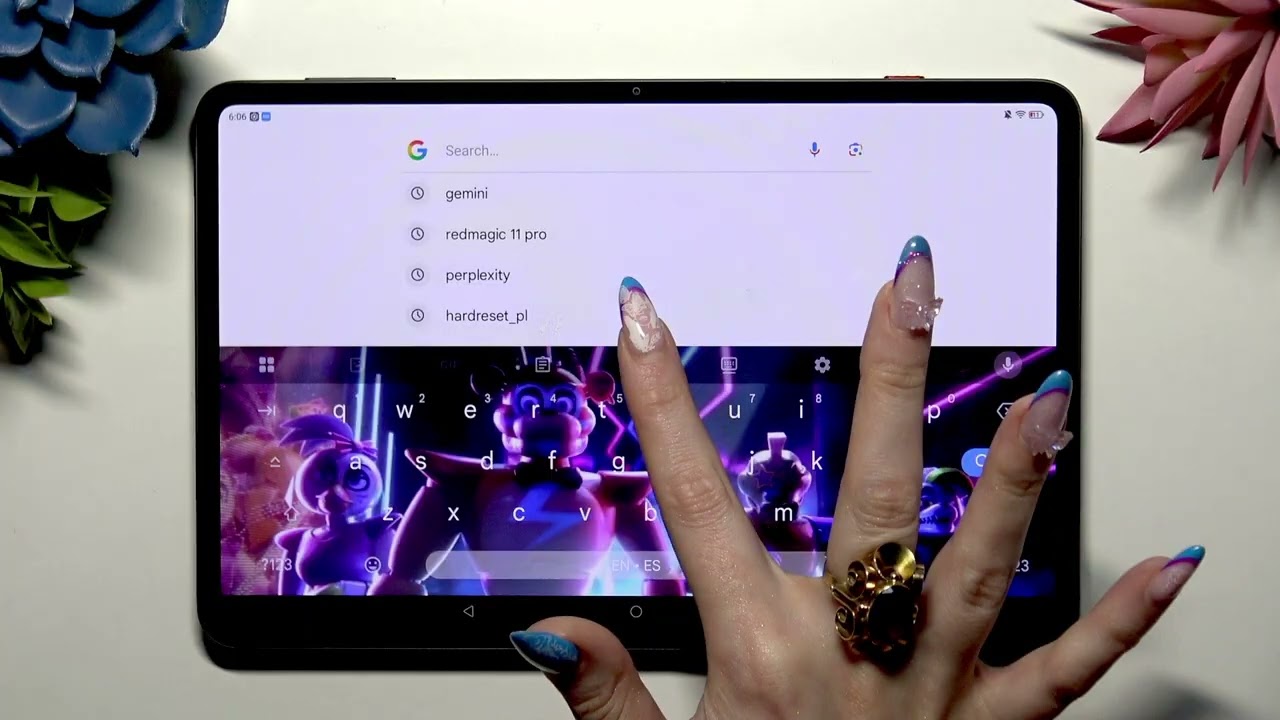
In this video I show how to turn on and use the keyboard Clipboard on the ZTE Nubia Red Magic Astra gaming tablet. You will learn how to open the keyboard Clipboard, enable it, copy or cut text, paste later, pin items so they don't expire, delete entries, and completely disable Clipboard when you no longer need it. These tips make typing and text management faster on the Red Magic Astra and are perfect for messaging, notes, and multitasking.
How to use keyboard clipboard on ZTE Nubia Red Magic Astra tablet?
How to pin clipboard items on ZTE Nubia Red Magic Astra?
How to delete or disable keyboard clipboard on ZTE Nubia Red Magic Astra?
0:00 Intro – Open the keyboard and access Clipboard
0:11 Tap Clipboard at the top of the keyboard
0:23 Enable Clipboard with the switcher and go back
0:33 Copy or cut text to save it to Clipboard
0:46 Paste from Clipboard when ready
0:54 Pin items to keep them longer (hold → Pin)
1:13 Delete items: swipe right/left or use delete
1:39 Disable Clipboard completely and final tips
#Nubia #RedMagic #Clipboard #TabletTips
Find out more:
https://www.hardreset.info/devices/zt...
Follow us on Instagram ► / hardreset.info
Like us on Facebook ► / hardresetinfo
Tweet us on Twitter ► / hardreseti
Support us on TikTok ► / hardreset.info
Use Reset Guides for many popular Apps ► https://www.hardreset.info/apps/apps/
Повторяем попытку...
Доступные форматы для скачивания:
Скачать видео
-
Информация по загрузке: