How to use Privacy Display | Galaxy S26 Ultra | Samsung
Автор: Samsung Malaysia
Загружено: 2026-03-04
Просмотров: 127
Описание:
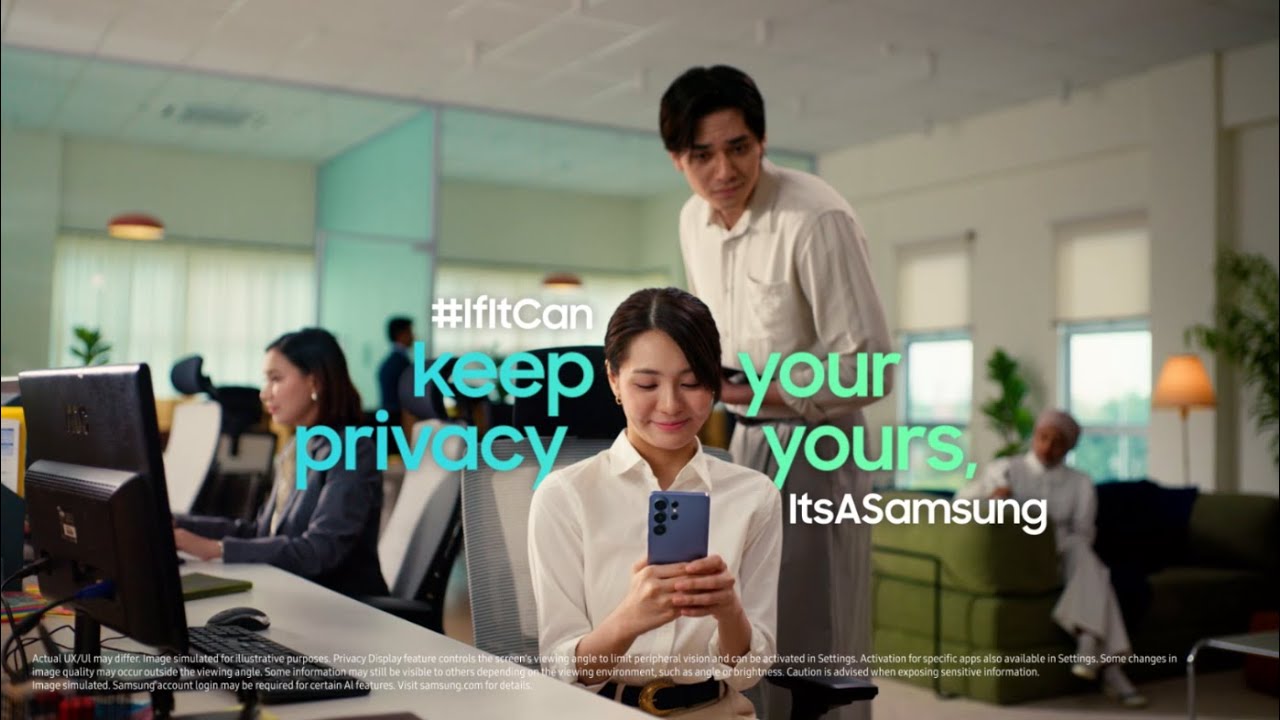
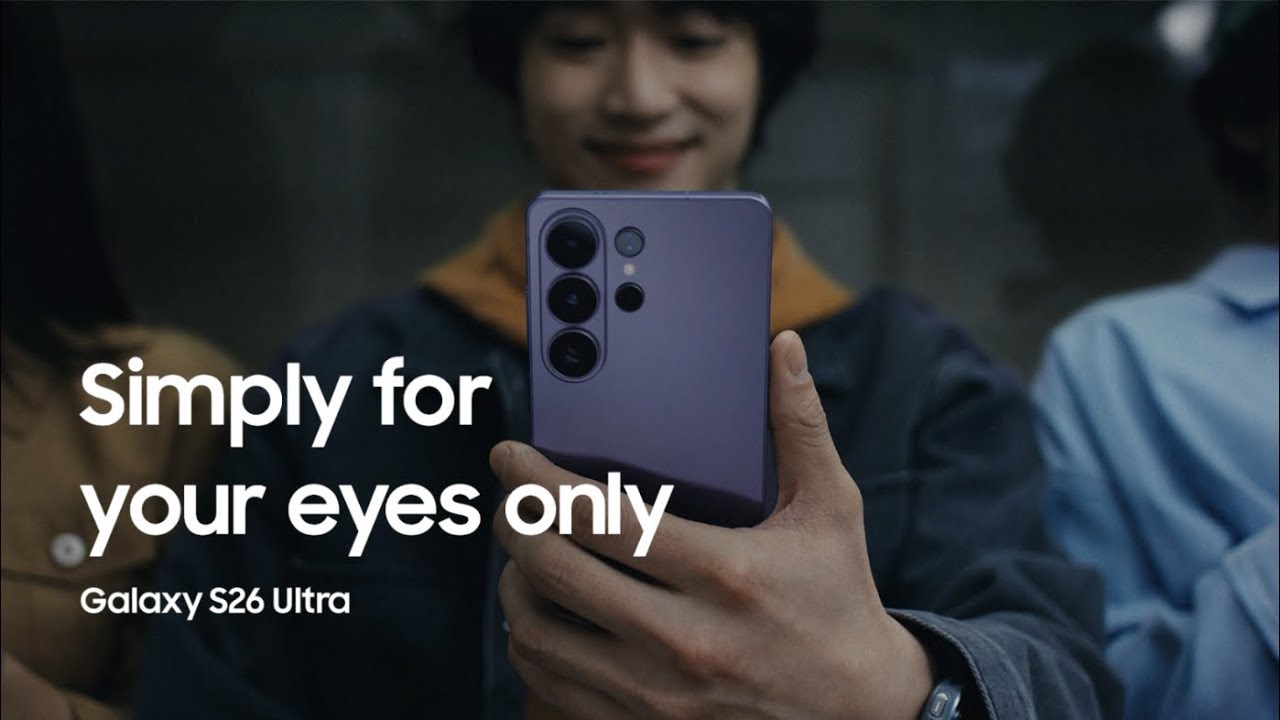
This is the official video guide on how to use Privacy Display on Galaxy S26 Ultra. Want to keep your private information protected from prying eyes effortlessly? Meet Galaxy S26 Ultra, the world's first smartphone with Privacy Display. Privacy Display is a built-in privacy screen, ideal for users who want to protect their private information by hiding their full screen or certain apps or notifications from other people’s view with innovative technology 🚀 Customize what Privacy Display hides by selecting the apps and notifications you want to keep for your eyes only 👀 With Privacy Display, you can check important notifications and apps in a packed bus or train, or enjoy streaming your favorite shows on your phone with friends, worry-free!
00:00 Intro
00:11 Keep the full screen hidden at all times
00:37 Hide specific apps
01:22 Hide notification pop-ups
Follow these steps to protect your private information from prying eyes with Privacy Display 🛡
Step 1: Open the Quick panel and tap ‘Privacy display’ to protect the full screen at all times.
Step 2: To protect notifications, open the Quick panel and tap ‘Privacy display’. Tap ‘Conditions for turning on’ and select which notifications you want to keep private.
Step 3: To keep important apps private, open the Quick panel and tap ‘Privacy display’. Tap ‘Conditions for turning on’ and toggle on to enable the apps you want to protect.
Q: What is Privacy Display, and how does it work?
A: Privacy Display is a built-in privacy screen that uses innovative technology to protect your device's display from prying eyes in public places. When activated, the screen's pixels move dynamically to keep the display visible when you look at it straight on, but then appear darker or blurred when seen from the side by the people around you. You can have the full screen hidden from view or choose the custom settings instead, and set Privacy Display to activate only for certain notifications or apps.
Q: I care a lot about my privacy when I’m outside, how can Privacy Display on Galaxy S26 Ultra help me?
A: Privacy Display is a first for Galaxy smartphones and available only on Galaxy S26 Ultra. If you're worried about people being able to view your personal information when you're in a crowded space, you can activate Privacy Display to hide your full screen from others. Switch on Privacy Display directly from the Quick panel to safeguard your screen quickly. Customize further by choosing Privacy Display to activate for specific apps or notifications.
Pre-order the Galaxy S26 series and enjoy deals worth up to RM1,200: http://spr.ly/MY_S26Ultra_Privacy_How...
Promo ends 10 March, 2026. T&Cs apply.
#GalaxyAI #GalaxyS26Ultra #GalaxyS26 #PrivacyDisplay #Samsung
Повторяем попытку...

Доступные форматы для скачивания:
Скачать видео
-
Информация по загрузке: