CATIA V5 for Beginners: Edge Fillet, Hole & Rectangular Pattern - 2
Автор: Home CAD-CAE-CAM
Загружено: 2026-03-02
Просмотров: 28
Описание:
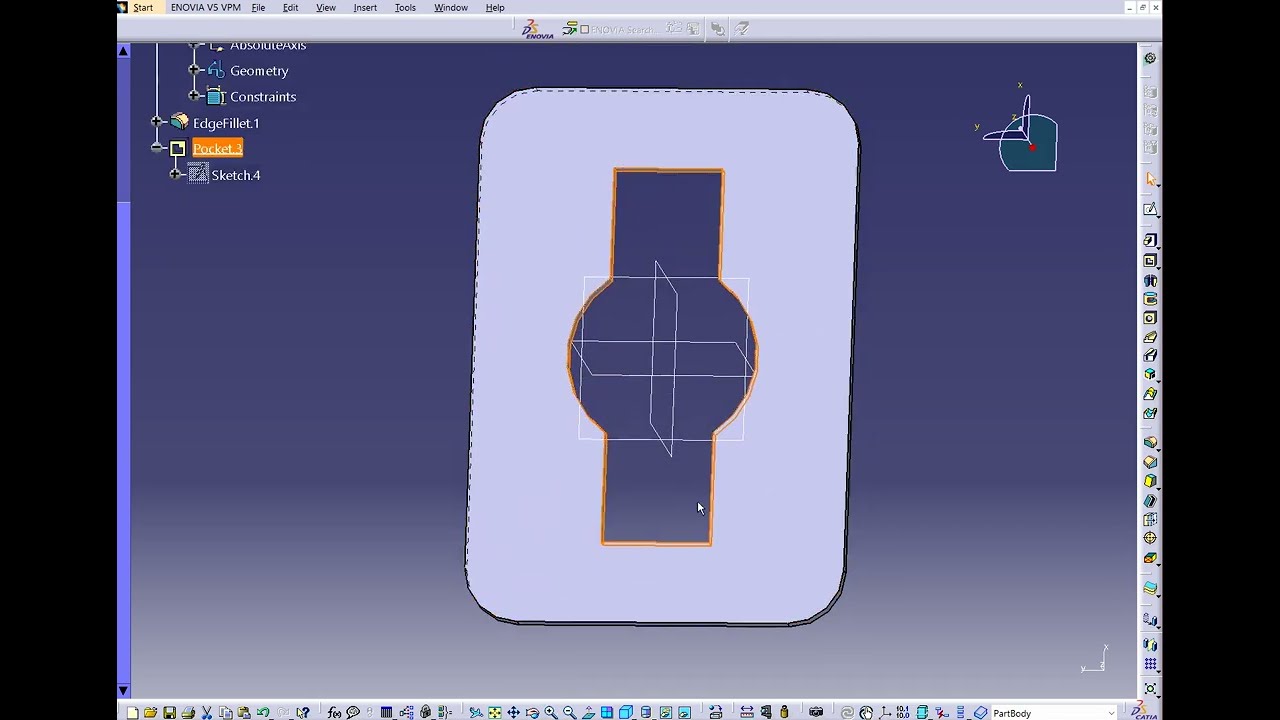
Welcome to Tutorial 2 of our CATIA V5 beginner series! Today we are stepping up our 3D modeling game by designing a square mounting plate.
In this exercise, we move beyond the basic Pad and Pocket to learn how to model SMARTER and FASTER! You will learn how to:
• Smooth out sharp corners using the Edge Fillet tool.
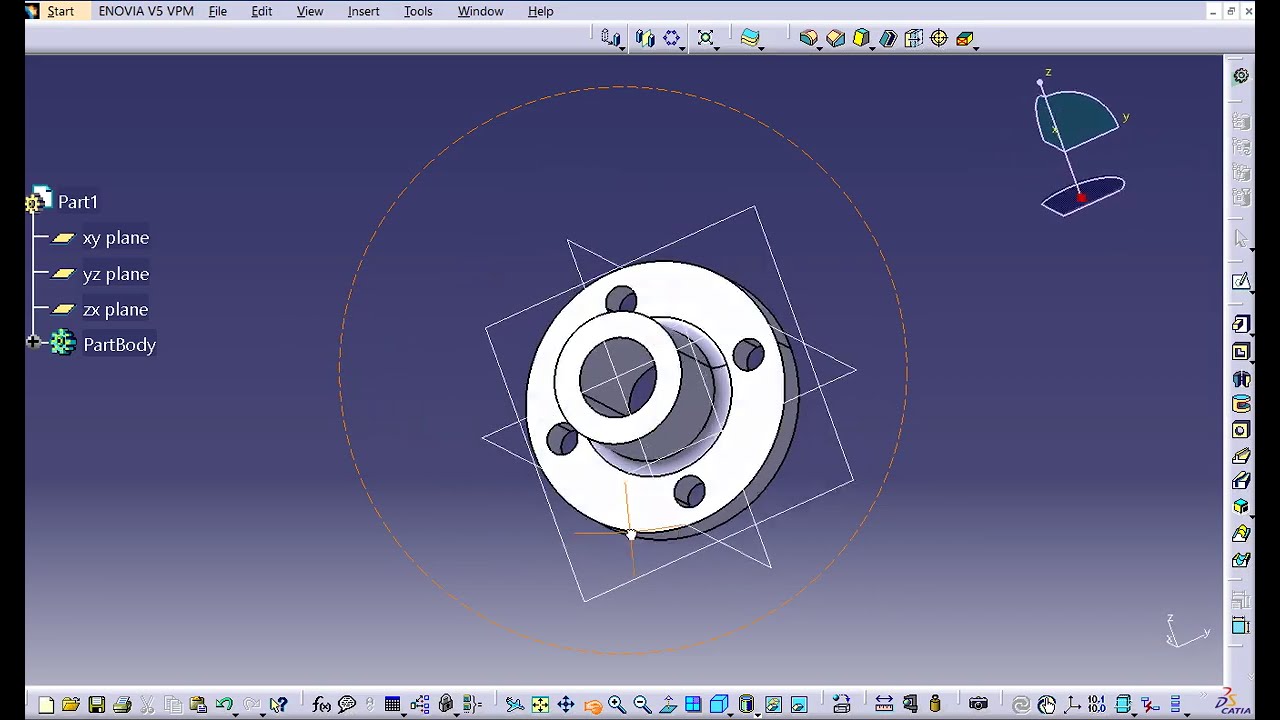
• Create precise mechanical holes using the dedicated Hole command (ensuring they are perfectly concentric with the fillets).
• Save time by multiplying features using the Rectangular Pattern tool!
👇 Question for the comments: Before watching this, would you have drawn all 4 holes manually in the sketch, or did you already know about the Pattern tool? Be honest!
👍 If you learned a new trick today, please LIKE the video and SUBSCRIBE to follow the complete CATIA V5 course!
#catiav5 #catiatutorials #partdesign #3dmodeling #cad #engineeringstudents #mechanicalengineering #catia
Повторяем попытку...

Доступные форматы для скачивания:
Скачать видео
-
Информация по загрузке:









![Эффект Джанибекова [Veritasium]](https://imager.clipsaver.ru/N9HlQ-XVnFk/max.jpg)