CATIA V5 for Beginners: Hole, Edge Fillet & Chamfer - 4
Автор: Home CAD-CAE-CAM
Загружено: 2026-03-04
Просмотров: 15
Описание:
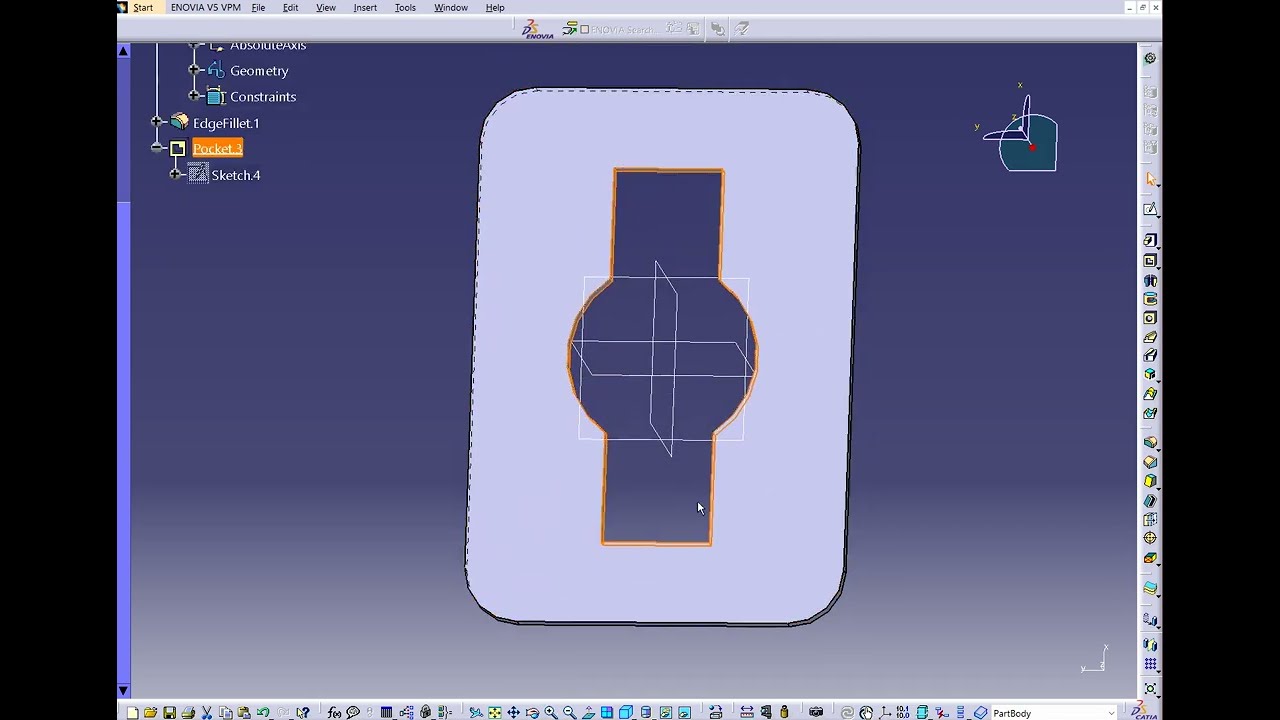
Welcome to Tutorial 4 of our CATIA V5 beginner series! Today we are taking our 3D modeling skills to the next level by designing a mechanical bracket / link arm using a multi-step approach.
In this exercise, you will learn the golden rule of CAD modeling: build the main volumes first, cut the shapes, and add the finishing touches last. We will cover:
• Stacking multiple Pad features to create multi-level bodies.
• Using the Pocket and Hole tools for precise material removal.
• Finishing the part professionally using the Edge Fillet (rounding) and the brand new Chamfer command!
👇 Question for the comments: When modeling, do you add your Fillets and Chamfers directly in the 2D Sketch, or do you apply them as 3D features at the very end of your design tree? Let's debate!
👍 If this step-by-step tutorial helped you, please LIKE the video and SUBSCRIBE for more daily CATIA V5 exercises!
#catiav5 #catiatutorials #partdesign #3dmodeling #cad #mechanicalengineeringstudent #engineeringstudent #chamfer
Повторяем попытку...

Доступные форматы для скачивания:
Скачать видео
-
Информация по загрузке:


![Тестирование API простыми словами + практика | Postman, Connekt, HTTP [Полный ГАЙД с 0 до Senior]](https://imager.clipsaver.ru/TXUyoVP9CpA/max.jpg)







![ROSJA-CHINY: SOJUSZ, MAŁŻEŃSTWA, ROPA, GAZ I SPORNE TERYTORIA? [TRUSZCZYŃSKA I BOJKE]](https://imager.clipsaver.ru/hK31dMTh6AA/max.jpg)