All-in-One Interface- Engine Tab for easy Virtual Production | Virtual Set Tutorial |
Автор: WASP3D
Загружено: 2024-05-17
Просмотров: 397
Описание:
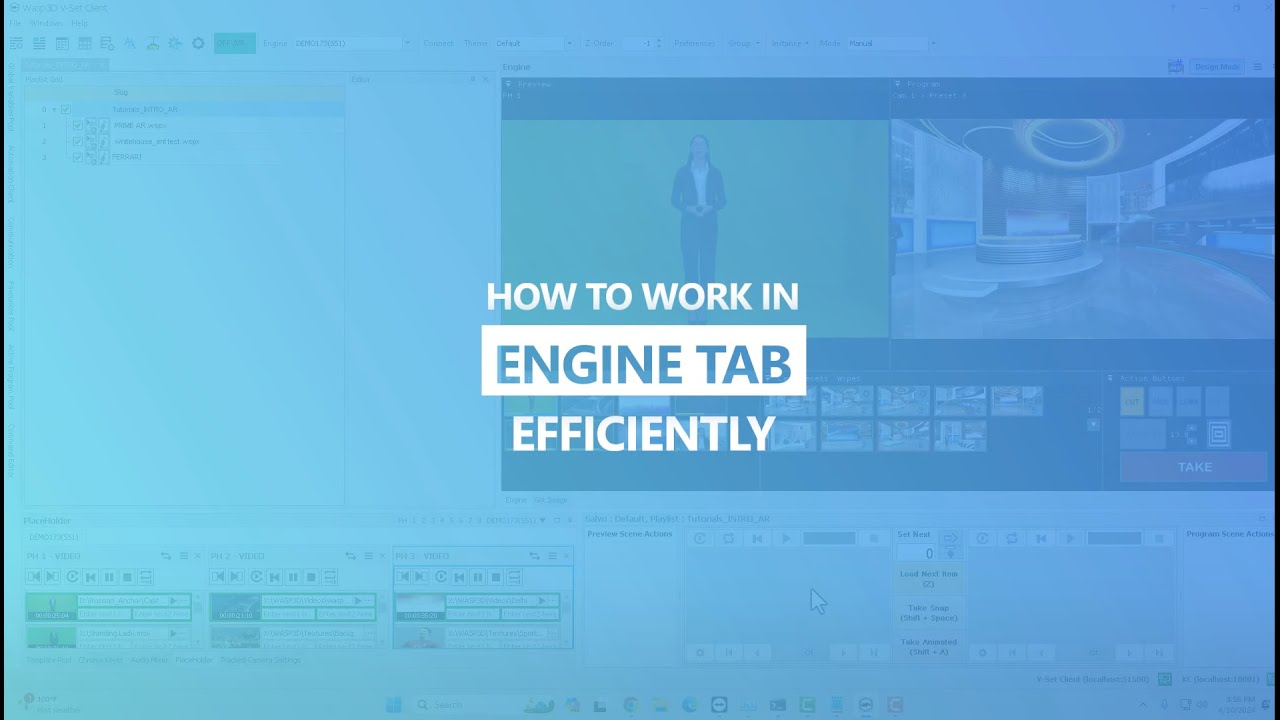
This is a comprehensive tutorial on the powerful Engine Tab in virtual set productions. 🎥 This video will walk you through the key features and functionalities of the Engine Tab that allow you to manage all the key features using a single interface to take your production quality to the next level.
Explore WASP3D Virtual Set solution- https://n9.cl/o4965
📋 In This Video, You'll Learn:
🔍 Engine Tab Overview:
-Explore the two modes: Preview and Program, to manage your on-air content efficiently.
-Learn how to preview your data in Preview mode and see the final output in Program mode.
📊 Managing Placeholders:
-Understand how to use the eight placeholders with video timelines, and easily switch between Preview and Program modes.
-Display placeholder numbers for better organization and quick access.
🎥 Camera Presets and Oscillations:
-View all camera presets created in Design mode, with oscillations highlighted for easy identification.
-Learn to animate between shots and set durations for smooth transitions.
🔄 Utilizing Wipe and Fade Transitions:
-Discover the 64 Luma wipes available for seamless transitions between camera shots and placeholder inputs.
-Apply fading transitions for a professional touch when taking videos live.
✂️ Cutting and Animating Shots:
-Learn how to cut between shots, set shots to Preview mode, and execute cuts smoothly.
-Master animating camera presets with precise control over animation duration.
🔧 Advanced Features:
-Play oscillations for required camera presets and enhance your viewing experience with full-screen previews.
-Gauge render times for virtual sets and access a comprehensive list of camera shortcuts.
💡 Tips for Smooth Production Flow:
-Adjust camera animation times with easy shortcuts and streamline your on-air production process.
-Utilize the mixed engine tab alongside placeholders for a seamless virtual production experience.
-By the end of this tutorial, you'll have a solid understanding of how to use the Engine Tab effectively, ensuring your virtual productions are professional, smooth, and engaging.
More Related Help:
➡️ Introduction to Virtual Set Production- • Introduction to @WASP3DOfficial's 3D Virtu...
➡️ How to do Chroma Keying in 3D Virtual Set- • Mastering Chroma Key Techniques for 3D Vir...
➡️ Placeholder Management- • Master Placeholder Management in 3D Virtua...
➡️ AR & CG Grahics in 3D Virtual Sets- • Mastering AR and CG Graphics in 3D Virtual...
➡️ Design Mode in 3D Virtual Set Application- • Design Mode in Virtual Set: Camera Presets...
👉 Subscribe to @WASP3DOfficial for more such tutorials and updates!
🔔 Hit the bell icon to never miss an upload!
📩 Have questions or need support? Drop them in the comments below or visit our website for more information.
Follow @WASP3DOfficial Official on its social handles for Quick Updates
➡️Linkedin- / wasp3d
➡️Facebook- / wasp3d
Chapters:
0:00- 0:27- Program and Preview Mode
0:28- 0:40- Placeholders and Camera Presets
0:41-1:22- Luma Wipes for Transitions
1:23- 2:00- Virtual Camera Animation
2:01- 2:40- Shortcuts for Vset Application
#wasp3d #virtualsettutorial #wasp3dvirtualsettutorial #arinvirtualsets #virtualsetsoftware #3dVirtualSets #3dgraphics #cggraphics #livegraphics #3dVideosetProduction #ProductionTips
Повторяем попытку...
Доступные форматы для скачивания:
Скачать видео
-
Информация по загрузке: