StroboPLUS HDC Metronome Video Instructional Manual - 10 Voice Settings
Автор: PetersonTuners
Загружено: 2022-05-06
Просмотров: 705
Описание:
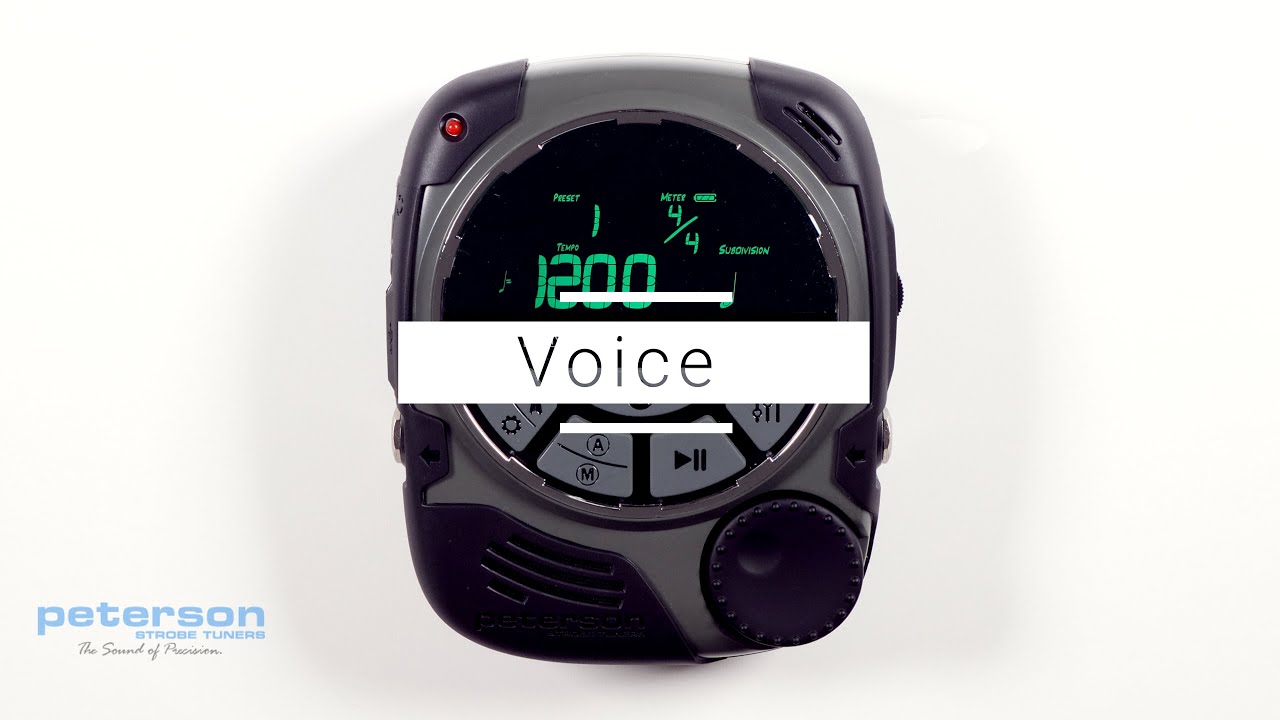
Voice:
Press the parameter button until the ‘Voice’ label appears and the Voice value ( number ) begins to flash. Use the Value Wheel to view and select 1 of 5 voices. The available voices are:
1) Rimshot
2) Clave
3) Woodblock
4) Beep
5) Human Voice
The ‘Human’ voice, number 5, can be used to learn and to help teach the musical counting system. In addition to verbally counting the beat numbers in each bar as they occur, the counting system helps to normalize the time taken up by each beat by using the common subdivision syllables. The Human voice in the StroboPLUS HDC metronome uses the following sounds:
‘One’, ‘Two’, ‘Three’, ‘Four’, ‘Five’, ‘Six’, ‘Seven’, ‘Eight’, ‘Nine’, ‘Ten’, ‘Eleven’, ‘Twelve’
Eighth Note subdivisions; ‘ _ And’
Triplet Subdivisions of ‘ _ Ta Ta ‘
Sixteenth Note Subdivisions of ‘ _ Ee And Uh ‘
When an Accent Pattern is active, the Human Voice will count a pattern like 2+2+3 as:
ONE two ONE two ONE two three
While the individual sounds of the Human voice have been optimized to be as rhythmic as possible, some spoken numbers ( in English ) cannot provide as precise of a timing point as percussive instruments. Users wanting a more precise timing reference should opt for Voice numbers 1 - 4.
https://www.petersontuners.com/produc...
00:00 | Voice
00:10 | Accessing the Voice Setting
00:22 | Available Voices
01:01 | Human Voice Subdivisions
02:15 | Human Voice Accent Patterns
02:30 | Human Voice Precision Optimization
Повторяем попытку...
Доступные форматы для скачивания:
Скачать видео
-
Информация по загрузке: