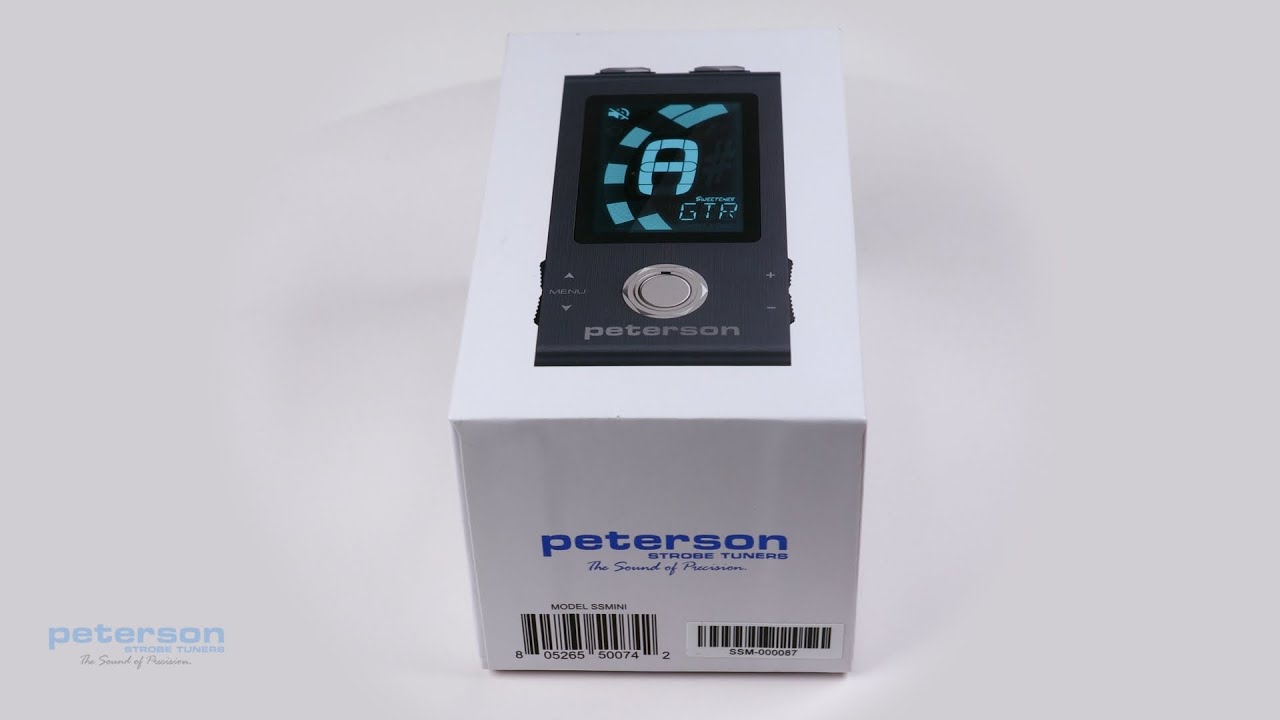
StroboStomp HD Video Instruction Manual - 1 - Overview
Автор: PetersonTuners
Загружено: 2021-04-08
Просмотров: 63919
Описание:
Congratulations on your purchase of the Peterson StroboStomp HD™. This video series corresponds with the printed manual found inside your product box.
Getting Started / Basic Use
Your new StroboStomp HD pedal tuner can be powered by either a 9V battery or regulated 9V DC power supply. To change or access the battery, open the battery door on the bottom of the tuner and
carefully remove the battery clip. For best results always use a high quality Alkaline battery. Using a regulated 9VDC adapter connected to the StroboStomp HD’s DC Input jack, you can power additional pedals from its DC Output jack ( please observe the correct polarity and output capacity of your adapter).
WARNING: USING A WALL TRANSFORMER WITH THE INCORRECT POLARITY OR VOLTAGE MAY CAUSE PERMANENT
DAMAGE TO THE TUNER!!
For normal operation, the tuner can be used out of the box; no special adjustment is needed. After installing the battery, simply activate the StroboStomp HD by inserting a guitar cable into the input jack of the tuner located on the right side. The output jack located on the left side of the tuner can be used to connect the tuner to the input of an amplifier or another effects pedal. Use the Stomp Foot-Switch to mute the instrument’s signal and proceed to tune. When finished, use the stomp switch to return to playing.
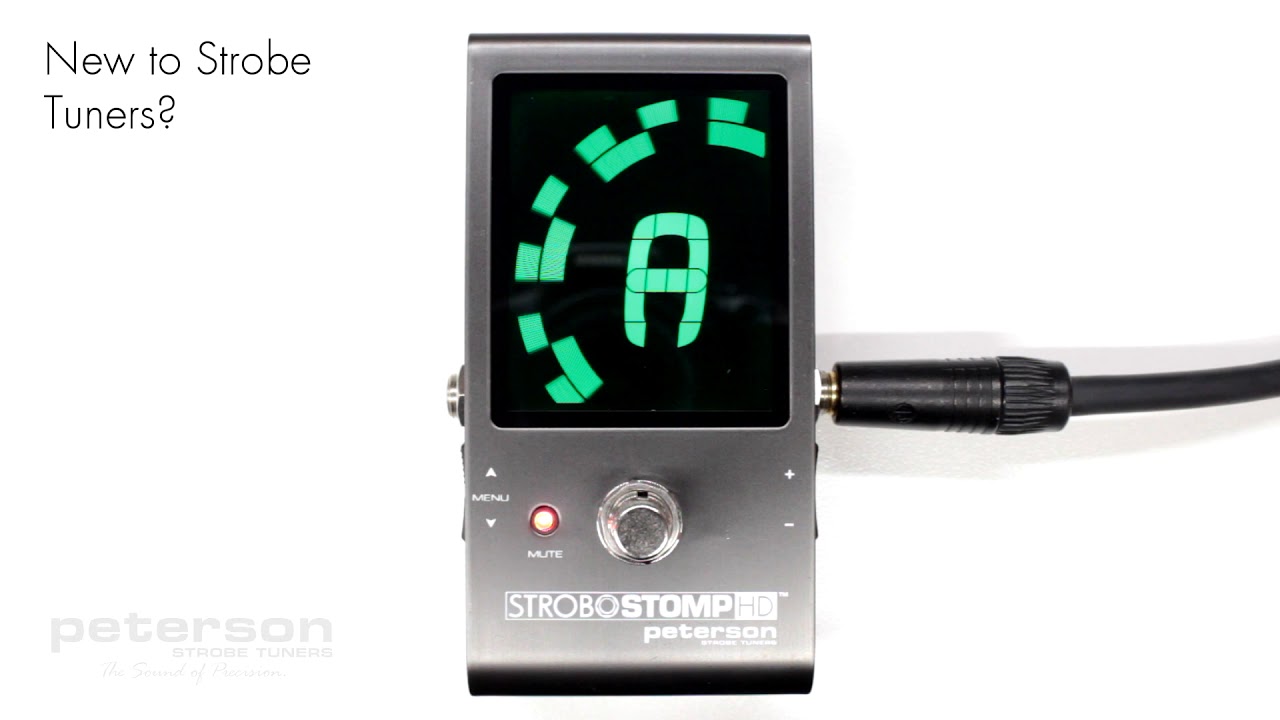
The note being tuned appears in the center part of the screen. The
strobe bands scroll counter-clockwise ( left ) if your instrument is flat of the displayed note and clockwise ( right ) if your instrument is sharp of the displayed note. When the image is stabilized or “caged”, your instrument is in tune to 0.1 cent accuracy (1/10th of one cent) of the displayed note.
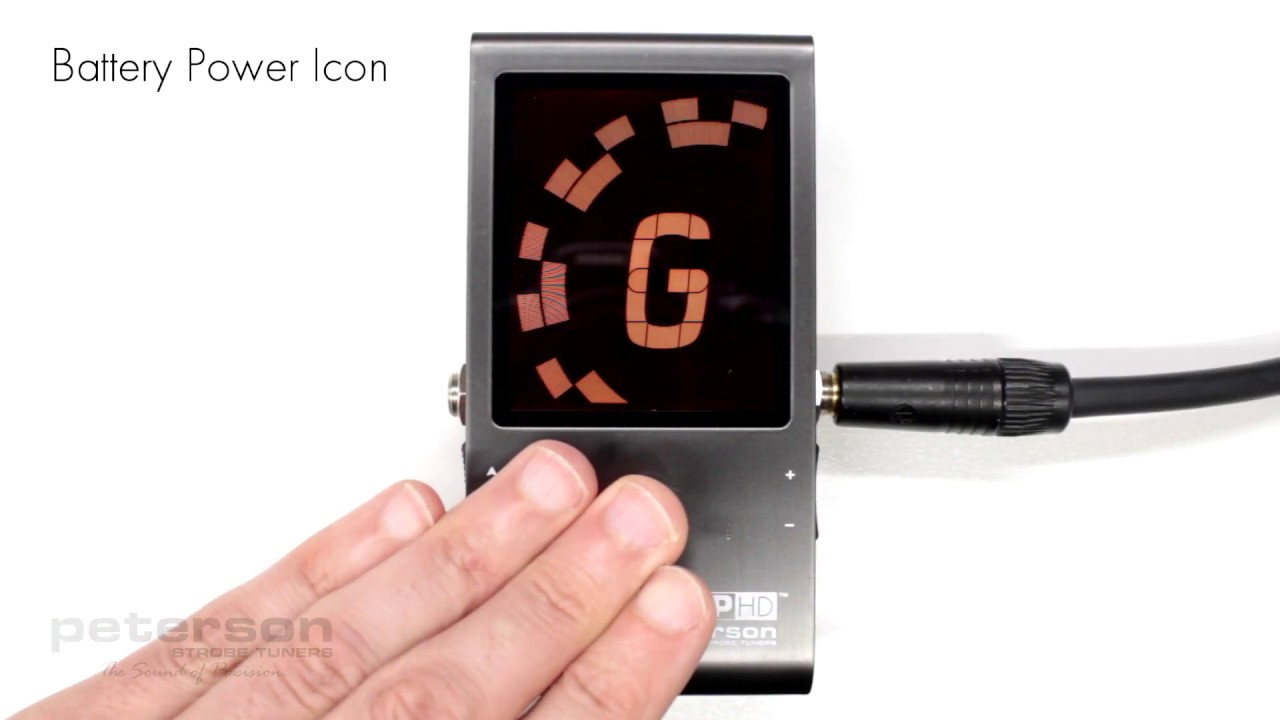
When operating on battery power, a battery icon will show the battery level in the following scenarios:
• During the first few seconds after powering on or entering the Tune Screen, regardless of battery level
• When battery level is low
• When viewing the settings screen, regardless of battery level
Повторяем попытку...
Доступные форматы для скачивания:
Скачать видео
-
Информация по загрузке: