Spreadsheets with Dextrous and Tabletop Creator Pro
Автор: Diaries of a Wannabe Board Game Designer
Загружено: 2025-08-11
Просмотров: 127
Описание:
00:00 - Intro
01:16 - Dextrous Workflow: Setting Up the Layout
04:05 - Using Google Sheets with Dextrous
05:45 - Linking a Live CSV for Instant Updates
12:10 - Tabletop Creator Pro Workflow: Blueprints & Panels
15:55 - Importing & Mapping Spreadsheet Data in Tabletop Creator
18:36 - Final Comparison: Dextrous vs. Tabletop Creator
21:40 - Outro & What's Next
In this entry of "Diaries of a Wannabe Board Game Designer," I share a practical guide on how to massively speed up your card creation workflow using spreadsheets!
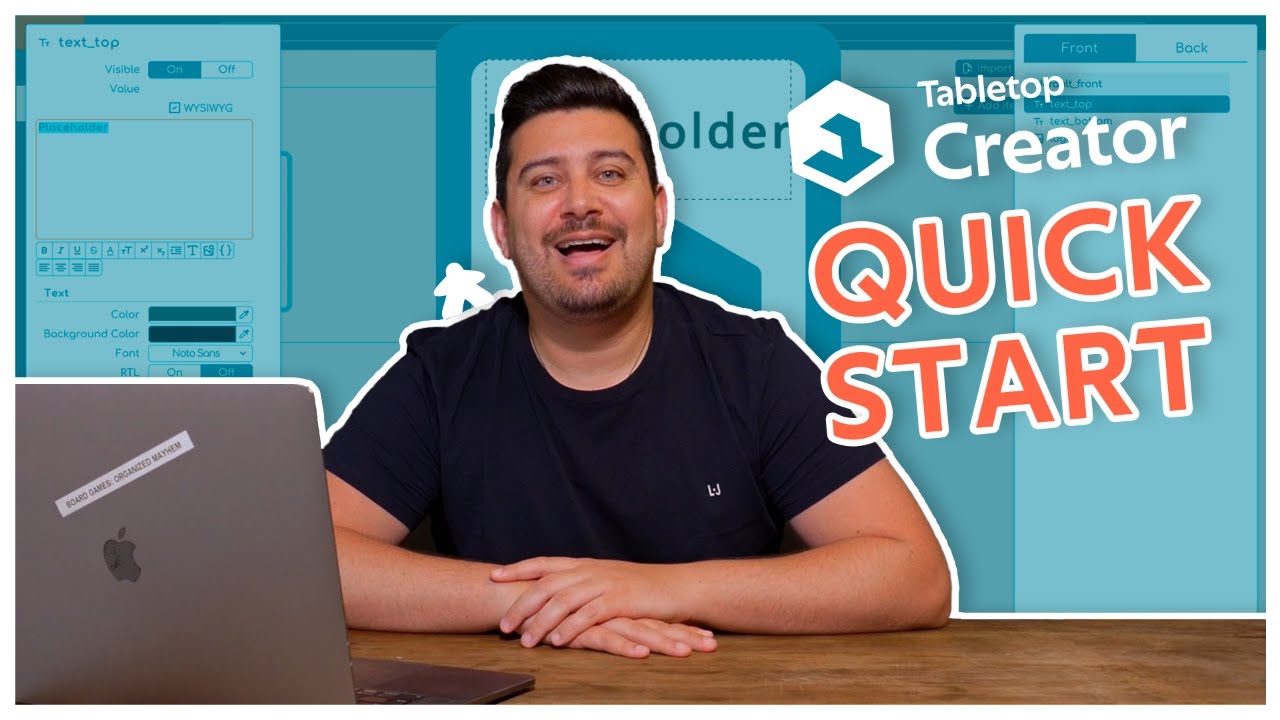
Join me as I walk through the process of using spreadsheets (like Google Sheets and LibreOffice Calc) to manage card data for two popular digital tools: the online-based Dextrous (https://www.dextrous.com.au/) and the Steam application Tabletop Creator Pro (https://store.steampowered.com/app/86....
You will learn how to:
Properly set up your card layouts (blueprints) for data import.
Export a template from your design tool to a spreadsheet.
Link a live Google Sheet to Dextrous for instant, one-click updates.
Import and map CSV data in Tabletop Creator, and understand the key differences in its workflow.
This method not only saves a huge amount of time but also helps with version control and makes transferring your game data between different applications much simpler.
If you found this helpful, please click the Like button, leave a comment with your questions or tips, and subscribe for more board game design diaries!
#BoardGameDesign #TabletopCreator #Dextrous #GamePrototyping #BoardGameDesignSpreadsheets
Повторяем попытку...

Доступные форматы для скачивания:
Скачать видео
-
Информация по загрузке: