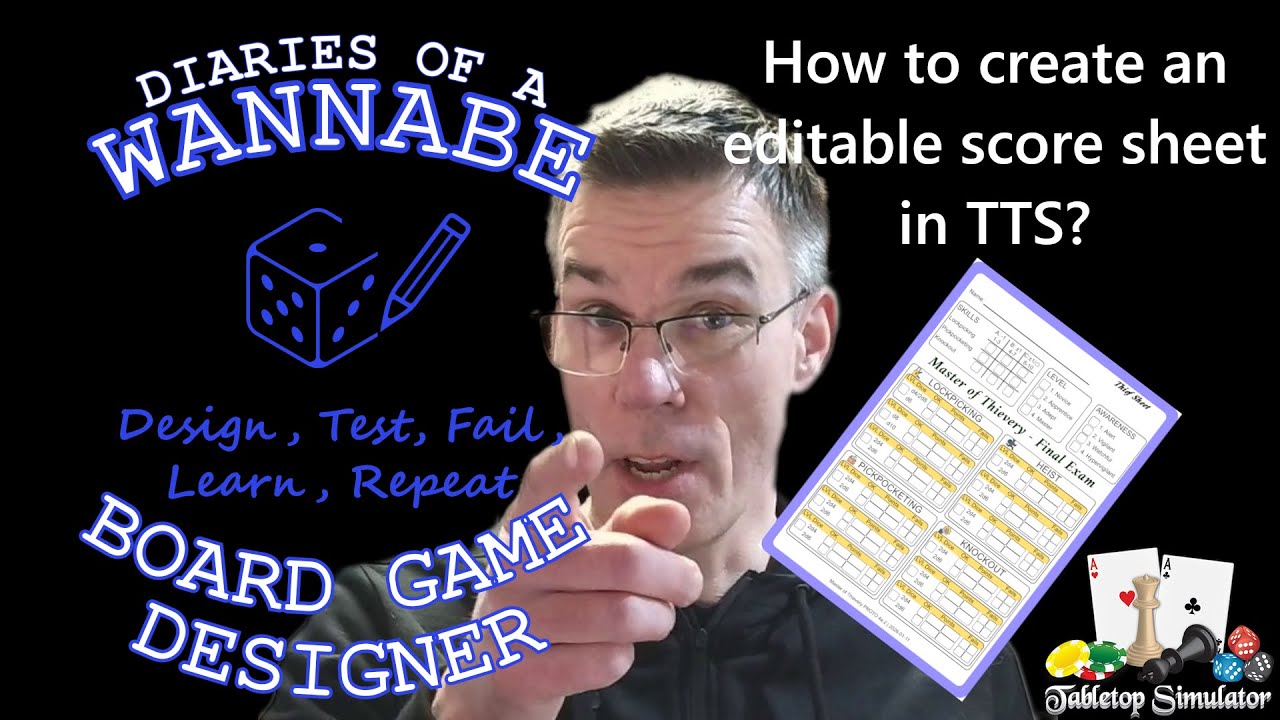
How to create an editable score sheet in TTS?
Автор: Diaries of a Wannabe Board Game Designer
Загружено: 2026-01-27
Просмотров: 37
Описание:
00:07 Intro
00:46 Example game and the score sheet problem
01:57 Drawing and writing on sheets can be painful in TTS
04:47 Clickable fields and checkboxes, what we want
06:46 Using make Anything Editable mod
10:46 Speeding up work by copying field groups
14:57 Saving the result as a reusable component
16:47 Editable cards and a workaround for writing on both sides
20:45 Wrap up
In this diary entry (24 January 2026), I show how I turn a roll-and-write scoring sheet (my “thief sheet”) for my Master of Thievery game (https://wannabeboardgamedesigner.com/MTh) into something you can actually use inside Tabletop Simulator: editable text fields plus a big set of clickable checkboxes.
I walk through a practical workflow in TTS, including how to size and align fields, how to copy groups of fields so you don’t have to build everything one by one, and how to save the result as a reusable component. To do this, I use the Make Anything Editable mod from the TTS Workshop (https://steamcommunity.com/sharedfile...
).
At the end, I also cover a workaround for situations where you’d like editable surfaces on both sides of a card.
If you have experience with TTS, tell me what you wish you’d learned earlier. Also, what are you working on right now, especially roll-and-write games?
If you’re interested in the designs created in the 2025 roll-and-write design contest, check them out here: https://boardgamegeek.com/thread/3585....
Повторяем попытку...
Доступные форматы для скачивания:
Скачать видео
-
Информация по загрузке: