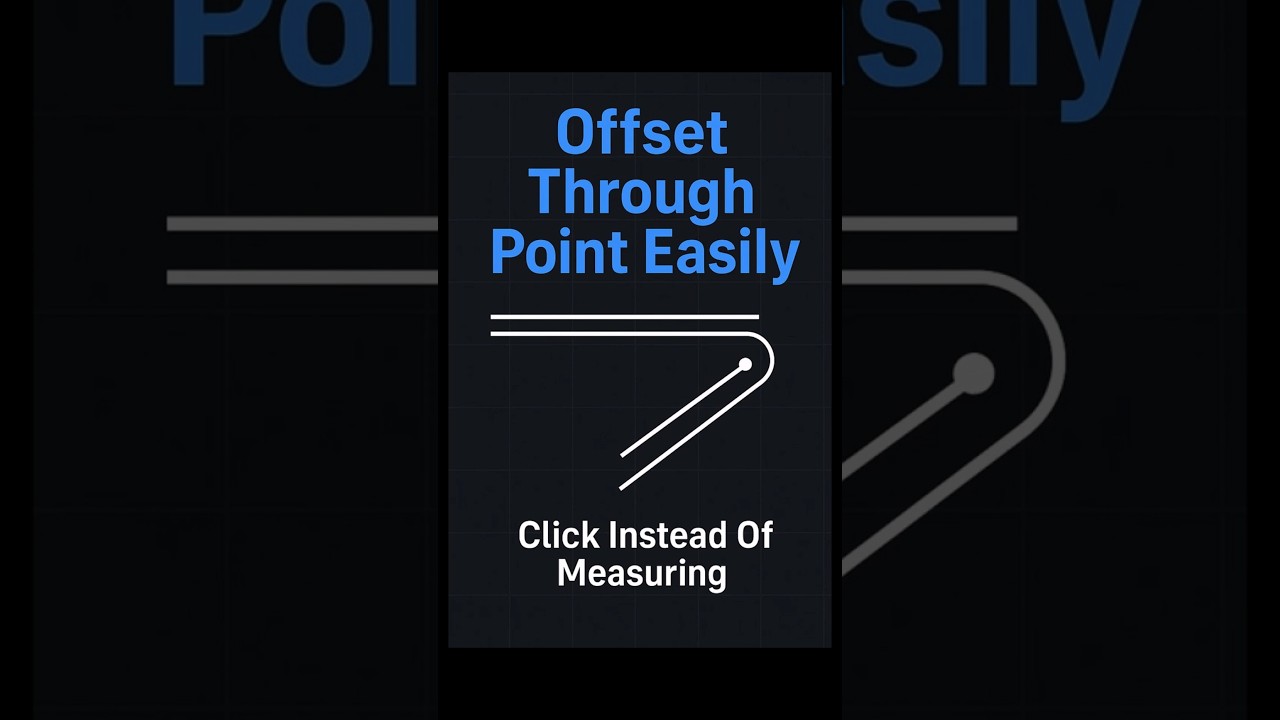
AutoCAD Offset Through Point Trick | Offset Without Typing a Distance
Автор: CAD Super User
Загружено: 2026-01-22
Просмотров: 133
Описание:
Learn the AutoCAD offset command and discover a time-saving trick to offset objects through a specific point without having to type a distance. This AutoCAD tutorial is designed to help you master the offset through point technique, a valuable skill for any designer or engineer using AutoCAD. By utilizing the offset through point feature, you can streamline your workflow and improve your overall productivity. Understanding why to use offset through point in AutoCAD is crucial, as it allows for more precise control over your designs. In this video, we will explore the benefits of using the offset through point command and provide you with practical tips and tricks to get the most out of this powerful tool. Whether you are a beginner or an experienced user, this AutoCAD tutorial is perfect for anyone looking to enhance their skills and take their design work to the next level with the help of expert AutoCAD tips and tricks.
Learn how to use AutoCAD Offset Through to create offsets without knowing the distance.
This Offset Through Point AutoCAD shortcut lets you offset lines and curves visually using the OFFSET T option.
In this quick AutoCAD tutorial, you’ll learn how to:
✅ Start the OFFSET command as usual
✅ Use the T (Through) option instead of typing a numeric distance
✅ Click any point where you want the new line, wall, or curve to pass
✅ Let AutoCAD automatically create the offset through that exact point—no measuring needed
Why use Offset Through Point in AutoCAD?
• Perfect when you don’t know the exact offset distance
• Great for aligning walls, matching site boundaries, and offsetting to nearby geometry
• Speeds up layout work by reducing manual distance calculations and guesswork
If this AutoCAD Offset Through shortcut helped you, Like the video, Subscribe for more AutoCAD OFFSET command tips, and share it with your CAD team!
#AutoCAD #AutoCADTips #AutoCADTutorial #OFFSET
Повторяем попытку...
Доступные форматы для скачивания:
Скачать видео
-
Информация по загрузке: