How to Make a QR Code Sign with the xTool M1 Laser Cutter
Автор: Lina Makes
Загружено: 2025-06-06
Просмотров: 1554
Описание:
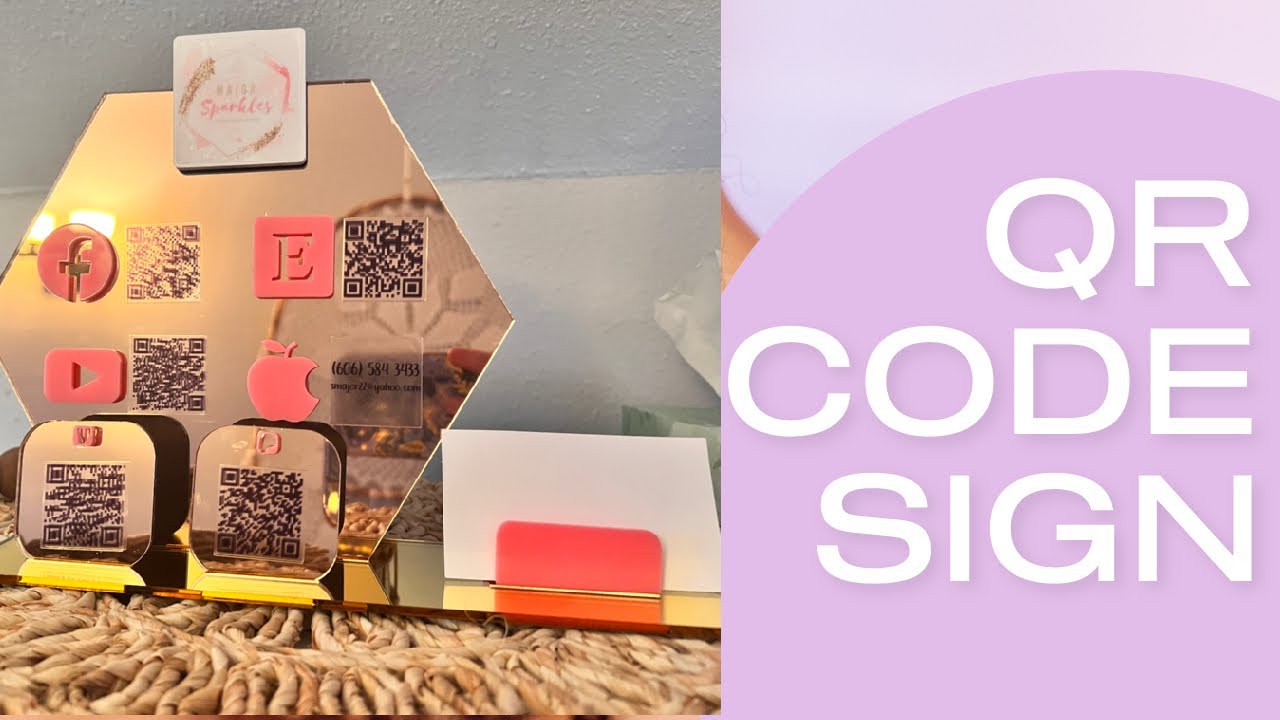
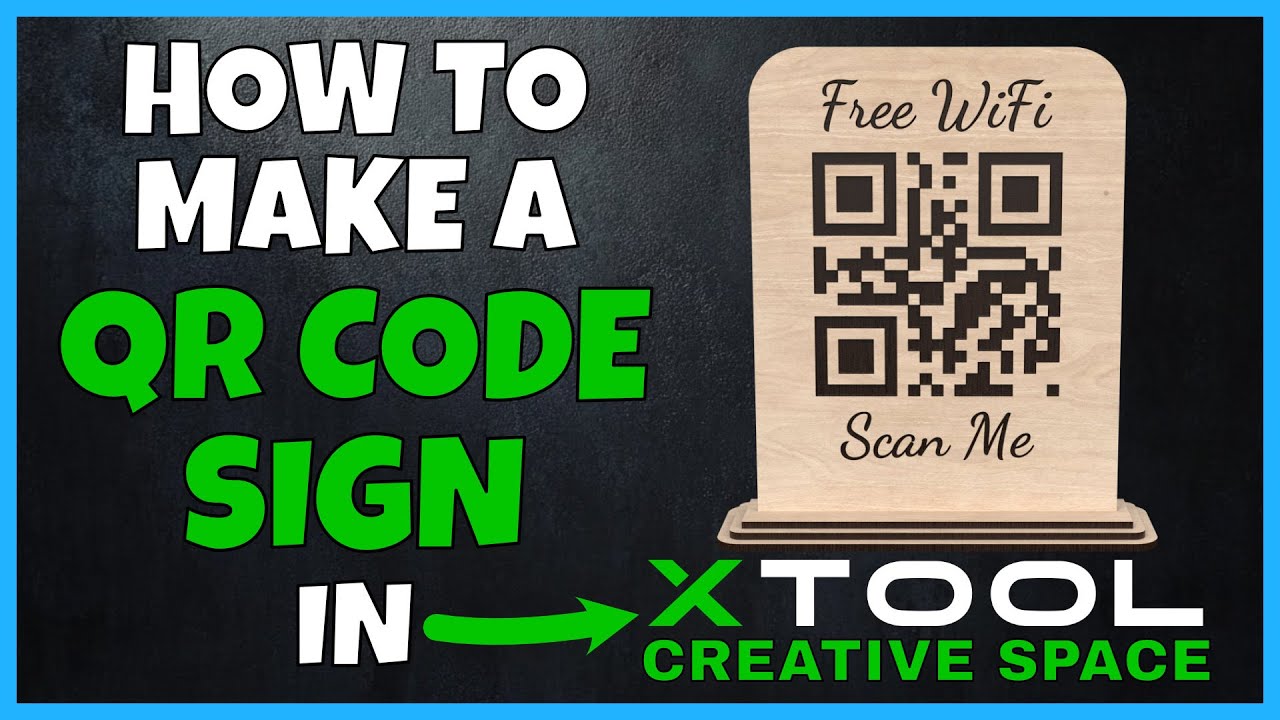
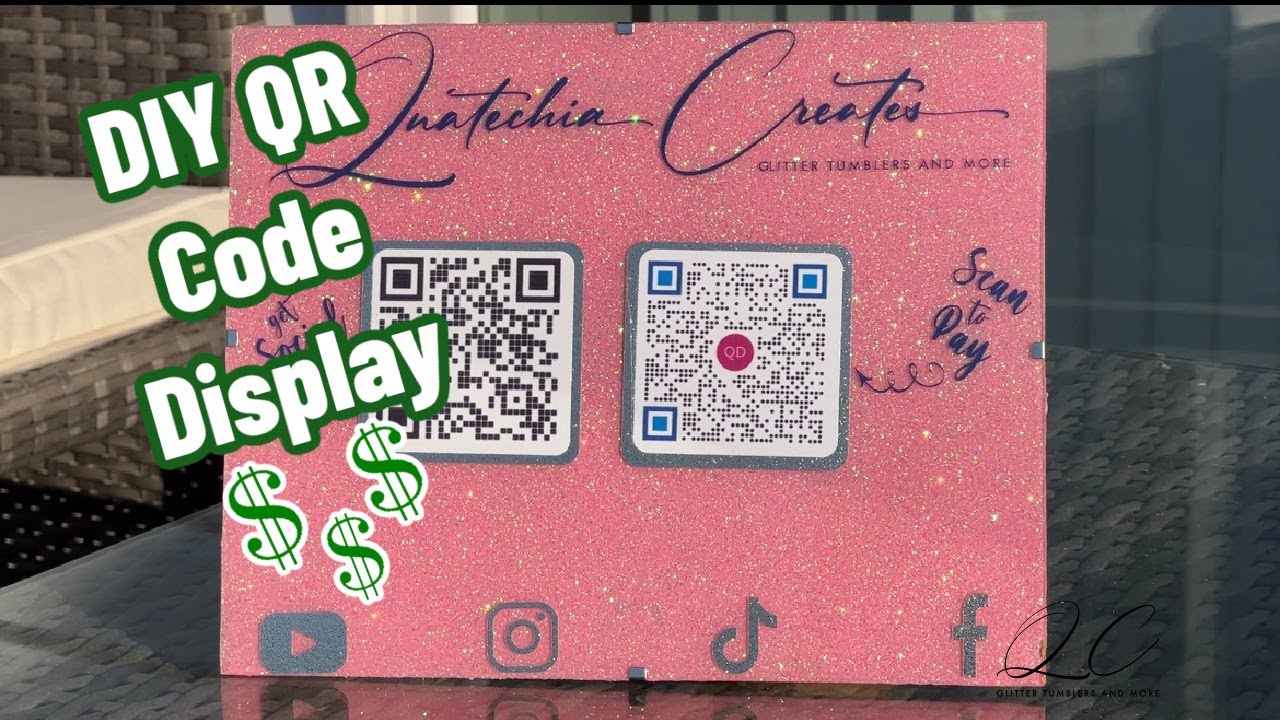
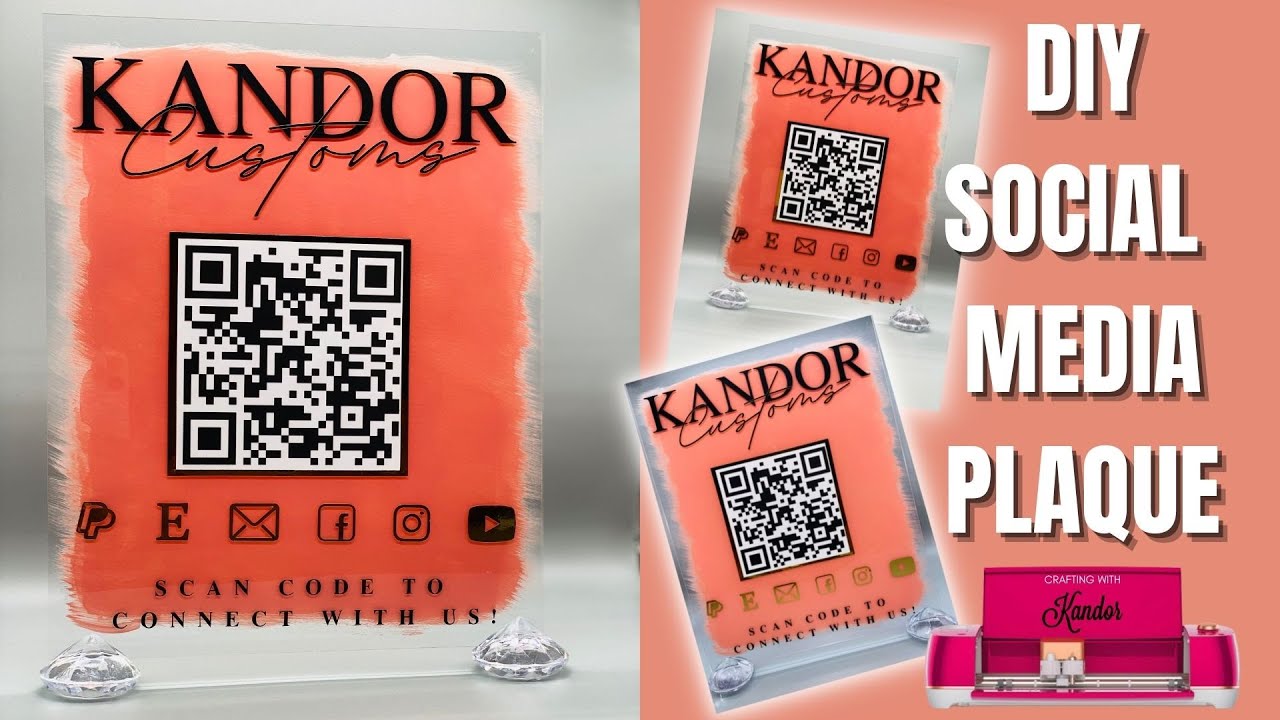
Want to make your own custom QR code sign with your laser cutter? In this step-by-step tutorial, I’ll show you how to make a QR code sign with the xTool M1, using acrylic for a sleek and professional finish. Whether you're creating a QR code sign for business, a Venmo tip sign, or even a QR code sign for a wedding, this DIY is a must-try!
In this video, I'll cover:
Cutting acrylic with the xTool M1
How to generate a QR code
Tips for assembling your QR code sign
Color filling engraved acrylic
Grab the ready-to-use laser cut file here to save time:
👉 https://shop.linamakes.com/products/l...
Full materials list + written tutorial here:
👉 https://www.linamakes.com/2024/06/20/...
Best Acrylic Settings for xTool M1 Video
👉 • How to Cut Acrylic with xTool M1 | Full Te...
📚 Laser Learning Hub for Makers: https://www.linamakes.com/laser-cutti...
Chapters
0:00 Intro
0:10 Preparing the File in xTool Creative Space
0:37 Cutting Acrylic with the xTool M1
1:43 Generating Your QR Code
2:23 Adding Color to Acrylic
4:30 Assembly Tips & Tricks
5:30 Final Result
✨ Don't forget to hit subscribe for more DIY projects and creative ideas.
Subscribe HERE: / @linamakes
Website: https://www.LinaMakes.com
Instagram: / linamakesart
TikTok: / linamakes
I may earn commission if you purchase from one of the above links.
#QRCodeSign #LaserCutSign #DIYQRCode #xToolM1 #AcrylicSign #QRCodeForBusiness #VenmoSign #CustomSign #DIYCrafts #SmallBusinessTools #xToolProjects
Повторяем попытку...

Доступные форматы для скачивания:
Скачать видео
-
Информация по загрузке: