Double-Sided Laser Engraved Business Cards with QR Codes
Автор: Hewn from the Mountain
Загружено: 2023-02-18
Просмотров: 3615
Описание:
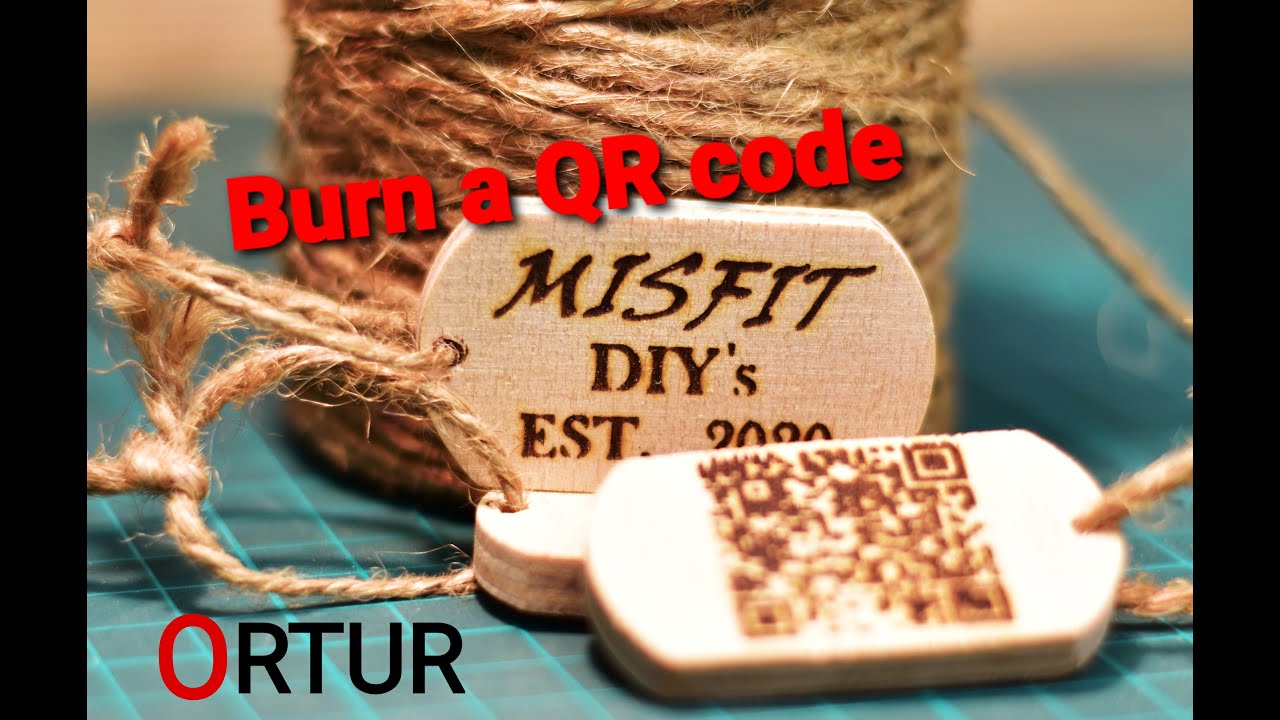
I recently created a set of wood veneer cards with working QR codes, engraving them on BOTH SIDES!
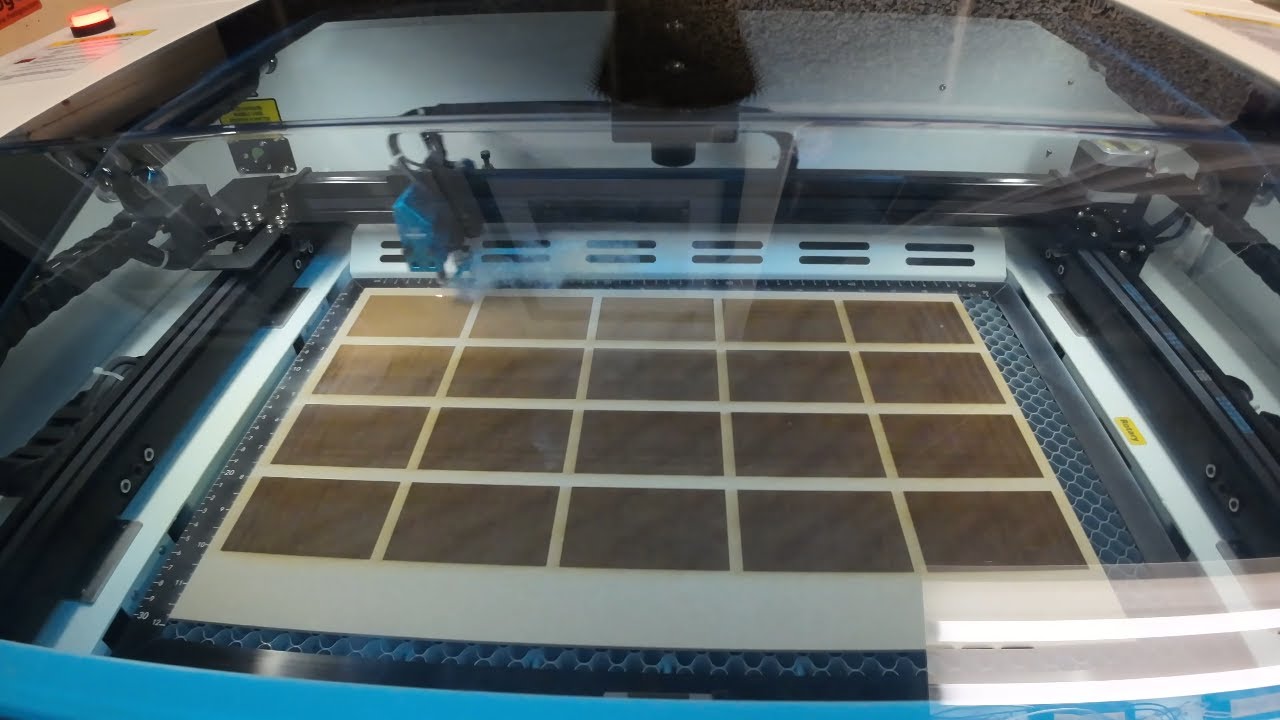
If you're interested, I'm happy to make some for you as well. The process starts with cutting the veneer, which can be done with a variety of tools, including a laser cutter, or just a utility blade. Once the veneer has been cut to the desired size, it needs to be prepared for mounting on the laser bed.
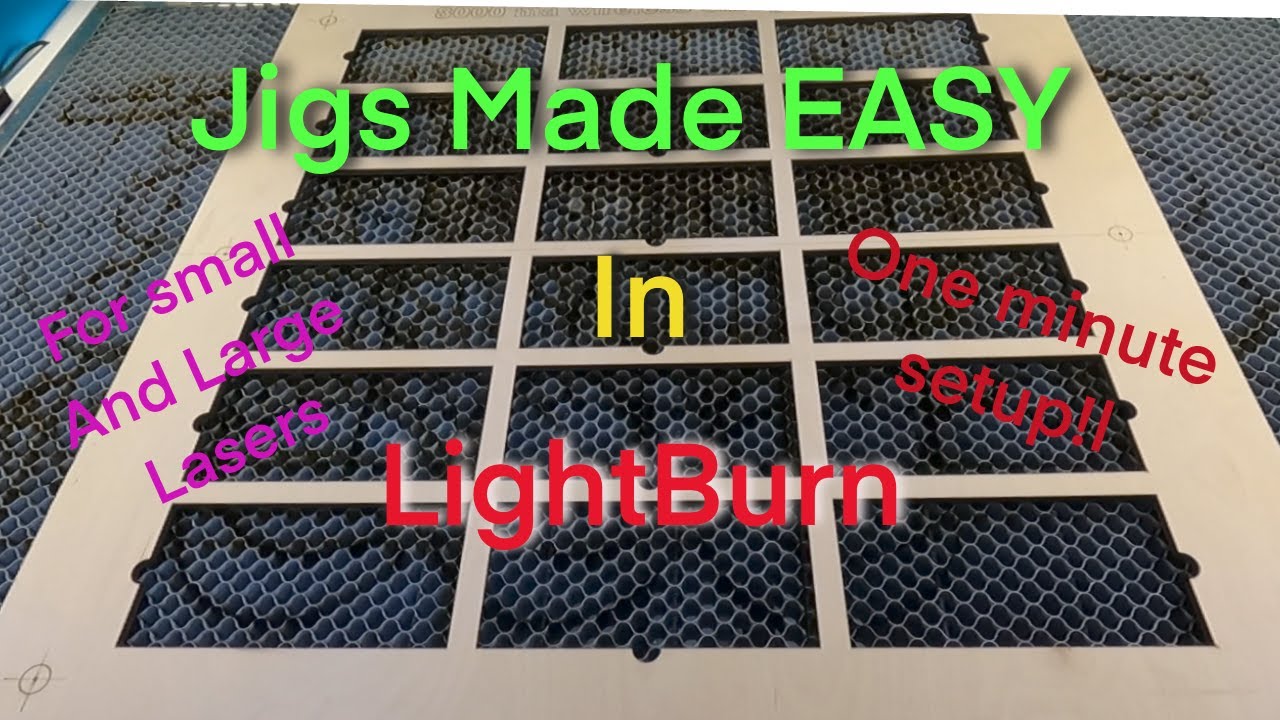
Next, the material needs to be mounted onto the laser bed, making sure to align it using registration marks. This helps ensure that the images that will eventually be engraved are precisely placed. Once the material is secured, the front image can be sent to the laser, and then the sheet can be flipped over in order to position the back side. The back image and QR code can then be sent to the laser for engraving. After the engraving is complete, it's important to test the QR code to make sure it works correctly.
Once all the engraving is done, the cards can be cut out of the sheet. Finally, the cards should be cleaned to remove any dust or debris that may have been generated during the engraving process. And that's it! With a little bit of patience and effort, you can create your own set of double sided wood veneer cards with working QR codes.
Music: 'Laser Cards' performed by Luke Wiseman & Tome McShane, on June, 2022.
Chapters:
00:00 Intro
00:06 Cutting Veneer
00:55 Preparing Veneer
01:51 Mounting Material on Laser Bed by
02:57 Registration Marks
03:53 Sending Front Image to Laser
04:42 Flipping Sheet Over
05:07 Positioning Back Side
06:33 Sending Back Image & QR Code to Laser
06:50 Engraving Back Side
07:35 Testing QR Coder
07:47 Cutting Cards
09:09 Cleaning the Cards
11:04 Animation
#laserengraving #laser #lasercutting
Повторяем попытку...

Доступные форматы для скачивания:
Скачать видео
-
Информация по загрузке: