2012 NISSAN Armada - Rear Audio Controls
Автор: Nissan Owner Channel
Загружено: 2015-04-19
Просмотров: 66163
Описание:
Rear Audio Controls
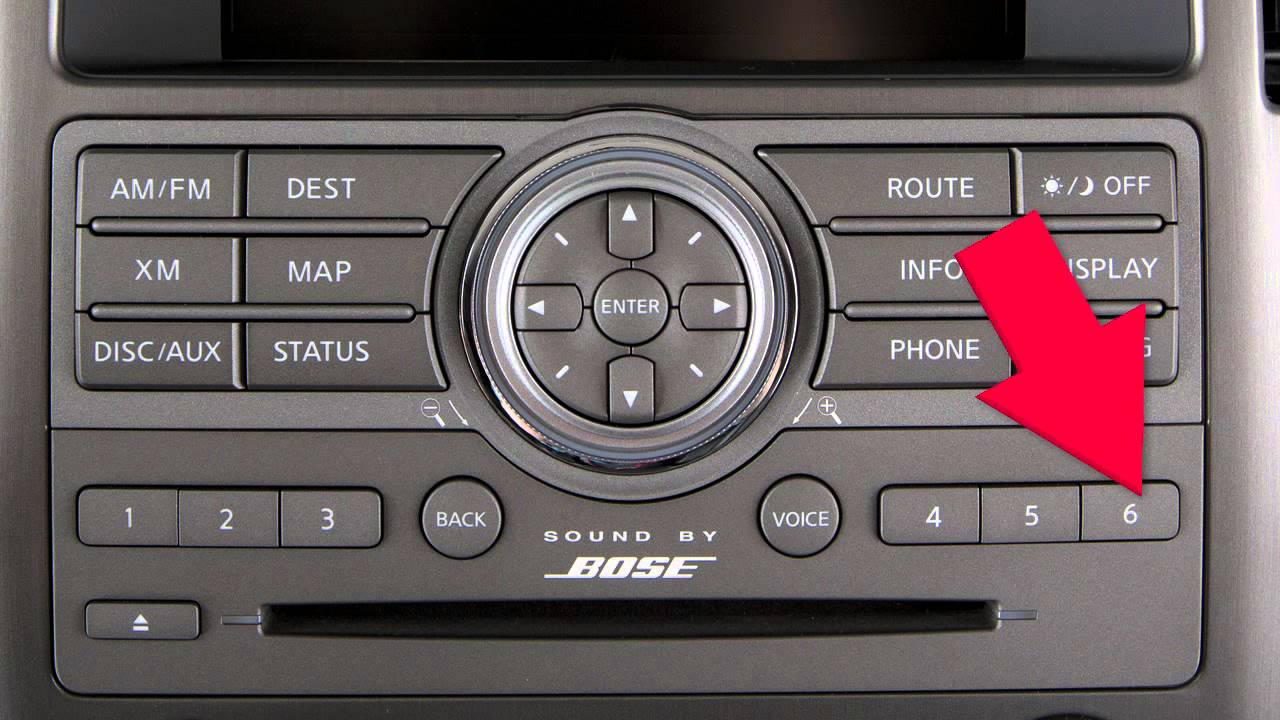
Depending on your audio system, the location of the front control panel buttons may be slightly different, but the functions are the same. Press the REAR CONTROL button on the front seat audio controls, to turn the rear audio controls ON. Press again, to turn them OFF.
The SPEAKER CONTROL button allows you to turn the rear speakers OFF and turn the rear headphones ON. Pressing again will re-activate the rear speakers and turn headphones OFF. You will find one of these buttons on both the front and rear audio control panels.
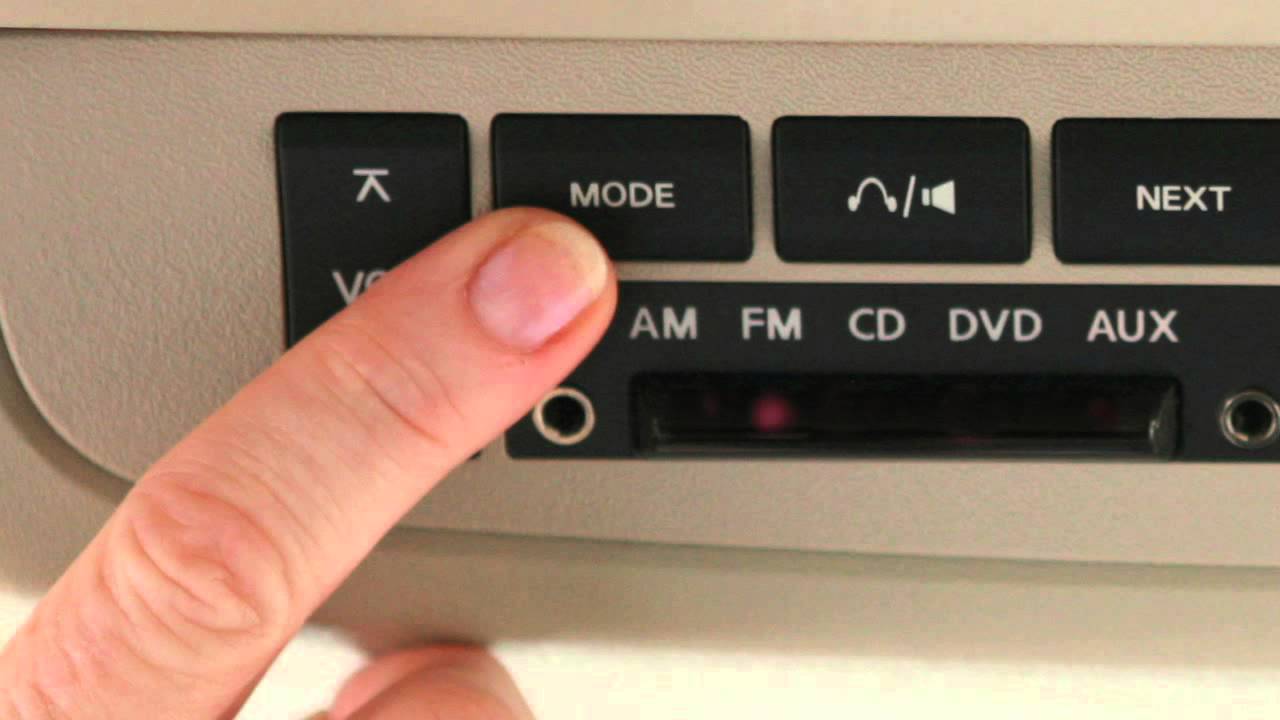
These are the rear audio controls. The VOLUME button allows rear passengers to adjust the headphone volume level. This control can also be used to change the volume in the entire vehicle, when the rear audio mode is the same as the front, and the rear controls are ON. Please note that rear volume controls can only increase the rear volume up to the level set on the front audio controls.
The MODE button enables rear passengers to change between AM, FM, CD, DVD (if so equipped), and AUXILIARY listening. Press the MODE button repeatedly until the desired mode lights up. After choosing AM or FM mode, pressing the UP or DOWN arrows on the SEEK button, lets passengers find the next AM or FM radio station. In CD mode, the SEEK button will find the next - or the previous - CD track. Pressing the NEXT button, while in AM or FM mode, will change to the next preset radio station. Please note that the NEXT button will not function while playing a DVD or CD.
If your vehicle is equipped with headphones, they can be used to listen to the audio system, devices that are plugged into the auxiliary jacks, or DVD's. Press this POWER button, to turn the headphones ON and OFF. Turn this knob, to adjust the volume. Proper fit can be achieved by adjusting the headband. The headphones that come with your vehicle's DVD player, if so equipped, are wireless. You can plug additional headphones into the two input jacks, located on the rear audio controls. Most portable radio style headphones will work with this system.
For safety purposes the headphones are not operable in the front seat. If the headphones are turned ON and do not receive an audio signal, after 30 seconds they will automatically turn OFF to save battery power. Each of the headphones requires two batteries. Remove their covers to insert fresh batteries as needed.
On some systems, it is possible for the rear passengers and front passengers to listen to different media simultaneously. Please refer to your Owner's Manual for further information on these features.
Повторяем попытку...
Доступные форматы для скачивания:
Скачать видео
-
Информация по загрузке: