Ubuntu install on Samsung (ARM) Chromebook, and Full Office, Libre Office
Автор: krayzielilsmoki
Загружено: 2013-03-25
Просмотров: 294376
Описание:
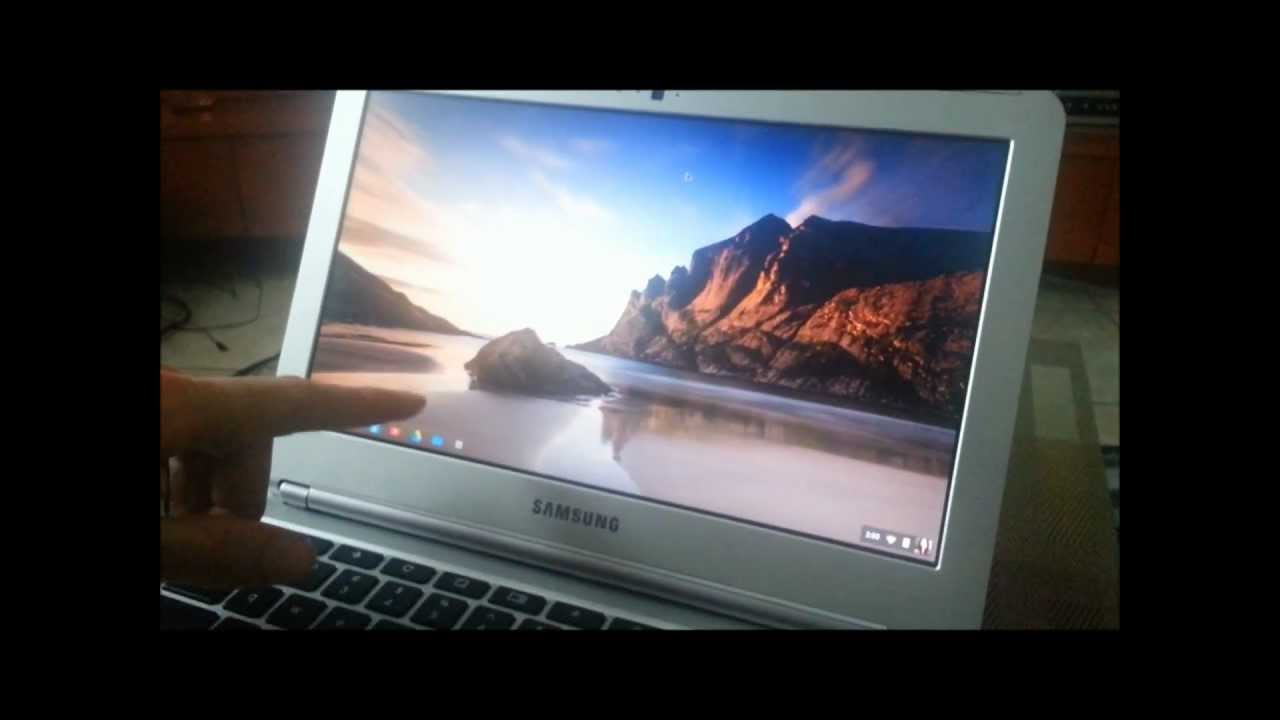
This is a quick guide on how to get Ubuntu running on your Chromebook and have the ability to switch back and forth instantly.
Once installed use the key combo Ctrl Alt Shift and Right arrow or Left arrow (depending on what you are switching to) Use the arrows on top of the keyboard.
Press Ctrl D or Alt D (cant remember) to bypass the boot warning
Download link https://github.com/dnschneid/crouton
Instructions for SD install http://craigerrington.com/blog/crouto...
Note. When setting up a username please avoid any special characters, periods, commas, etc. This may cause issues
Enjoy!
Extra:
In ubuntu you can use the Synaptic Package manager to find and install software.
You can also use simple commands in the terminal to install and remove software.
To install type in sudo apt-get install "software name"
to remove type in sudo apt-get remove "software name"
Повторяем попытку...
Доступные форматы для скачивания:
Скачать видео
-
Информация по загрузке:




![Installing Ubuntu 12.04 on Acer C710 Chromebook [Complete Guide]](https://image.4k-video.ru/id-video/4qpjTzav3kw)