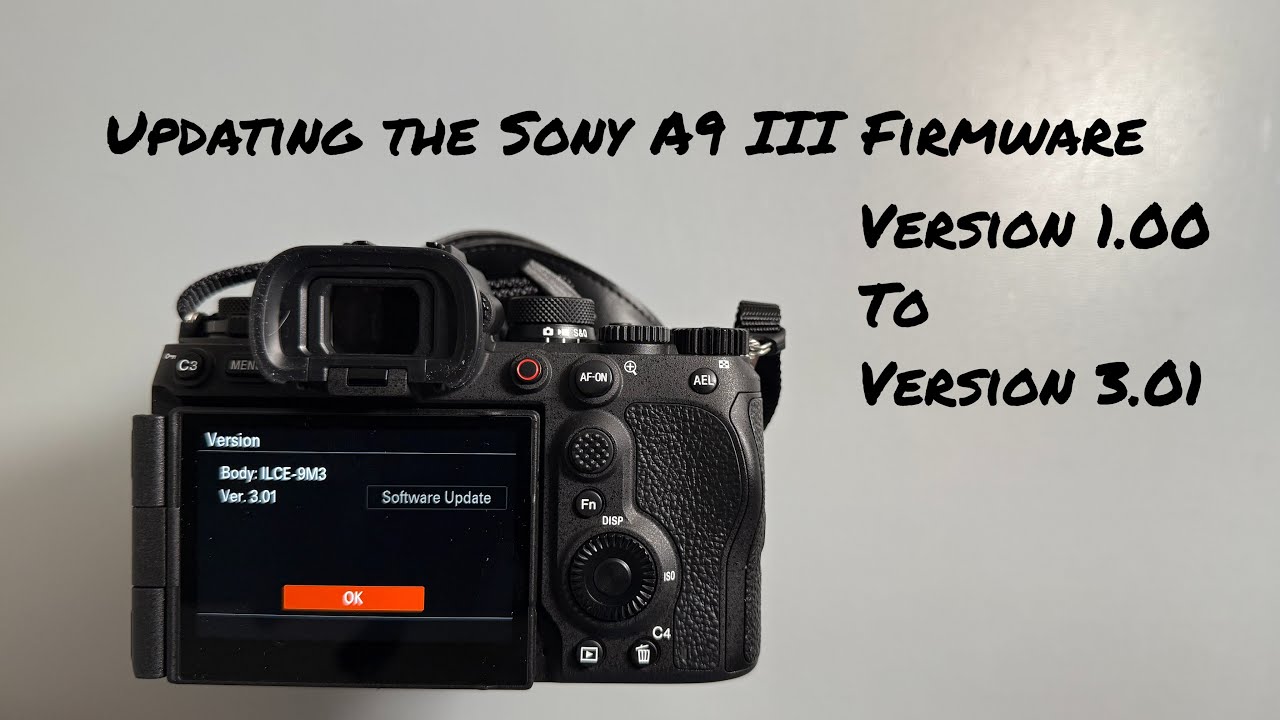
Sony A9 III Firmware Update From Ver 1.00 to 3.01
Автор: Mike La Putt
Загружено: 2025-07-13
Просмотров: 479
Описание:
A walk through of how to update the firmware of your Sony A9 III from Version 1.00 to Version 3.01. This video will walk you through the process you will go through to update the firmware.
1. Verify that your camera has an older firmware by clicking Menu - Setup - Setup Option - Version.
2. Format a SD card on your camera.
3. Download the latest firmware from the Sony Support Page for the Sony A9 III.
4. Copy the firmware to the root directory of the newly formatted SD card.
5. Insert the SD card in Slot 1 of your camera. As a note, it will not work in Slot 2.
6. Make sure you have a fully charged battery.
7. Update the firmware by clicking Menu - Setup - Setup Option - Version - Software Update.
8. Do not remove the media or power down the camera. Allow it to complete the update. The camera will reboot.
Повторяем попытку...
Доступные форматы для скачивания:
Скачать видео
-
Информация по загрузке:













![Sony a7S III Firmware Update Version 4.0 [ How to Download & Install Tutorial ]](https://image.4k-video.ru/id-video/FiDKtrr2YxM)