Sony A6700 Firmware 2 00 update
Автор: Tora Tora
Загружено: 2025-07-12
Просмотров: 1736
Описание:
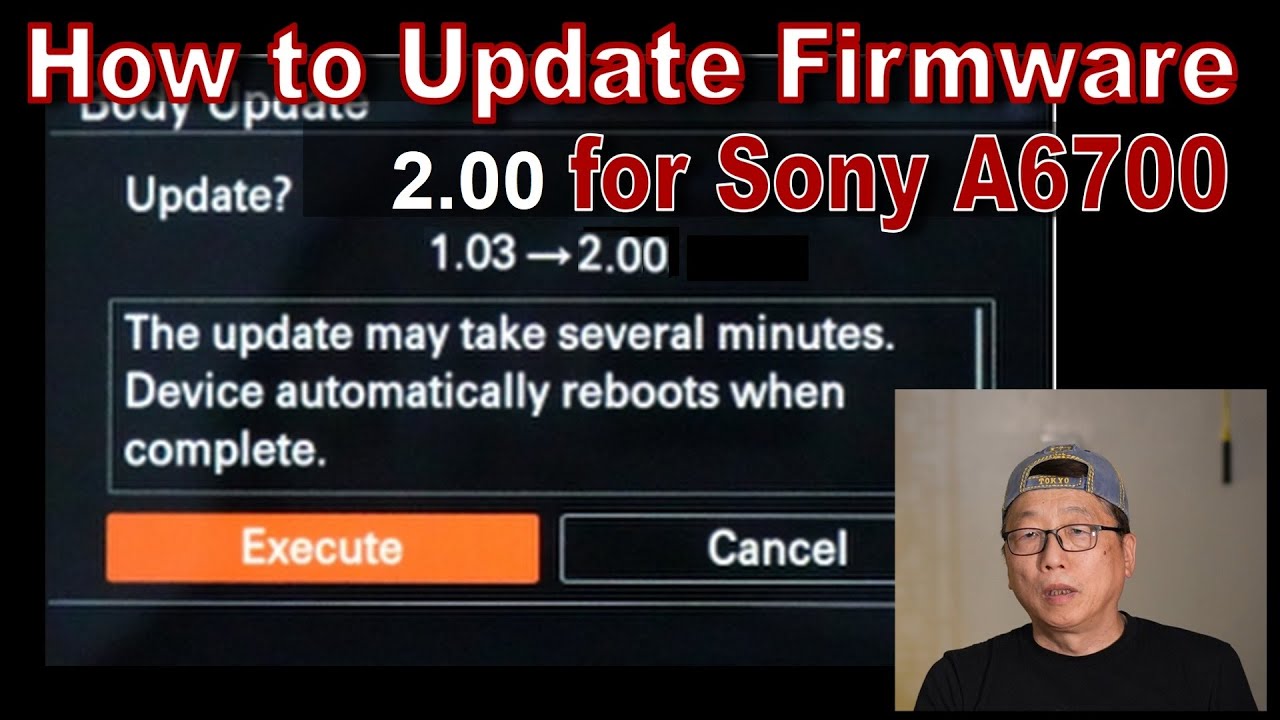
How to Update Firmware 2.00 for Sony A6700
Sony recently released the a6700 Firmware Update 2.00. This guide will walk you through the process of updating your camera.
Before You Begin, Check Your Current Firmware Version:
On your camera, select Menu → Setup → Setup Option → Version. If it shows Ver. 1.02 or any version older than 2.00, you should proceed with the update. If it already shows Ver. 2.00, your camera is up to date, and you do not need to perform this update.
8 Steps to Update Your Firmware:
Step 1. Fully Charge Your Camera
Ensure your camera's battery is fully charged. Do not attempt the update with a low battery, as this could damage your camera.
Step 2. Format an SD Card
Use a reliable SD card. For example, a SanDisk 128GB Extreme SDXC UHS-I Memory Card will work. Format the SD card within your camera for optimal compatibility. To do this, go to Menu → Setup → Setup Option → Format.
Step 3. Download the Firmware File
On your PC, open a web browser and go to the Sony support website: https://www.sony.com/electronics/support
In the search window, type "A6700" and press Enter.
Locate the section labeled "Firmware Update Ver. 2.00" (or the latest version available) and click on it.
On the update page, click the "Download" button.
A user agreement or license page may appear. Read through the agreement carefully.
At the bottom of the page, confirm your acceptance of the terms (if required) and click on "Download Now." You typically do not need an account to download the firmware.
The download will start automatically. The filename should be "BODYDATA.DAT", which is the firmware update file for version 2.00.
Step 4. Transfer the Firmware File to Your SD Card
Move the downloaded "BODYDATA.DAT" file directly to the root directory of your formatted SD card. Do not place it inside any folders.
Step 5. Insert the SD Card into Your Camera
Safely eject the SD card from your computer and insert it into the appropriate SD card slot on your Sony A6700.
Step 6. Initiate the Firmware Update on Your Camera
Turn on your camera.
Go to Menu → Setup → Setup Option → Version.
Select "Software Update".
Step 7. Confirm and Execute the Update
The "Body Update" screen will appear.
Scroll down and carefully read any on-screen notes or instructions.
Click "Execute".
The camera screen will turn off, and the access lamp will flash. Do NOT turn off the camera or remove the battery during this process.
Once the update is complete, a message will appear indicating success. Press "OK".
Step 8. Verify the Firmware Version
On your camera, select Menu → Setup → Setup Option → Version.
If "Firmware Version 2.00" is displayed, the update was successful.
✅ Firmware 2.0 Update – Key Features & Fixes
1. Support for New Lenses
• Added compatibility and optimizations for newly released Sony E-mount lenses (especially APS-C G series).
2. Improved Video Functions
• Enhanced stability during 4K recording.
• Fixed an issue where auto exposure might behave inconsistently in certain video modes.
3. Better Eye AF & Subject Detection
• Improved Eye AF accuracy and speed for both humans and animals.
• Improved tracking in low light or challenging conditions.
4. System Stability
• Fixed rare freezing or startup issues reported by some users.
• Faster and more responsive menu performance.
5. Improved FTP Transfers (if you use FTP features)
• More reliable file transfer performance over FTP.
Now it's time to enjoy your updated A6700!
Повторяем попытку...
Доступные форматы для скачивания:
Скачать видео
-
Информация по загрузке: