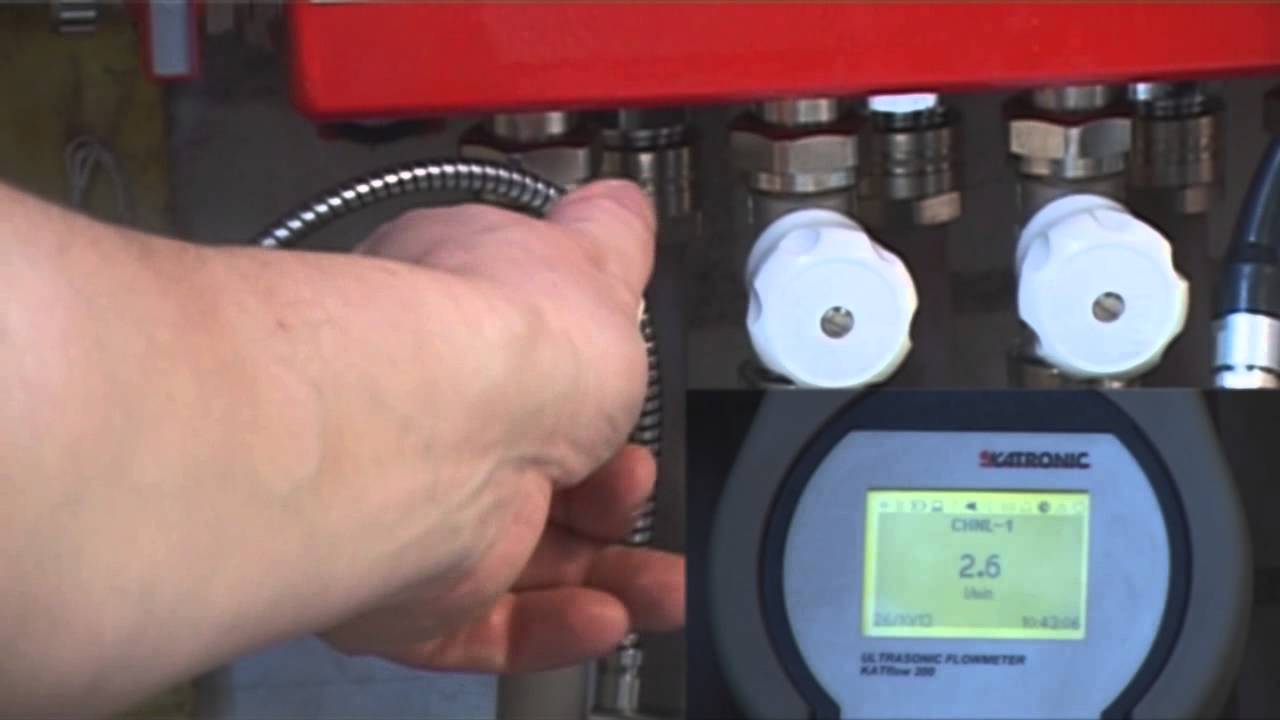
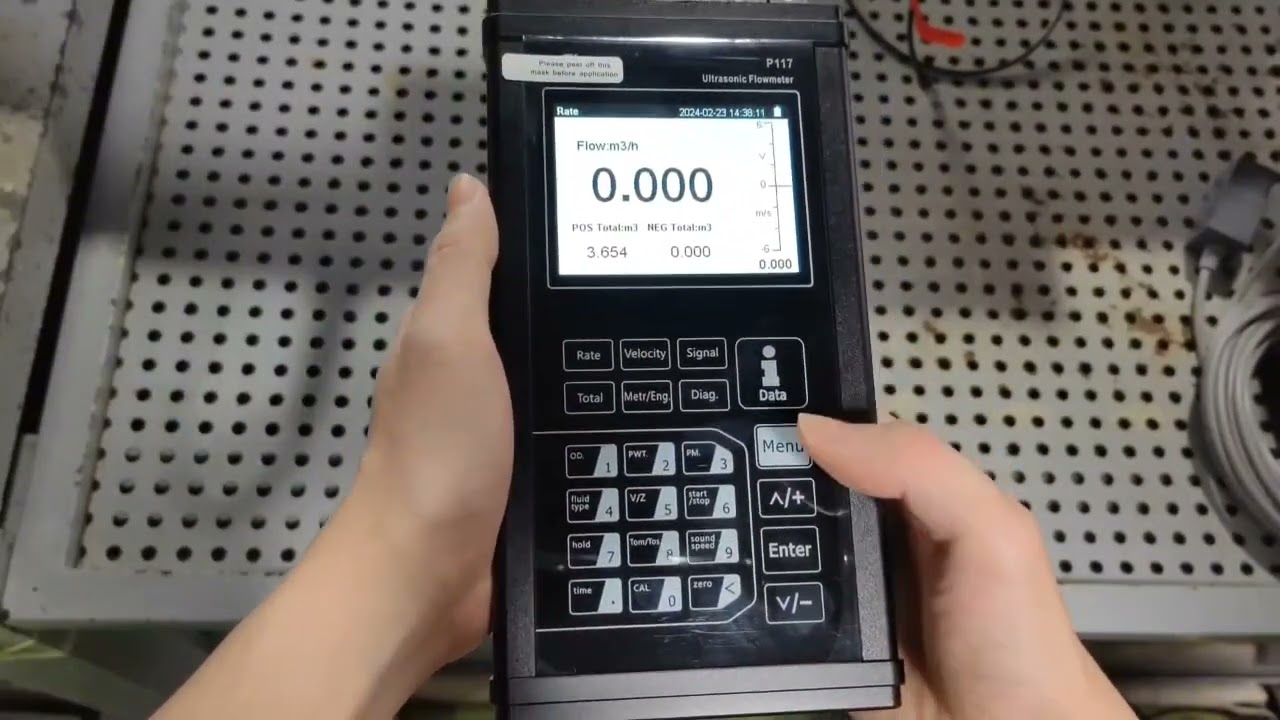
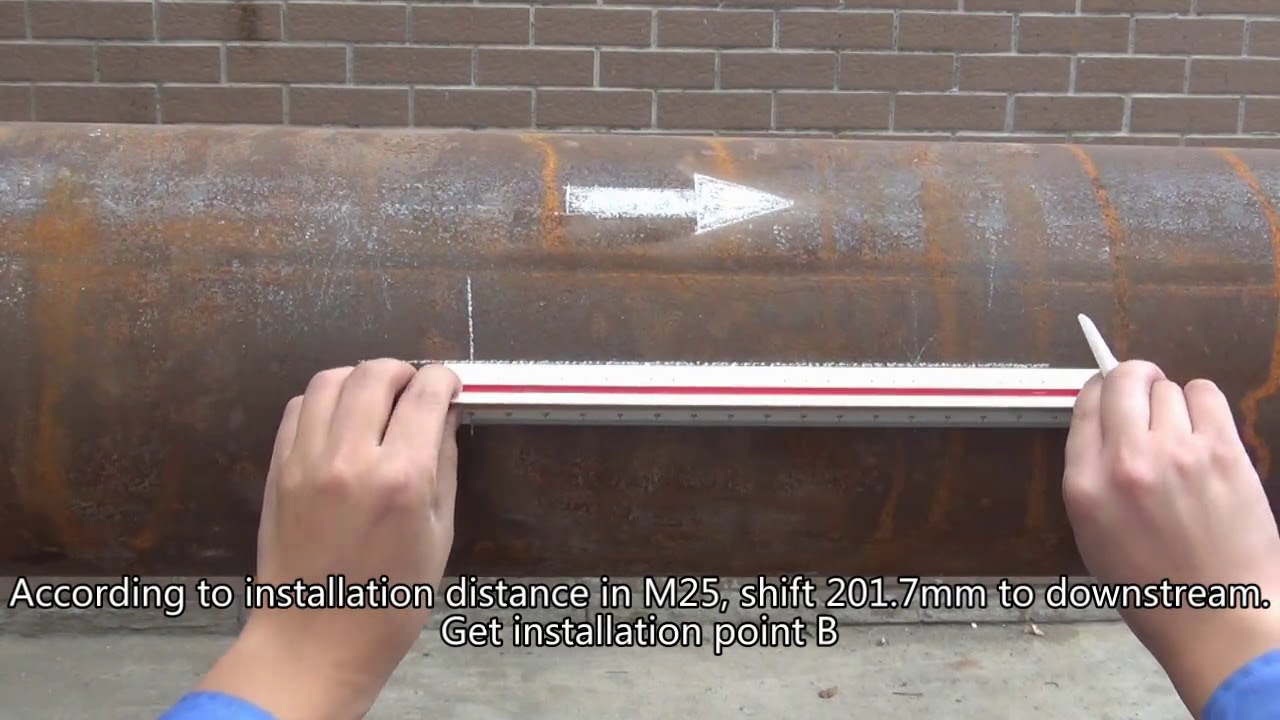
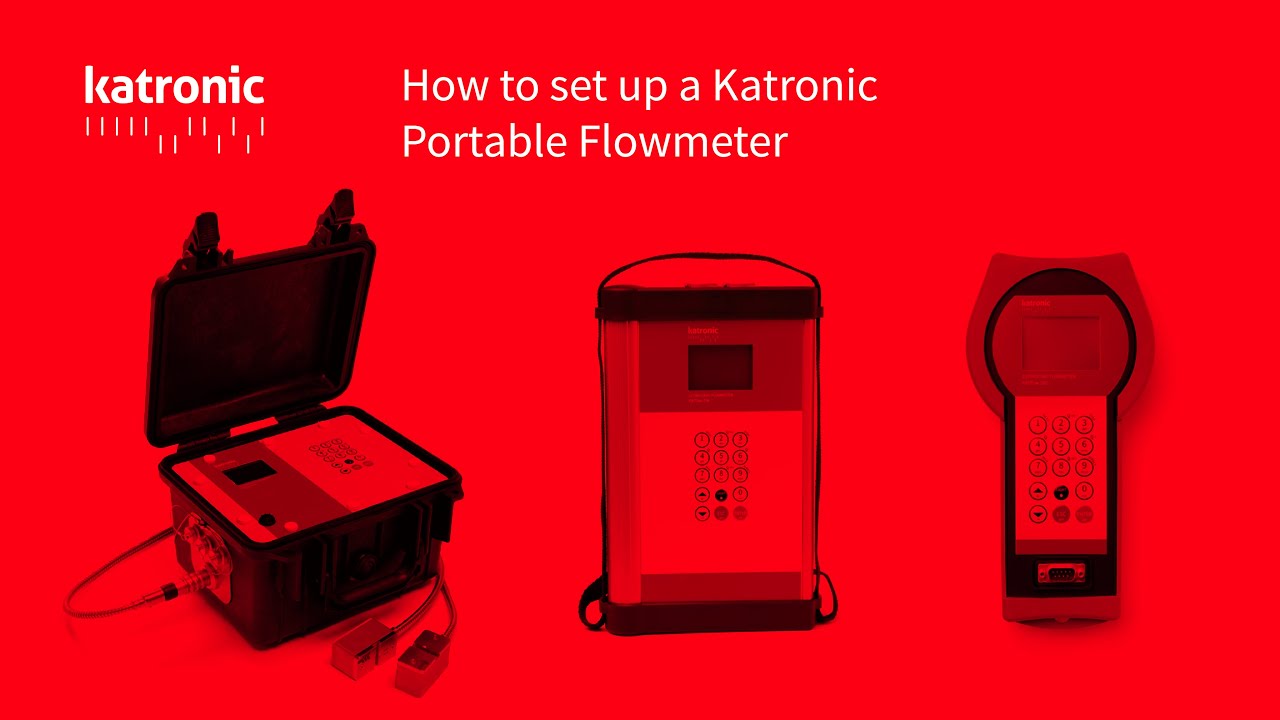
How to set up a Katronic Portable Flowmeter
Автор: Katronic
Загружено: 2015-04-02
Просмотров: 13149
Описание:
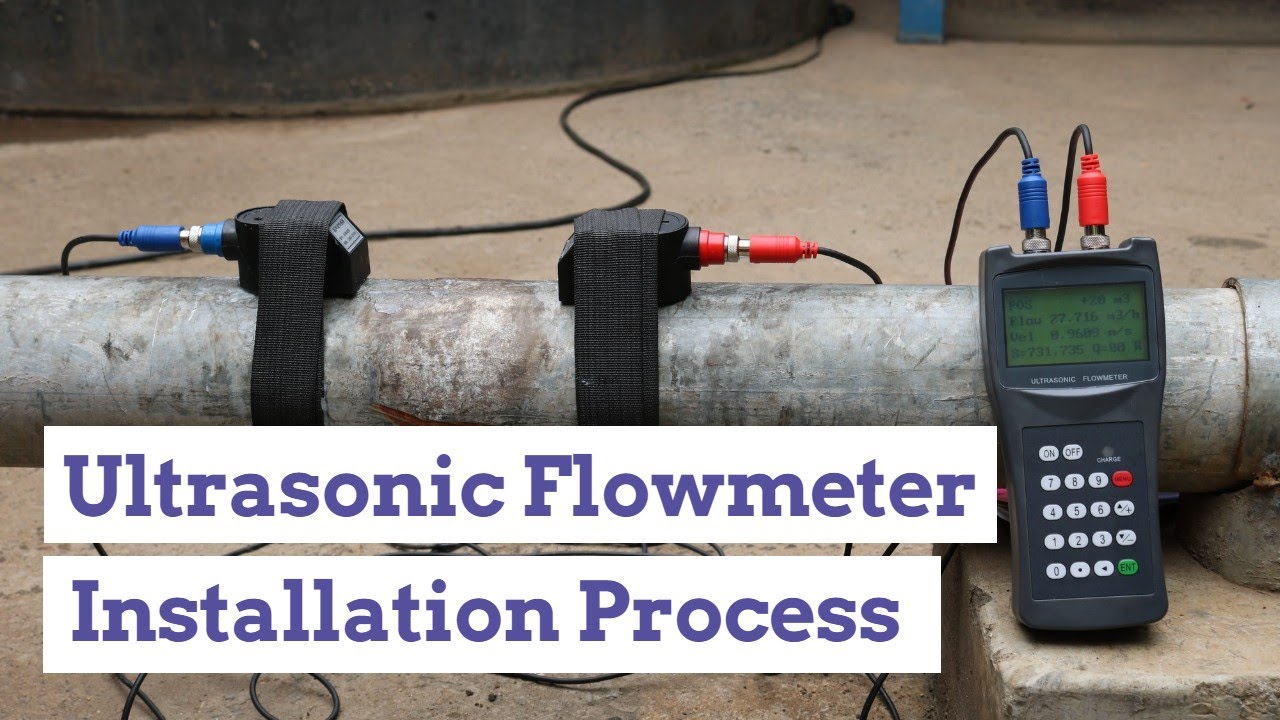
How to install a Katronic clamp-on ultrasonic flowmeter.
Video length: 2:53
Video Transcription:
How to set up a portable flowmeter.
Switch on the flowmeter by holding ENTER key.
Plug in the sensors, matching the red dots.
Choose Quick Start, then Setup Wizard.
The flowmeter will detect the sensors automatically.
Choose the units of measurement. Press ENTER to advance.
Choose pipe material.
Enter the outer diameter of the pipe.
Enter the wall thickness of the pipe.
Choose the fluid type.
Enter the temperature.
Choose the pipe lining material.
Choose the number of passes.
Pressing ENTER now will return to the Quick Start menu.
Slide the clip into the sensor and tighten until snug.
Apply a generous amount of coupling gel to the sensor.
Loop the chain around the pipe, pull tight and lock into place.
Repeat for the second sensor.
Ensure that the arrows on the sensor heads are pointing in the direction of flow.
Go to Start Measurement.
Sensor positioning screen: First row – Suggested sensor spacing, the calculated gap between two sensors edges; second row – Signal/noise ration in dB.
Press 1 to cycle diagnostic values.
Upper bar - Signal strength bar
Lower bar – Signal quality bar.
The cursor between the bars – Sensor positioning cursor.
Both bars should be more than 2/3rds full. The cursor should be between the two outer marks below the quality bar.
Start at the suggested spacing, then adjust the sensor until optimum positioning is achieved.
Once the best position is found, press ENTER to
begin measurement.
Повторяем попытку...
Доступные форматы для скачивания:
Скачать видео
-
Информация по загрузке:





![Эффект Джанибекова [Veritasium]](https://imager.clipsaver.ru/N9HlQ-XVnFk/max.jpg)