How to set up a Katronic Fixed Installation Flowmeter
Автор: Katronic
Загружено: 2015-04-02
Просмотров: 4110
Описание:
Katronic show how to install a fixed installation ultrasonic clamp-on flowmeter
Video length: 1:57
Video Transcription:
How to set up a fixed-installation flowmeter.
Measure out the correct amount of metal strap.
Cut to length.
Feed the strap through the back of the sensor.
Feed the clamp on the strap.
Apply a generous amount of coupling paste to the sensor.
Wrap the strap around the pipe, and feed into the other side of the clamp.
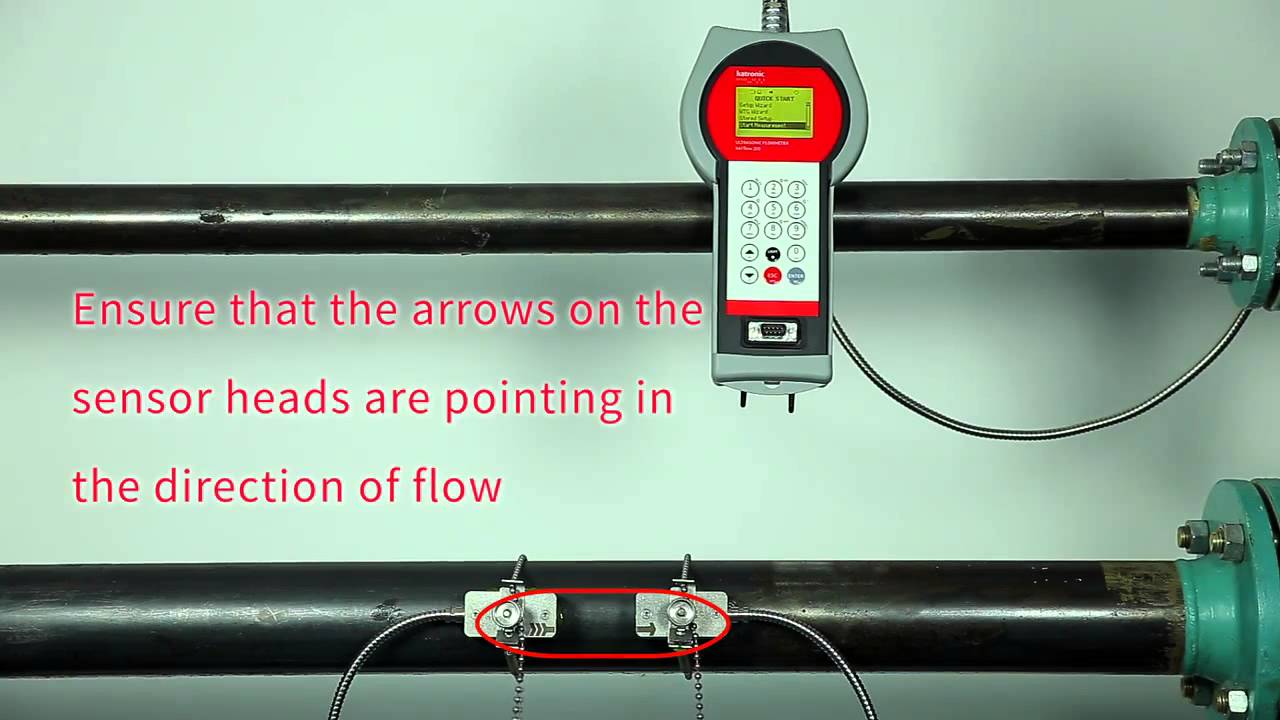
Tighten the strap with the screw, ensuring that the clip does not bottom out.
Repeat for the second sensor, but do not fully tension the screw.
Switch on the flowmeter.
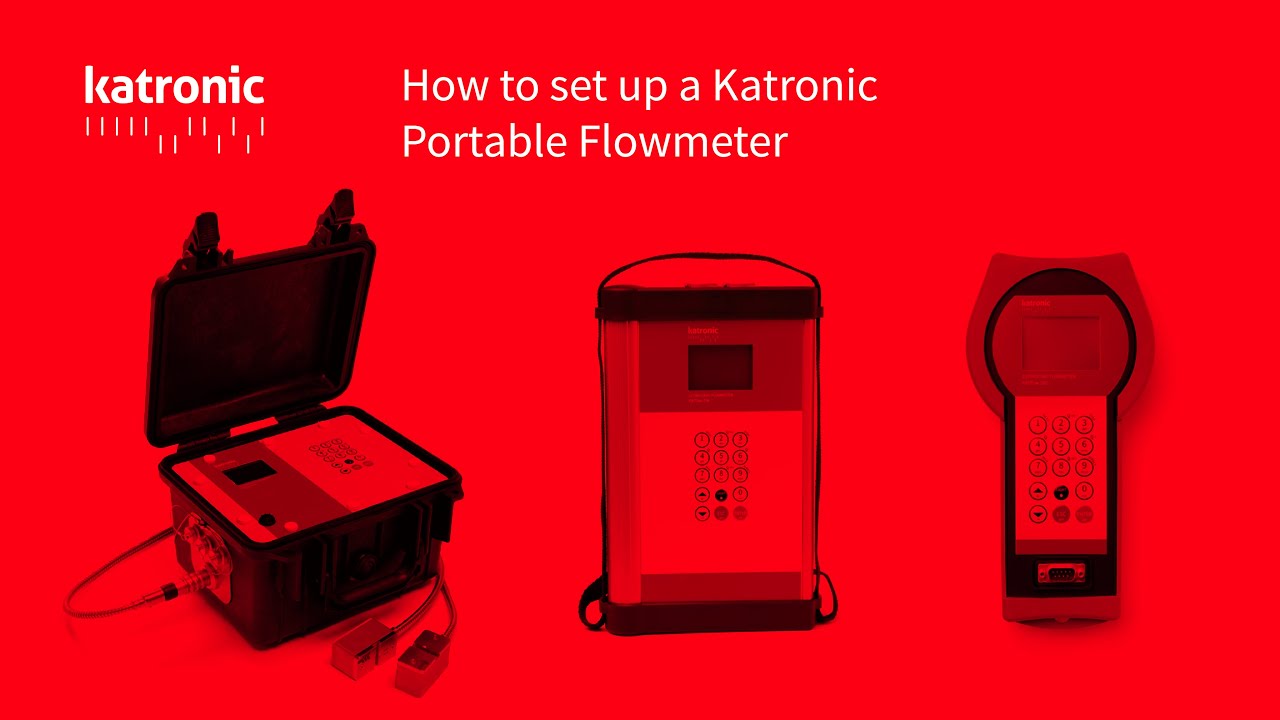
For information on programming the flowmeter, please see How to set up a portable flowmeter.
(Please see the video - • How to set up a Katronic Portable Flowmeter )
Once parameters are entered, go to Start Measurement.
Sensors will be recognized automatically if a KEEprom is installed.
Start at the suggested spacing, then adjust the sensor until optimum positioning is achieved.
Once the best position is found, tighten the second sensor.
Press ENTER to start measurement.
Find more about Katronic Fixed Installation Flowmeter:
Standard Clamp-On Ultrasonic Transmitter KATflow 100 - https://www.katronic.com/products/sta...
Advanced Clamp-On Ultrasonic Flowmeter KATflow 150 - https://www.katronic.com/products/ded...
Clamp-On Ultrasonic Flow Monitor KATflow 10 - https://www.katronic.com/products/dop...
Повторяем попытку...

Доступные форматы для скачивания:
Скачать видео
-
Информация по загрузке: