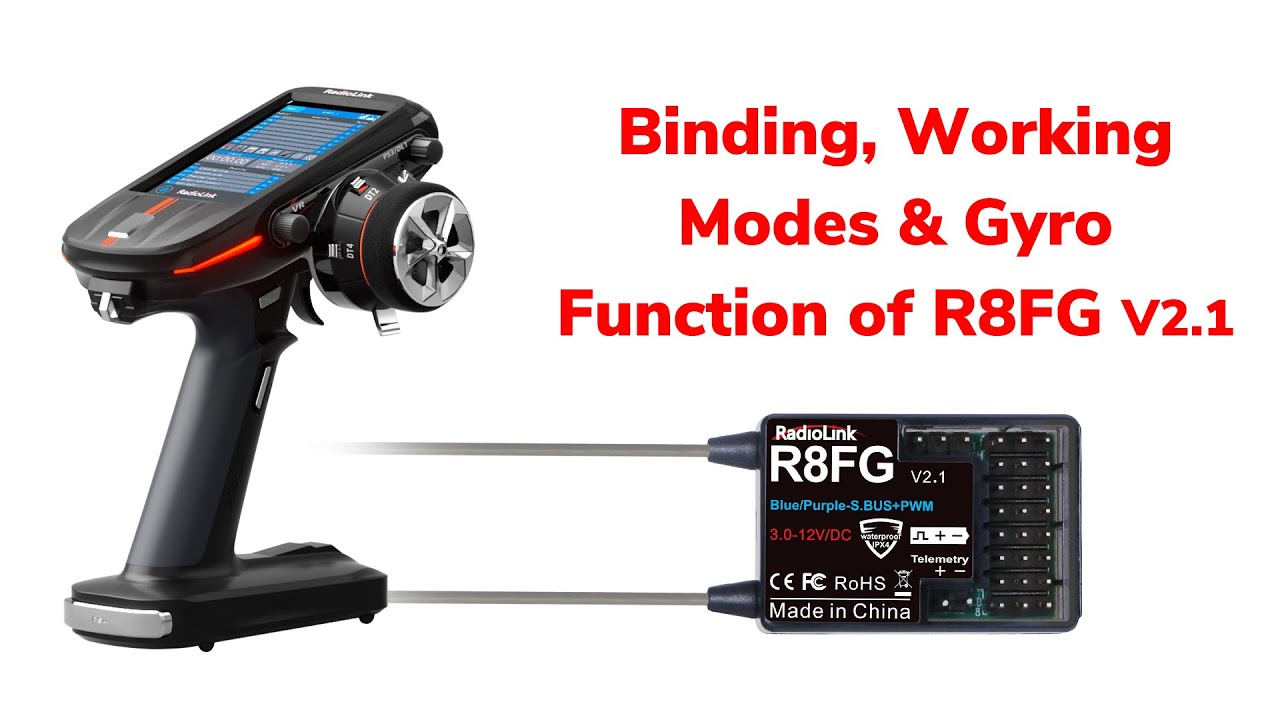
Binding, Working Modes & Gyro Function of R8FG V2.1
Автор: RadioLink
Загружено: 2023-06-03
Просмотров: 6876
Описание:
Binding, Working Modes & Gyro Function of R8FG V2.1
1.Binding.
RadioLink RC8X transmitter comes with a R8FG receiver. They are already bound by default. If you buy a new R8FG receiver, you need to bind them.
Before binding, please select correct receiver protocol in RC8X first.
Enter the "Basic Menu" - "Receiver setting" and then select FHSS V1 or FHSS V2 protocol. (FHSS V1 protocol PWM output resolution level is 2048. FHSS V2 protocol PWM output resolution level is 4096. FHSS V2 can achieve a more precise operation. )
Click "Receiver List" here to check your current receiver belongs to FHSS V1 or FHSS V2 protocol list. R8FG V1.0 supports FHSS V1 protocol, not FHSS V2. R8FG V2.0 and later versions support both FHSS V1 and FHSS V2 protocol. (R8FG V1.0 (production date before Feb. 6, 2023) only supports FHSS V1 protocol, not FHSS V2 protocol; R8FG V2.0 and later versions (production date on or after Feb. 6, 2023) support both FHSS V1 and FHSS V2 protocol.)
When FHSS V2 is selected, servo Speed will appear on the screen.
After the protocol is selected, bind them.
Power on the receiver.
Keep a distance of about 60cm between the transmitter and receiver.
(Note: Too close distance between them may cause signal block, which leads to unsuccessful binding or signal loss.)
There is a tiny black binding button on the side of the receiver. Press and hold it until the LED flashes fast.
The solid light of the receiver indicates the binding is complete, and the signal tower on the screen of the transmitter shows the binding is successful. Here it is. If binding fails, the LED of the receiver will keep flashing slowly, repeat the binding steps.
2.Working modes.
There are four working modes for R8FG V2.1, including ordinary PWM mode, SBUS mode, Gyro mode, Gyro + SBUS mode. You can confirm the current working mode by the LED Indicator Color of the receiver. It is green for PWM mode, red for gyro mode, blue for sbus mode, red and blue for Gyro + SBUS mode.
Short press the binding button once to turn on or turn off the SBUS.
The LED Indicator is green, ordinary PWM mode now. Short press the binding button once to turn on the SBUS. The color is changed from green to blue, which means it is SBUS mode now. Press the button once again to go back to PWM mode.
Short press the binding button 3 times fast to switch the gyro on and off.
The LED Indicator is green, ordinary PWM mode. Short press the binding button 3 times fast to turn on the gyro. The color is changed from green to red, gyro mode now. If you want Gyro+SBUS mode, press binding button once.
3.Gyro function.
R8FG is installed in a car now. Steering servo is connected to channel 1, and ESC to channel 2. The gyro function is already turned on by pressing the binding button 3 times fast. Red LED indicates that gyro is enabled.
After the gyro is on, you can check if the gyro direction is reversed.
Generally, when the gyro function is turned on, the wheel will turn left when the car is turned right, and the wheel will turn right when the car is turned left.
If the wheels move in reverse, press the binding button twice, the red LED flashes twice means the gyro reverse is corrected. (Gyro phase switch: Short press the binding button twice within 2 seconds to switch the gyro phase.)
When using R8FG with RC8X, gyro sensitivity can be adjusted by DL1 in channel 8 by default. Enter Mixing setting--Gyro mixing. Channel 8, and Gain switch is DL1, you can also assign another channel or switch to control or adjust the sensitivity. Turn DL1 to adjust it or press plus/minus button here to adjust the sensitivity. The gyro gain can also be adjusted and viewed in the home page.
For more details of RadioLink RC8X:
https://www.radiolink.com/rc8x
For more details of RadioLink R8FG:
https://www.radiolink.com/r8fg
Purchase link of RadioLink RC8X:
https://www.radiolink.com/rc8x_where_...
Purchase link of RadioLink R8FG:
https://www.radiolink.com/r8fg_where_...
You can send mails to [email protected] if you have any questions during using our products.
#fpvracing #fpv#rctransmitter #radiolink #rc8x#trending#challenge
Повторяем попытку...
Доступные форматы для скачивания:
Скачать видео
-
Информация по загрузке:


