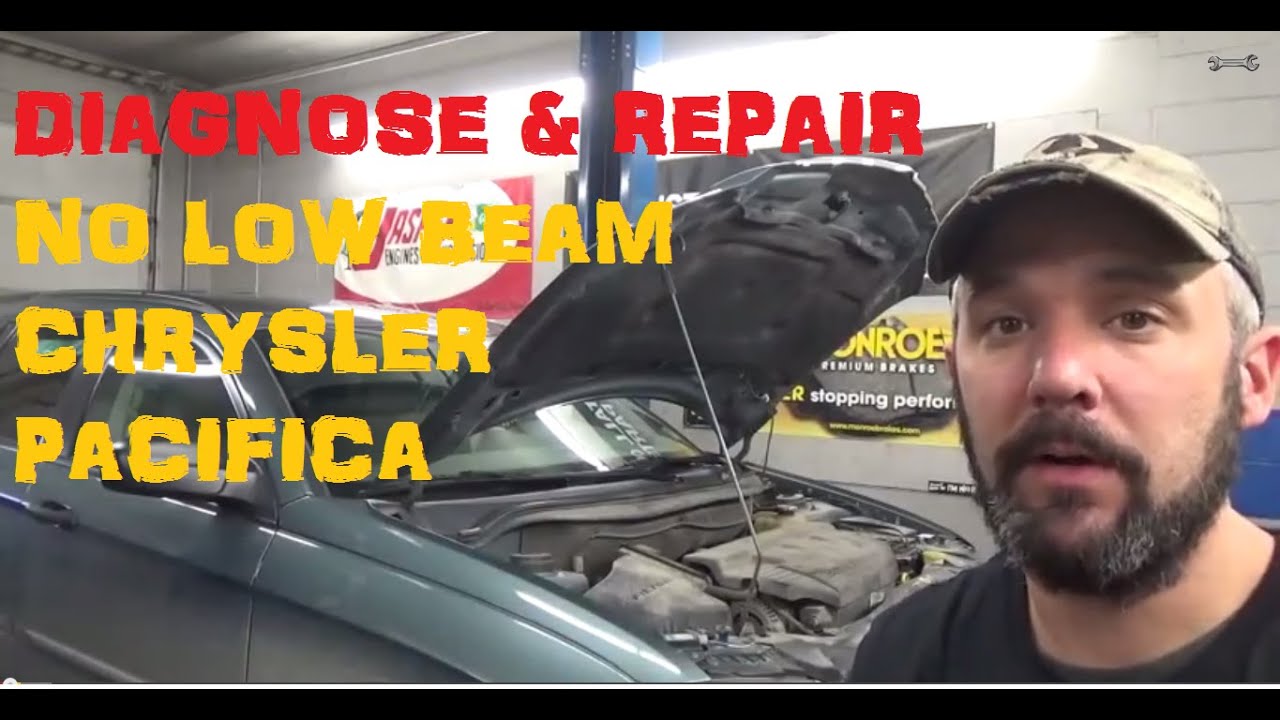
Chrysler Pacifica Serpentine Belt Replacement (2004-2008) | Serpentine Belt Diagram & Step-by-Step
Автор: Sell Those Flipping Cars
Загружено: 2020-06-02
Просмотров: 22586
Описание:
Is your Chrysler Pacifica squealing on startup, or did your power steering just get heavy? A worn or snapped serpentine belt (drive belt) can leave you stranded or cause your engine to overheat. The real nightmare, though, is getting the new belt back on once the old one is off—without a clear diagram, it’s like a 6-foot rubber puzzle.
In this guide, I show you exactly how to replace the serpentine belt on a 2007 Chrysler Pacifica. I walk you through the "surgery" of removing the inner fender liner (splash guard) to get access to the crank pulley and tensioner. Most importantly, I provide a clear visual of the Serpentine Belt Diagram, so you aren't guessing which way the belt wraps around the AC compressor and alternator.
I show you the "two-tool" trick: using a 19mm socket for the tensioner and exactly how to leverage it in that tight engine bay. I also share a pro-tip on how to inspect your idler pulleys while the belt is off—if they spin too freely or make a "skating" sound, they’re about to fail and take your new belt with them.
Before you pull the old belt off, take a picture with your phone! Even with my diagram, having a photo of your specific pulley setup is the ultimate insurance policy. Also, make sure the belt is seated perfectly in the grooves of every pulley before you start the engine, or it’ll shred instantly.
Tools & Parts Used
Replacement Serpentine Belt (Mopar Fit): https://amzn.to/4aFO417
19mm Deep Well Socket & Breaker Bar: https://amzn.to/4l1IV71
Tresalto Trim Tool Set (For Fender Clips): https://amzn.to/3ZVyBnp
Mechanic's Work Light: https://amzn.to/4tZe8M9
Don't let a squeaky belt turn into a broken car. Join the Wrench Army by hitting Subscribe for more DIY guides that keep your family’s van (and your wallet) in top shape.
#ChryslerPacifica #SerpentineBelt #BeltReplacement #WrenchArmy #DIYAutoRepair #Mopar #CarMaintenance #AutoTutorial
-----------------------Contents of Video----------------------------
[00:00] Introduction to 2007 Chrysler Pacifica Serpentine Belt
[01:03] Why your Serpentine Belt is a "Life Line" (Signs of Wear)
[01:54] Step 1: Jacking up the vehicle & Safety
[02:14] Step 2: Removing the Passenger Side Tire
[03:52] Accessing the Wheel Well & Fender Liner
[05:36] Locating the Serpentine Belt Tensioner
[06:43] Cleaning Belt Debris & Oil Leak Warnings
[08:02] Engine Bay Tour: Pulley & Alternator Layout
[09:41] SERPENTINE BELT DIAGRAM (On-Screen Graphic)
[15:02] Installing the New Belt & Double-Checking Your Work
[15:47] Pro-Tip: Seating the Belt correctly in the Grooves
[17:35] Final Summary & Closing Advice
→ Become a Sellthoseflippingcars Subscriber: / sellthoseflippingcars
→ Pinterest: / sellthoseflippingcars
→ Facebook: / sellthoseflippingcars
→ Website: http://sellthoseflippingcars.com
→ My Channel Home Page: / sellthoseflippingcars
→Business Enquiries send to:
[email protected]
*If the video was helpful, remember to give it a "thumbs up" and consider subscribing.*
Disclaimer:
Due to factors beyond the control of Sellthoseflippingcars, I cannot guarantee against improper use or unauthorized modifications of this information. Sellthoseflippingcars assumes no liability for property damage or injury incurred as a result of any of the information contained in this video. Use this information at your own risk. Sellthoseflippingcars recommends safe practices when working on vehicles and or with tools seen or implied in this video. Due to factors beyond the control of Sellthoseflippingcars, no information contained in this video shall create any expressed or implied warranty or guarantee of any particular result. Any injury, damage, or loss that may result from improper use of these tools, equipment, or from the information contained in this video is the sole responsibility of the user and not Sellthoseflippingcars.
Повторяем попытку...

Доступные форматы для скачивания:
Скачать видео
-
Информация по загрузке: