How to Compare Business Scenarios in Excel (Best vs Worst Case Model)
Автор: Analytics With Tayyab
Загружено: 2026-02-14
Просмотров: 43
Описание:
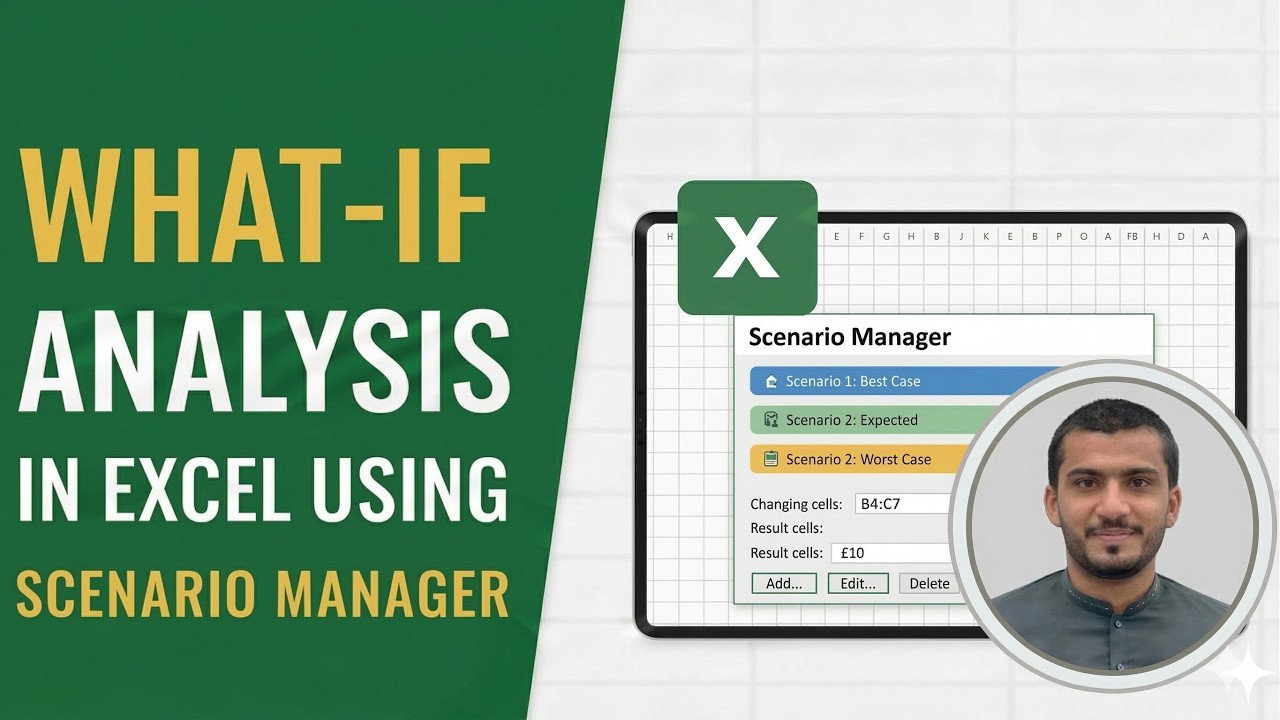
Learn how to use Scenario Manager in Excel to compare best case, worst case, and most likely business scenarios using a real revenue forecasting model.
File: https://drive.google.com/drive/folder...
In this video, I’ll show you how data analysts and business teams use Excel’s What-If Analysis → Scenario Manager to evaluate different pricing and growth strategies side by side - without breaking formulas or copying values manually.
Using the same SaaS subscription revenue model from the previous videos, you’ll learn how to:
Build multiple business scenarios
Change multiple inputs at once (price and users)
Compare revenue outcomes across scenarios
Create a professional Scenario Summary Report for management
This tutorial focuses on real decision-making, not just Excel buttons. If you’ve ever been asked to compare best case, worst case, and realistic outcomes in meetings, this video shows the clean and correct way to do it in Excel.
🔗 Related Playlists
▶ Excel Analytics Playlist: • Excel Analytics
▶ Power BI Analytics Playlist: • Power BI Analytics
Timestamps
00:00 – When to use Scenario Manager
00:46 – Revenue model recap
01:08 – Creating the Worst Case scenario
02:15 – Creating the Most Likely scenario
02:45 – Creating the Best Case scenario
03:20 – Switching between scenarios
04:10 – Creating Scenario Summary Report
04:55 – Key takeaways
Hashtags
#Excel #ScenarioManager #WhatIfAnalysis #BusinessAnalytics #RevenueForecasting #ExcelForDataAnalysts #FinancialModeling #ScenarioAnalysis #ExcelTips #DataAnalytics
Повторяем попытку...
Доступные форматы для скачивания:
Скачать видео
-
Информация по загрузке: