Scanning and Processing Workflow of the Einscan Rigil
Автор: PrintedForFun
Загружено: 2026-03-01
Просмотров: 118
Описание:
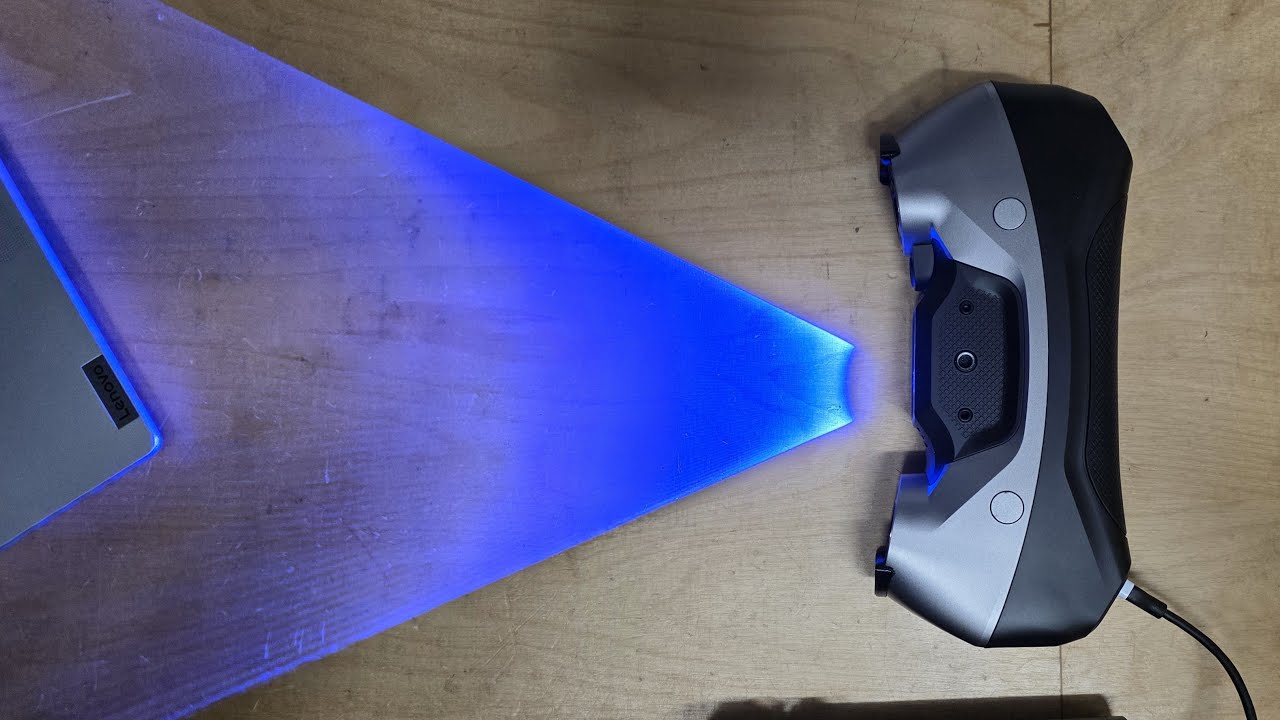
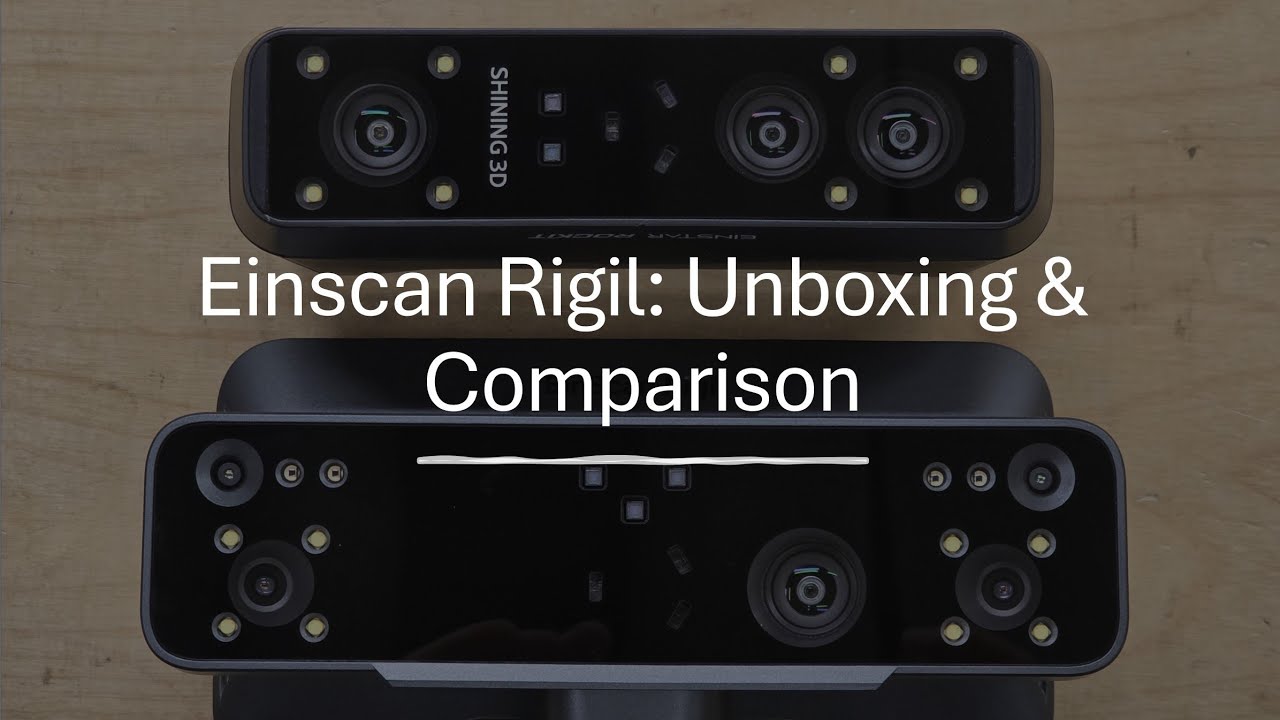
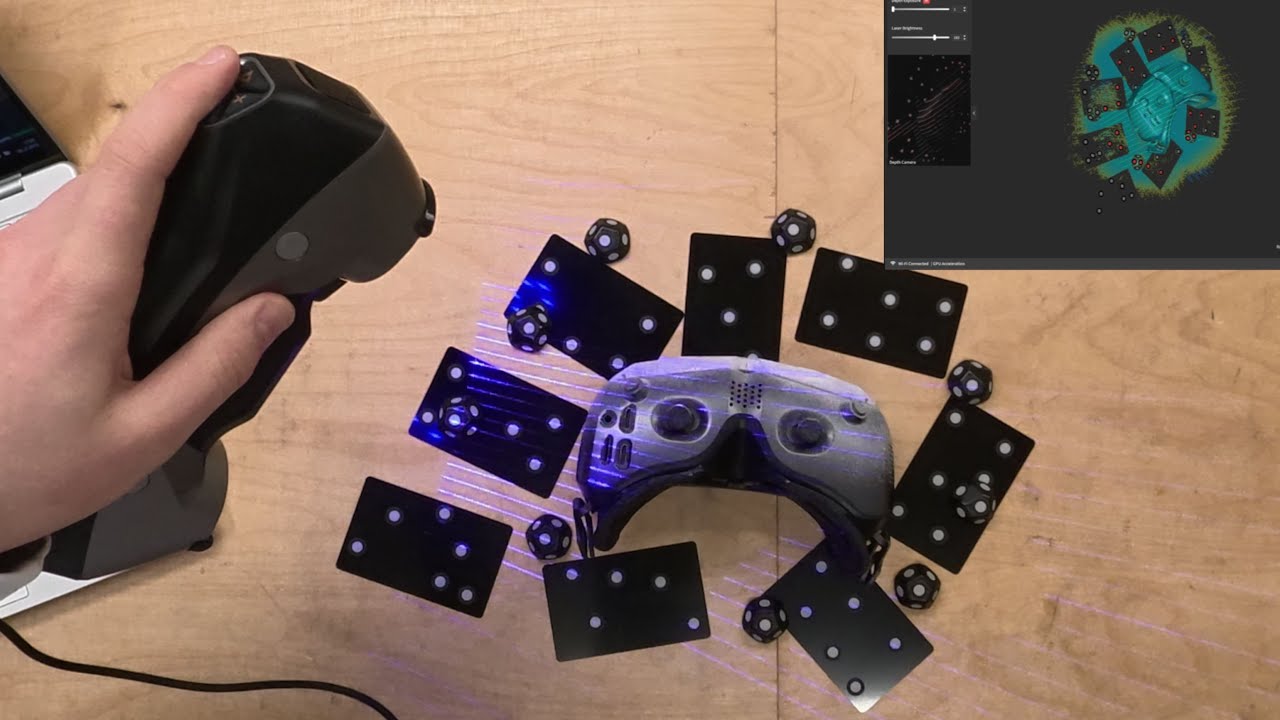
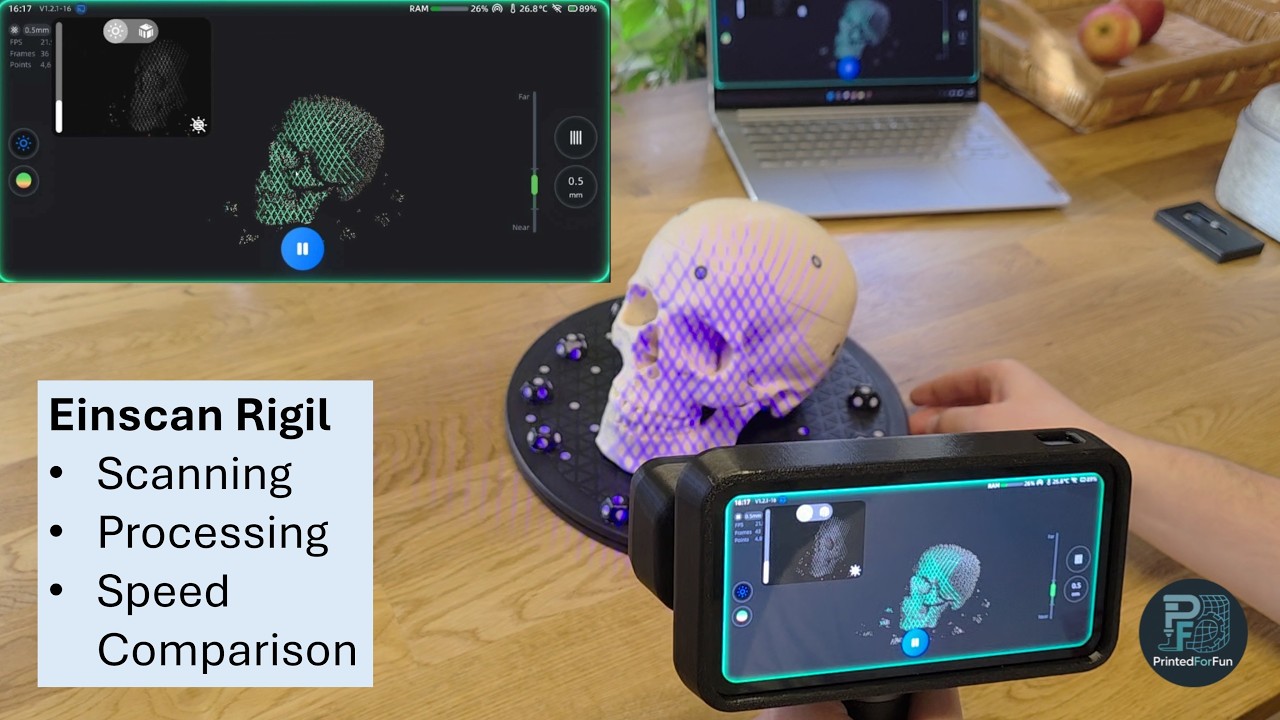
This video shows you the whole scanning and processing workflow of the Einscan Rigil. Starting with the setup of the scan object (my trusty anatomical skull), then moving to choosing the right scan settings and scanning in all different scan modes (laser, markerless laser and IR) with all their quirks and points you have to look out for. After scanning the data needs to be processed for which there are two options: standalone processing on the Rigil itself with alignment, point cloud generation and meshing and the same steps on my powerful workstation to compare processing speed and get a feeling for the speed difference (spoiler: ExScan Rigil inhales all 32 threads with ease which is a goof thing for processing speed). Lastly we'll have a look at the different scans after post-processing (or more concrete the differences due to processing) as well as a high resolution scan of the skull.
Hope you enjoy, feedback is always welcome.
#einscan #3dscanning #shining3d
Timestamps:
0:00 Intro
1:06 Scan Setup
3:07 Using Screen Casting
5:29 IR Scan Settings
9:56 IR Scanning
10:38 Markerless Laser Scanning
13:04 Be aware: Don't move object while scanning
14:14 Regular Laser Scan Part 1
16:23 Regular Laser Scan Part 2
18:59 Editing
19:47 Fusion
20:14 Alignment of multiple scans
22:04 Meshing
23:29 Coordinate System Alignment
25:14 Exporting mesh and project
29:24 PC Processing
32:39 Processing Speed Comparison
33:24 Coordinate System Alignment on PC
33:24 Comparing Processed Scans
Повторяем попытку...
Доступные форматы для скачивания:
Скачать видео
-
Информация по загрузке: