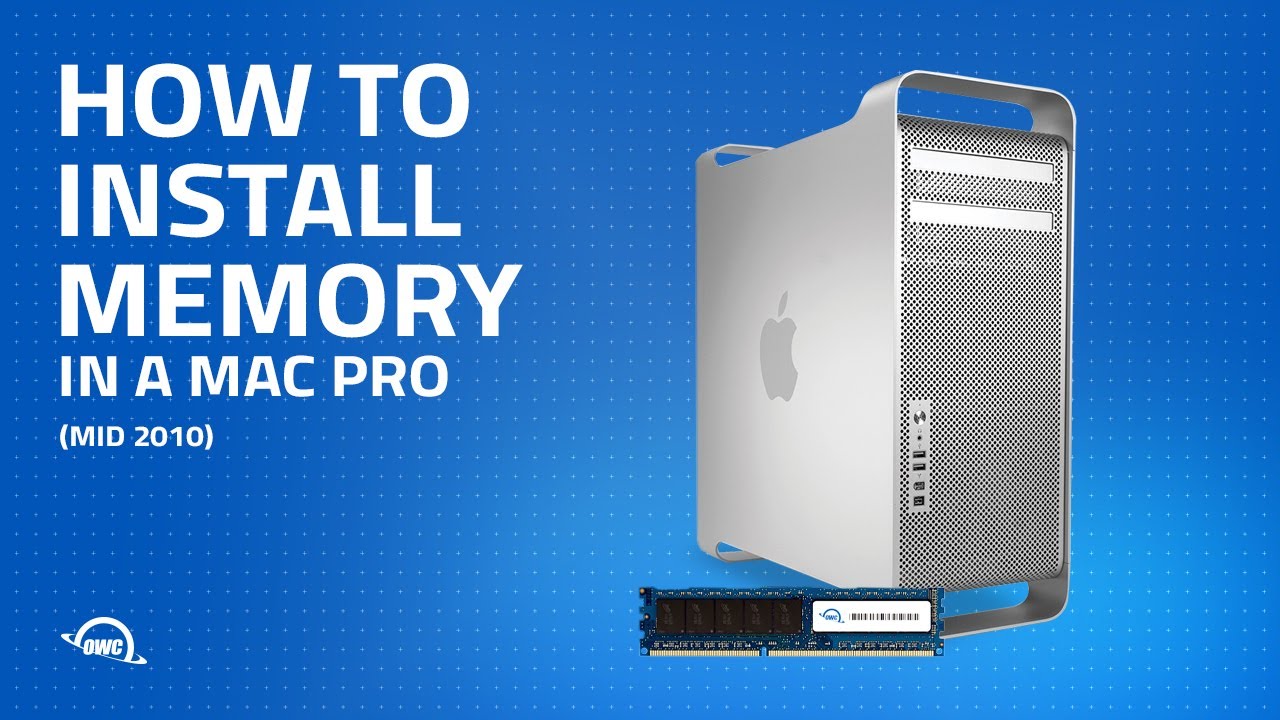
How to Install Memory in a Mid 2010 Mac Pro Tower MacPro5,1
Автор: Other World Computing
Загружено: 2010-09-14
Просмотров: 51733
Описание:
Experience the true speed of your 2010 Mac Pro with OWC Memory upgrades from MacSales.com. The 2010 Mac Pro has up to 8 memory slots that can handle up to 128GB of memory.
This step-by-step video shows how to install memory in both single-processor and dual-processor 2009 Mac Pro models with Model ID: MacPro5,1.
Shop memory upgrade kits for 2010-2012 Mac Pro here:
https://eshop.macsales.com/shop/memor...
Shop all memory for Mac Pro here:
https://eshop.macsales.com/shop/memor...
Video Jump Points:
00:00 – Title, Notes, Difficulty Level, and Tools Required
00:39 – Introduction / Overview
01:08 – Part 1 – Accessing the Memory
01:40 – Part 2 – Installing the Memory
03:37 – Part 3 – Checking the Installation
04:37 – Experience the OWC Difference
Повторяем попытку...
Доступные форматы для скачивания:
Скачать видео
-
Информация по загрузке:




![The Ultimate 2010 Mac Pro Upgrade in 2020 [Part 1]](https://imager.clipsaver.ru/e8cmfjSP3qM/max.jpg)