💻 SQL Accounting Tutorial: How to Record Supplier Payment
Автор: EIST | SQL & E-Invoice Malaysia Tutorials
Загружено: 2025-11-09
Просмотров: 576
Описание:
In this video, I’ll show you how to record a Supplier Payment in SQL Accounting software.
This feature helps you manage your outgoing payments and track unpaid supplier invoices efficiently. 💡📘
🧾 Steps to Record Supplier Payment:
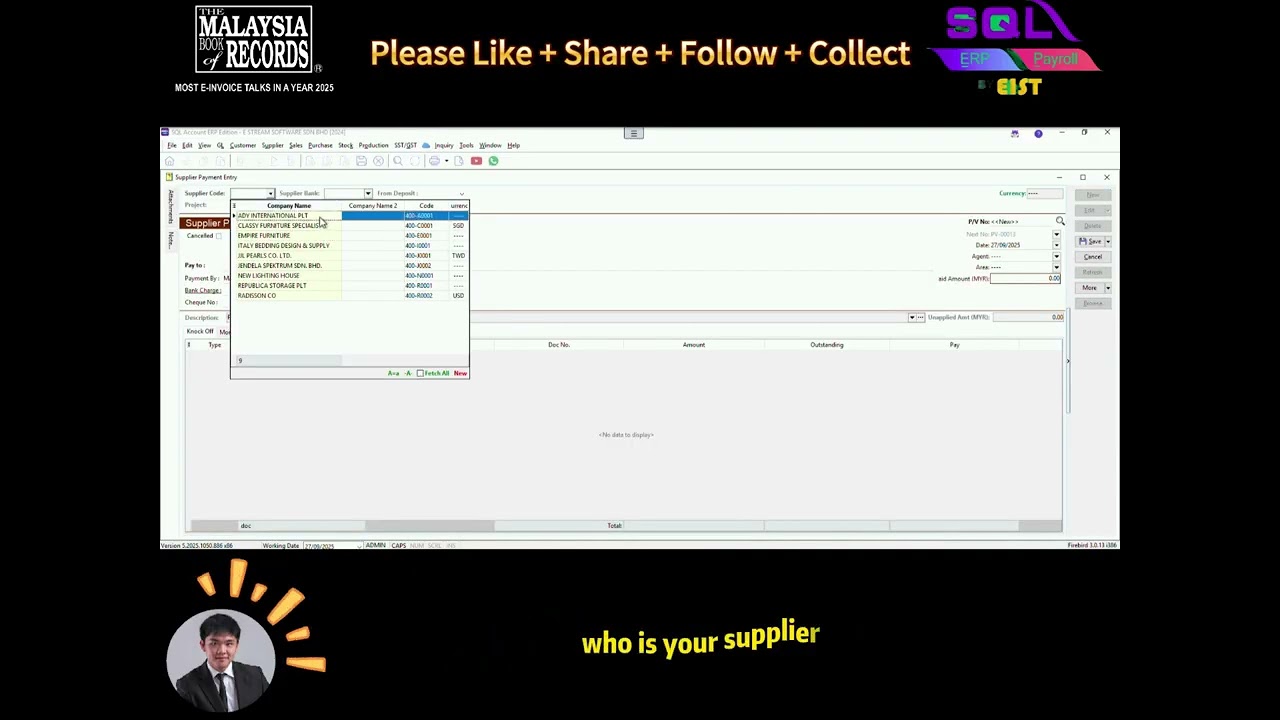
1️⃣ Go to Supplier Payment
2️⃣ Select the Supplier Code
3️⃣ Choose the correct Payment Method (e.g. cash, cheque, bank transfer)
4️⃣ If applicable, enter the Cheque Number or reference details
5️⃣ Enter the Paid Amount in the relevant field
6️⃣ Match the payment against the outstanding supplier invoices (Knock Off)
✨ If the supplier previously received an Advance Payment:
When you select the supplier code, the system will automatically display the corresponding Advance Payment Document.
Select it, and the system will automatically bring the amount into the Paid Amount field.
Use the same method to knock off the invoices.
If there’s still a remaining balance, you can continue using it to offset other unpaid invoices later.
✅ Once you’ve completed all these steps, you’ve successfully recorded a Supplier Payment in SQL Accounting!
👉 If you found this video helpful, don’t forget to Like 👍, Subscribe 🔔, and Share 📤 for more SQL Accounting tutorials!
#accountingsoftware #eist #tutorial #sqlaccounting #supplier #supplierinvoice #supplieroutstanding
Повторяем попытку...
Доступные форматы для скачивания:
Скачать видео
-
Информация по загрузке: