📊 SQL Accounting Tutorial Part 5: How to Do Bank Reconciliation (Manual Way)
Автор: EIST | SQL & E-Invoice Malaysia Tutorials
Загружено: 2025-08-17
Просмотров: 468
Описание:
Welcome back to our SQL Accounting tutorial series!
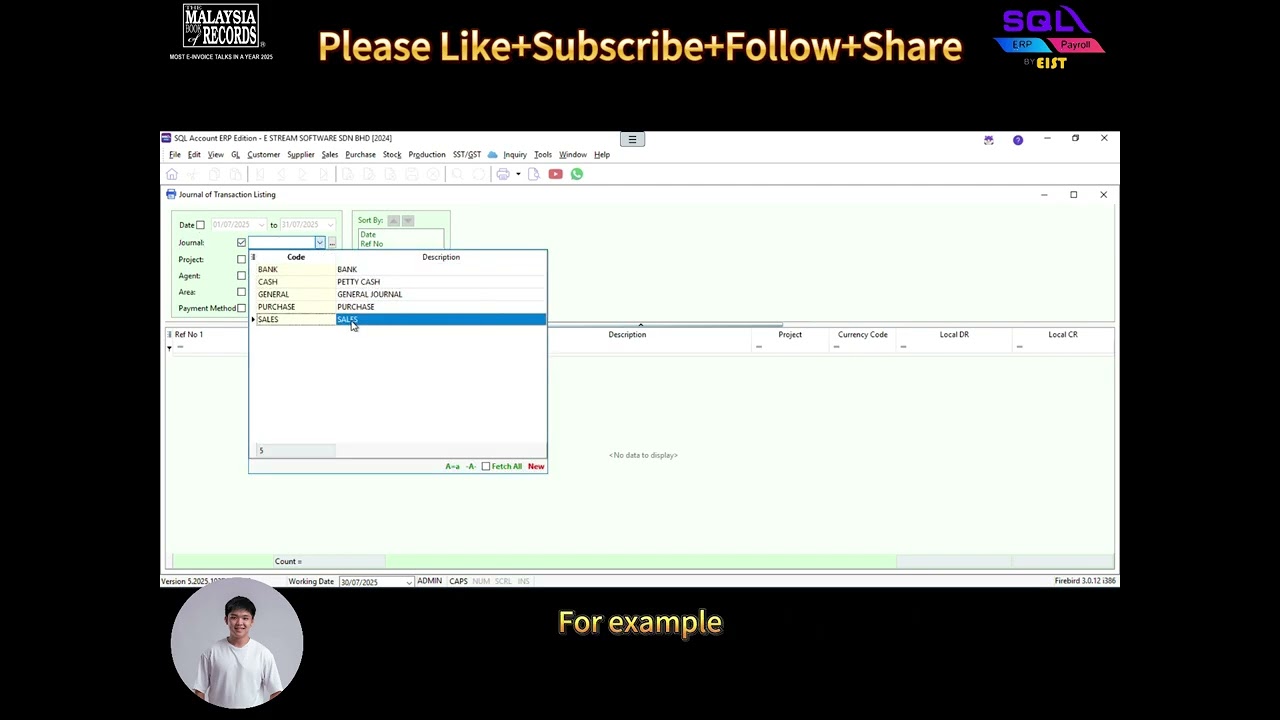
In the previous video, we looked at the Journal of Transaction Listing report.
Today, we’re moving on to Bank Reconciliation inside SQL Accounting.
There are basically two ways to do this:
1️⃣ Manual way – knockoff transactions one by one.
2️⃣ Automated way – upload your PDF bank statement.
Where we will include the detailed way on how to do it in this link:
👉 In this video, we’ll focus on the manual way.
Here’s how it works:
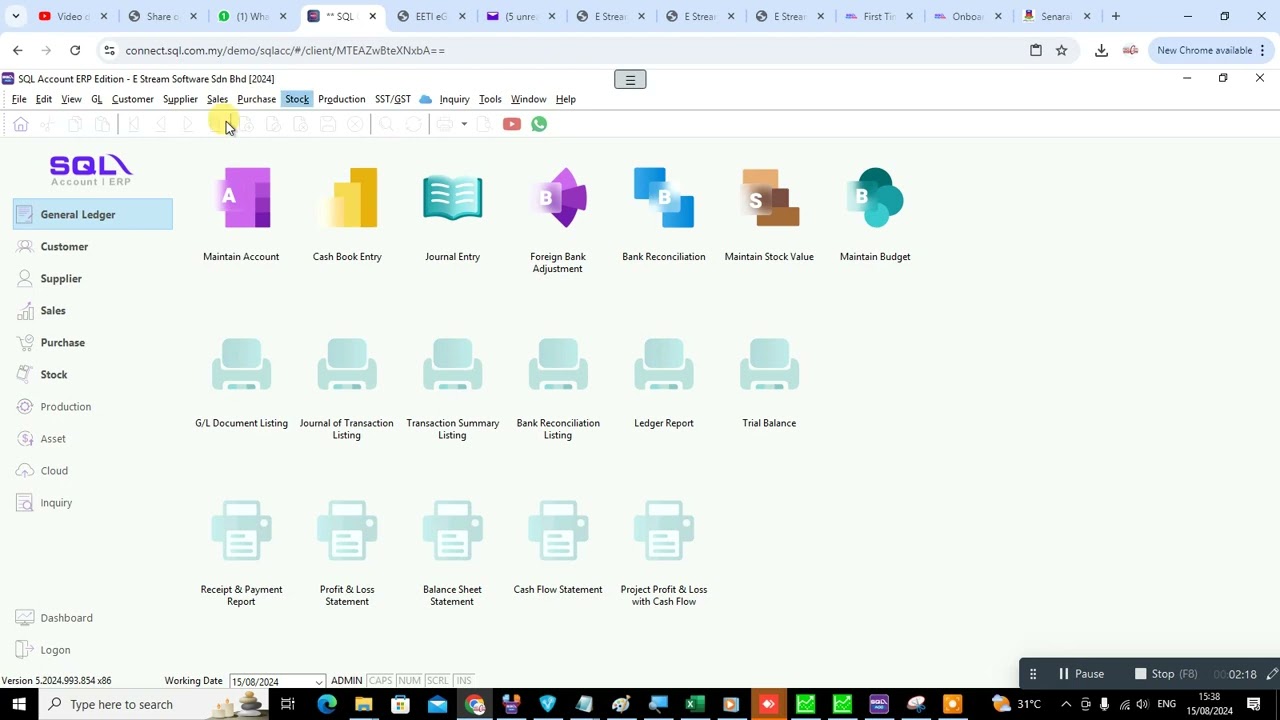
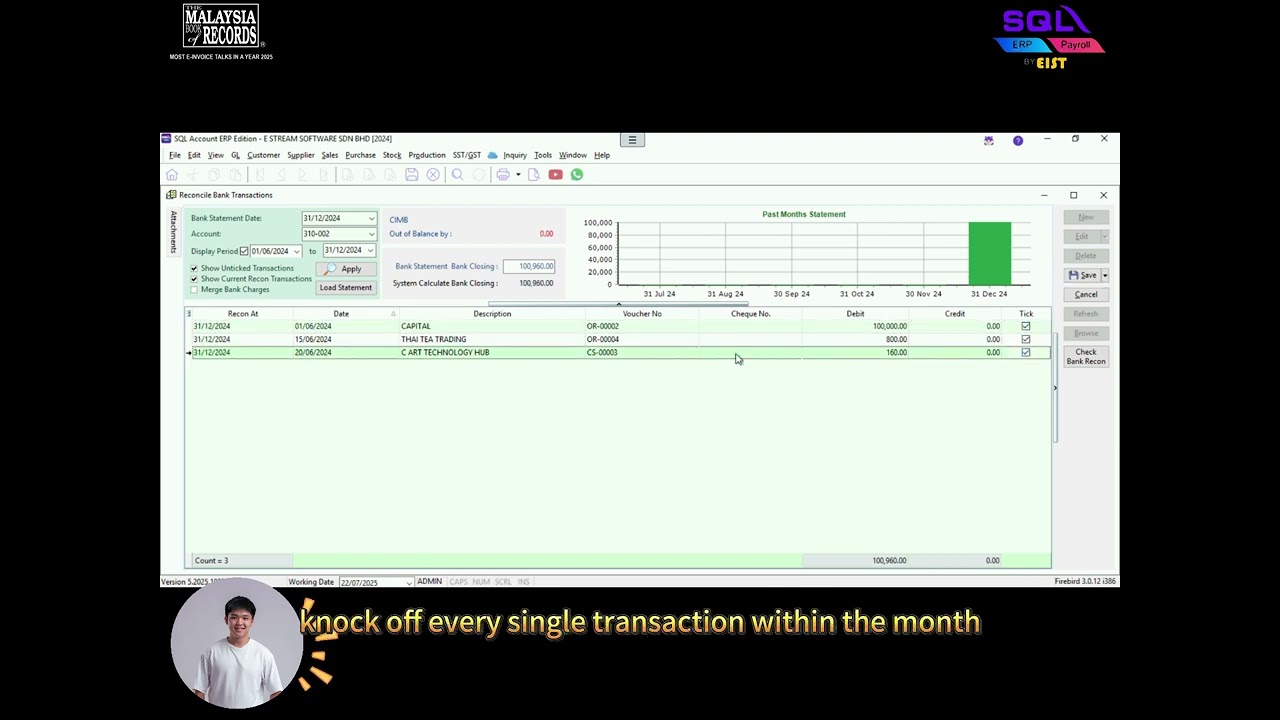
✅ Step 1: Go into the Bank Reconciliation area 🏦.
✅ Step 2: Select the correct transaction date 📅.
✅ Step 3: Choose the bank account you want to reconcile 💳.
✅ Step 4: Press Apply 🔍 – this will show all transactions within the selected period.
✅ Step 5: Look at the Closing Balance area, and key in the total amount shown in your bank statement 📝.
✅ Step 6: You’ll see an Out of Balance amount ⚖️. Start ticking ✅ the transactions that match your bank statement.
✅ Step 7: Once your Out of Balance value becomes 0 🎉 – it means the transactions inside SQL are tally with your Bank Statement.
That’s it! You’ve successfully done a manual bank reconciliation in SQL Accounting.
If you found this helpful, don’t forget to Like 👍, Subscribe 🔔, and Share this video to support us.
#sqlaccounting #tutorial #electronicdocument #electronicinvoice #eist #einvoicing #accountingsoftware #bankreconciliation #bankreconciliationstatement
Повторяем попытку...
Доступные форматы для скачивания:
Скачать видео
-
Информация по загрузке: