NotebookLM Updates-Edit your Slides & Save As PPT
Автор: Russell Stannard (TTVideos)
Загружено: 2026-02-21
Просмотров: 4262
Описание:
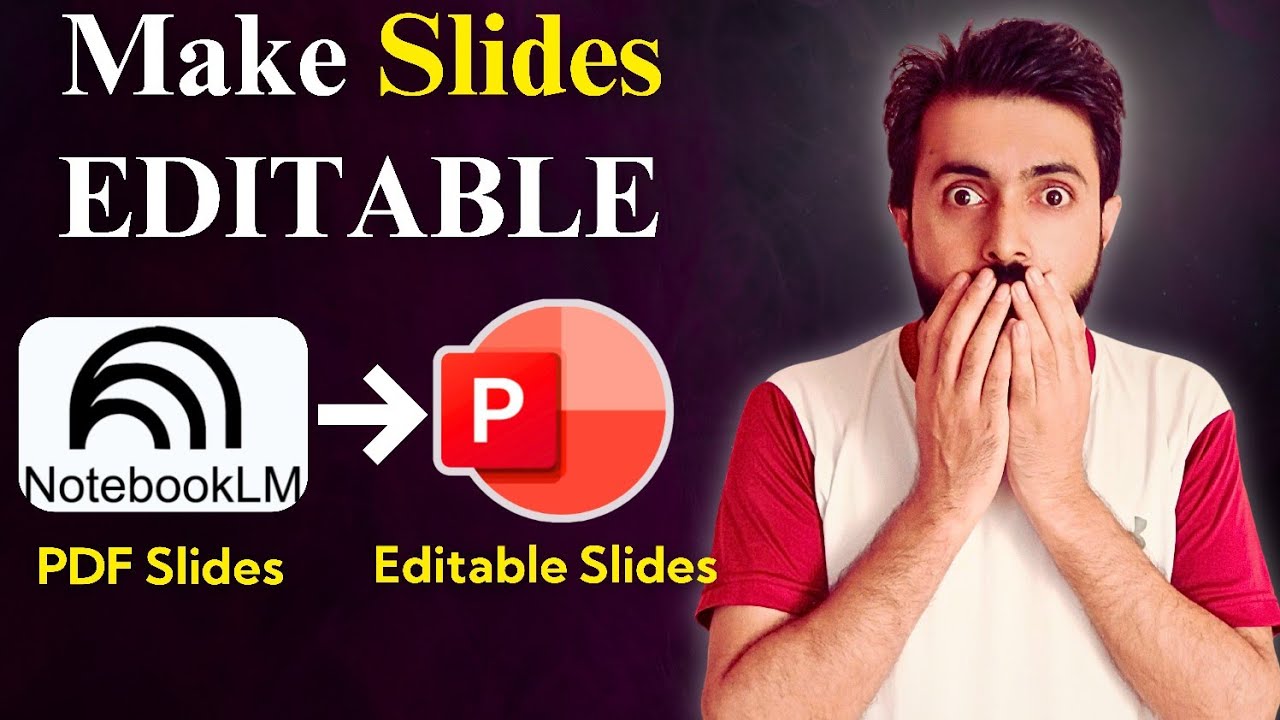
You can now edit your NotebookLM slides and Save them as PowerPoint slides.
Join Russell's newsletter
https://forms.aweber.com/form/61/7630...
Russell's website
https://www.teachertrainingvideos.com/
00:00 NotebookLM Slides Updates
00:47 Use the menu
04:01 Marker 9
04:28 Getting photo realistic pictures in your NotebookLM Slides
04:50 Editing your NotebookLM Slides
07:17 Saving as PPT
08:16 Study with Russell
Notebook LM slides into PowerPoint massive update! If you have been waiting for an easier way to build presentations, this very recent update is exactly what you need. In this video, I take you through all the key things you need to know about generating slides in NotebookLM and exporting them directly to PowerPoint.
First, I quickly highlight the most important changes. A lot of people are asking where the presentation content actually comes from. I explain whether NotebookLM finds the information for you or if you need to provide the sources yourself. I then show you exactly how to decide on and select the specific sources you want to use before you even start generating content.
Next, we dive into the new slide feature. I show you how to be very specific about the type of slides you want to produce. You will learn how to click the button and give exact instructions to specify whether you want the slides to be focused, realistic, or centered around a certain feature. Giving the AI clear instructions is the best way to get the exact presentation you want.
After that, I show you how to edit your slides once they have been generated. I share a crucial tip to save you time: it is a very good idea to make all the changes and prompt adjustments to your individual slides first before you remake or regenerate the entire set of slides.
Finally, I show you the most highly requested feature: how to save your slides directly to PowerPoint. In the past, getting NotebookLM slides into a PPTX file was actually quite difficult and required messy workarounds, but now you can do it in an instant.
Watch the full tutorial to master the new NotebookLM update and speed up your slide generation workflow!
Would you like me to help brainstorm some catchy, high-converting titles or thumbnail ideas to go along with this description?
Notebook LM PowerPoint Editing Hack
This tutorial explores a very similar workflow regarding the recent update, making it a great reference point for how other creators are showcasing the new PowerPoint export and slide-editing features.
Повторяем попытку...
Доступные форматы для скачивания:
Скачать видео
-
Информация по загрузке: