SadoTech Doorbell Starpoint Gen1 (Long Range) - Setup Installation
Автор: SadoTech.com
Загружено: 2015-02-03
Просмотров: 65872
Описание:
L Series - formerly known as X series.
Setup Instructions for Starpoint (Models before September 2015)
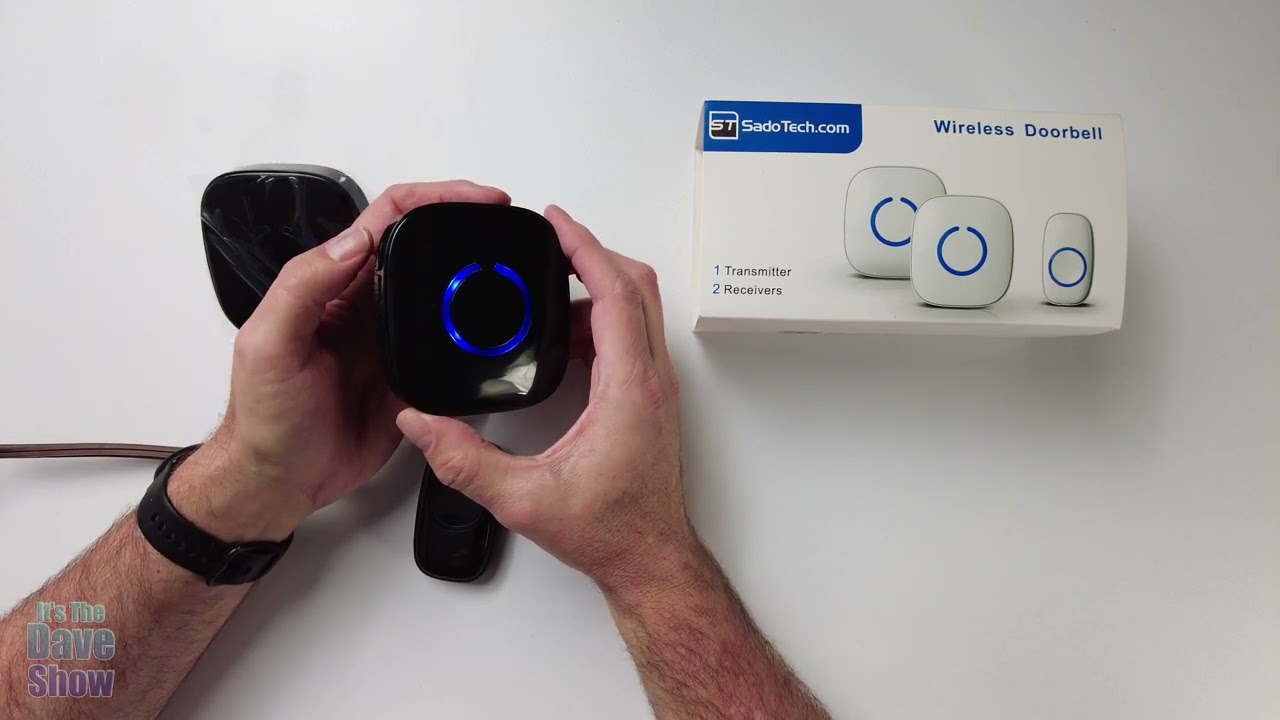
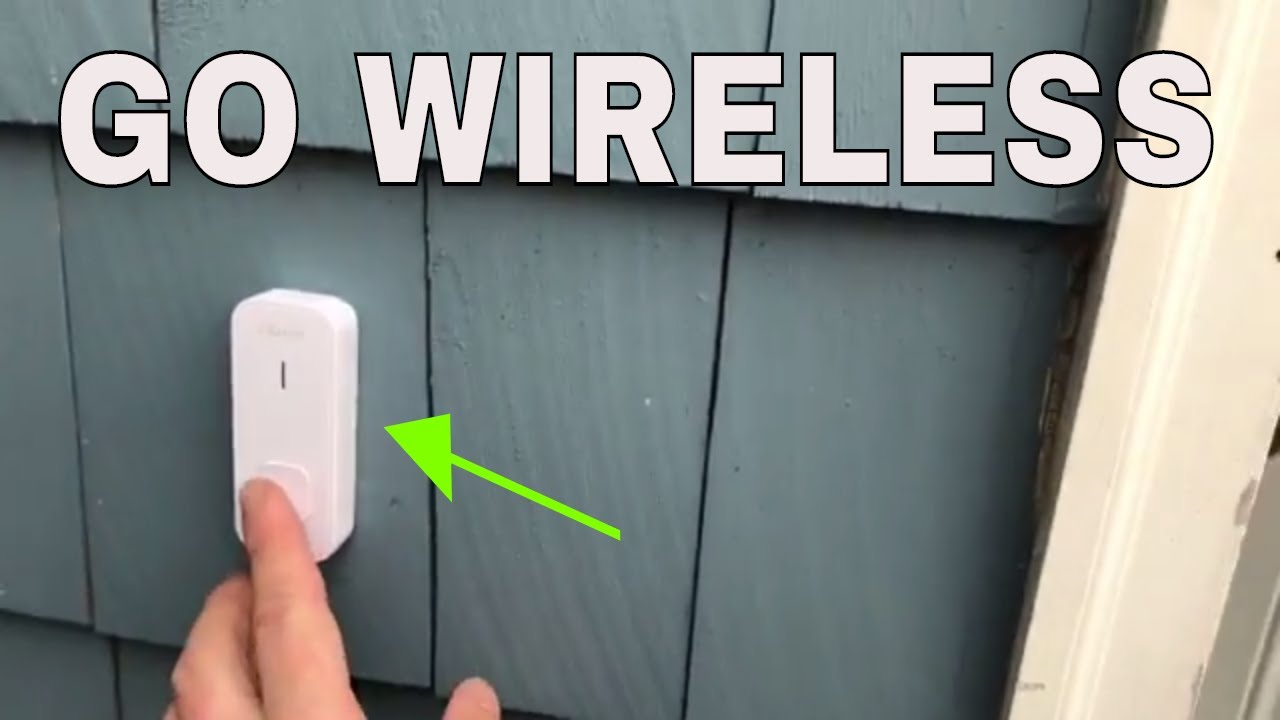
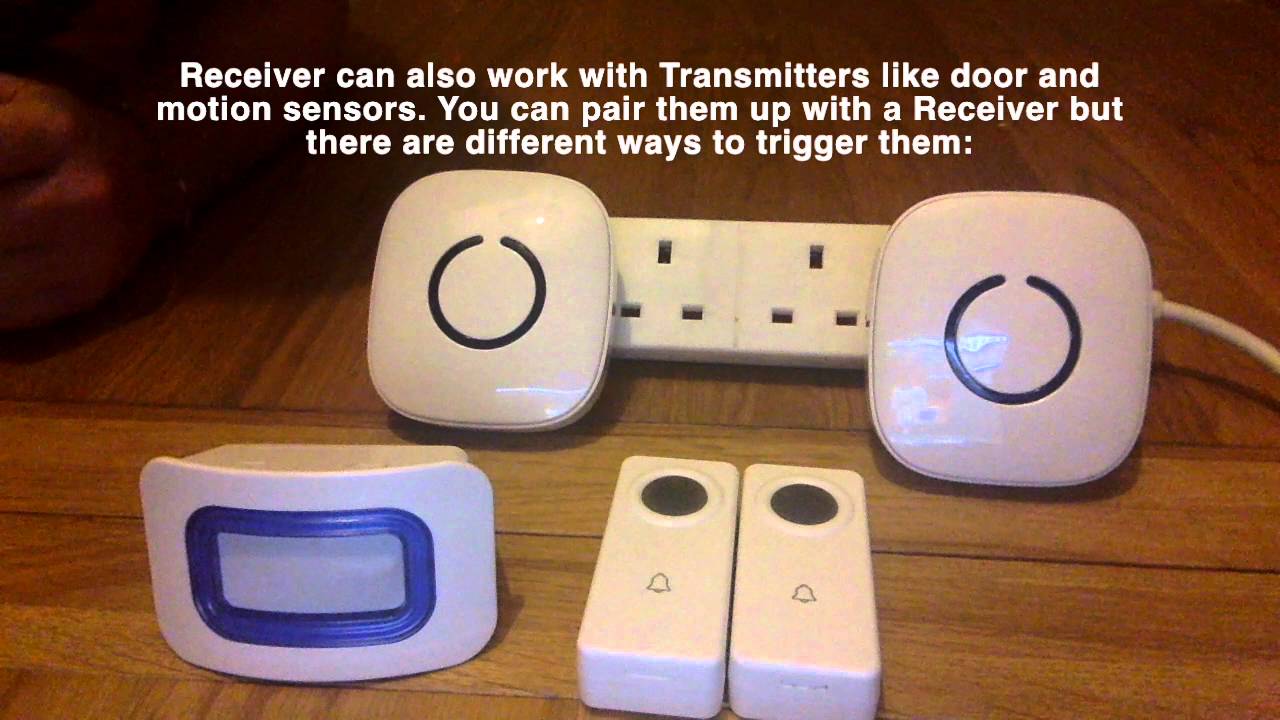
There are 3 receivers, 3 buttons and 1 motion sensor for the driveway. Assuming we have 3 rooms and 3 entry ways, we want each button to ring the same tone. Each button will ring a different tone but the same tone across all receivers.
Now each button has a volume changer and a melody changer. Pressing the volume changer for a few seconds enters you into configuration mode, the melody changer pressing it for 5 seconds will clear all the memory settings and brings you back to the ‘Ding Dong’.
First, bring all the receiver into learning mode. Find the desired melody, the one I like [choose a ring tone]. Now that I found it, I will pair up the button to the receivers by just pressing it. Now this button is paired up across all three. I get out of the configuration mode by pressing the volume changer until the light goes off. This is paired up now so this works across this one.
I'm going to go into the configuration mode again and set the second doorbell button. I find the desired different melody and then I pair up the second button with the receivers, and now that is set. I get out of the configuration mode. Now this is all set.
Then the third button, I go into configuration mode again for all the receivers by pressing the volume changer button and I find the desired melody. Now that I found my desired melody, I can pair it by initializing it. Now I get out of the configuration mode by pressing the volume changer button again. I'm out of there. This is all set and now we have the buttons all set.
The last one is the motion sensor, I will set that. It's the same thing, go into the configuration mode for all the doorbells and you just have to trigger the motion sensor. (I forgot to change the melody on the motion sensor so I just did that). Now let's try it again. It is now set so let's get out of the configuration mode and that should be set for the motion sensor. Now that you have it all, all the transmitters, receivers and sensor motion should work, that's all set.
To clear back to the ‘Ding Dong’, which is the very first ring on the receiver units, all you have to do is press the melody changer 5 seconds so it resets it. Then the first one that you press, transmitter or sensor that you trigger first, will bring you back to the ‘Ding Dong’. I do that sometimes just to clear the memory, which brings me back to the very first ring because I don't like to cycle through 50 ring tones, and that's just easier sometimes to find the right doorbell tone that you want.
There you have, it should be pretty easy.
Повторяем попытку...

Доступные форматы для скачивания:
Скачать видео
-
Информация по загрузке:









![Best Doorbell Cameras of 2024 [don’t buy one before watching this]](https://imager.clipsaver.ru/rDYRSKJ1rfw/max.jpg)
