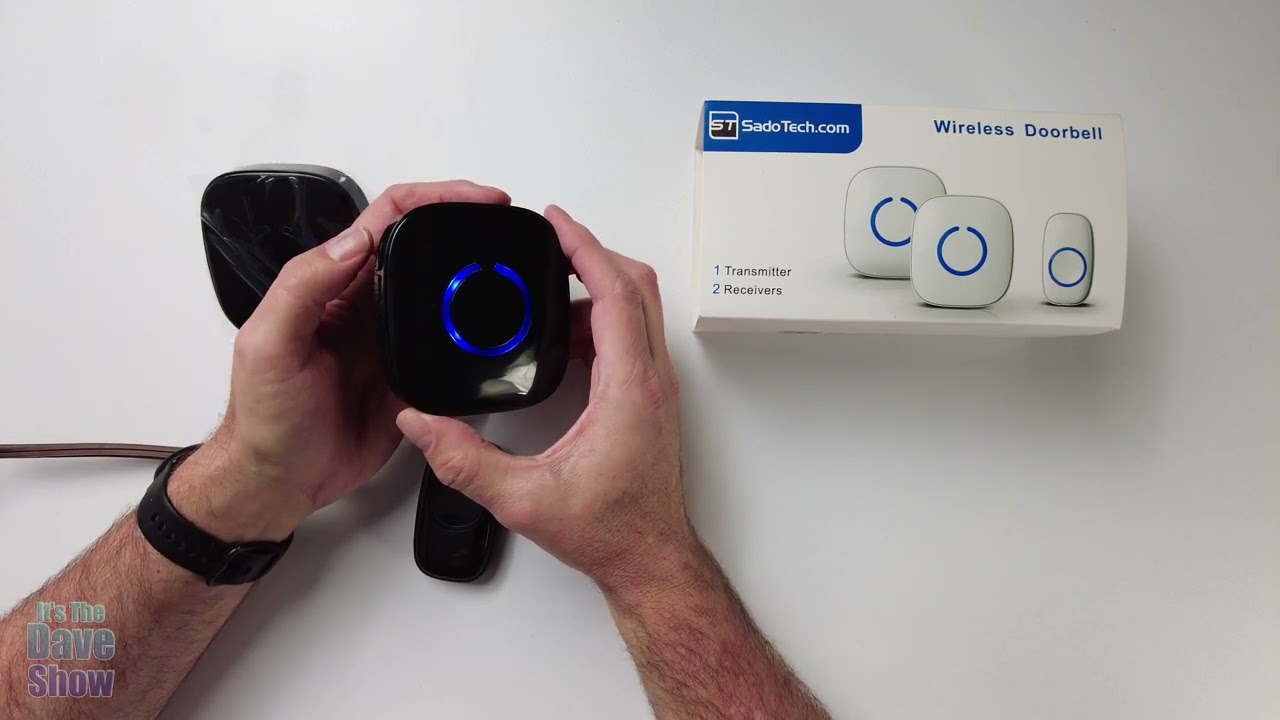
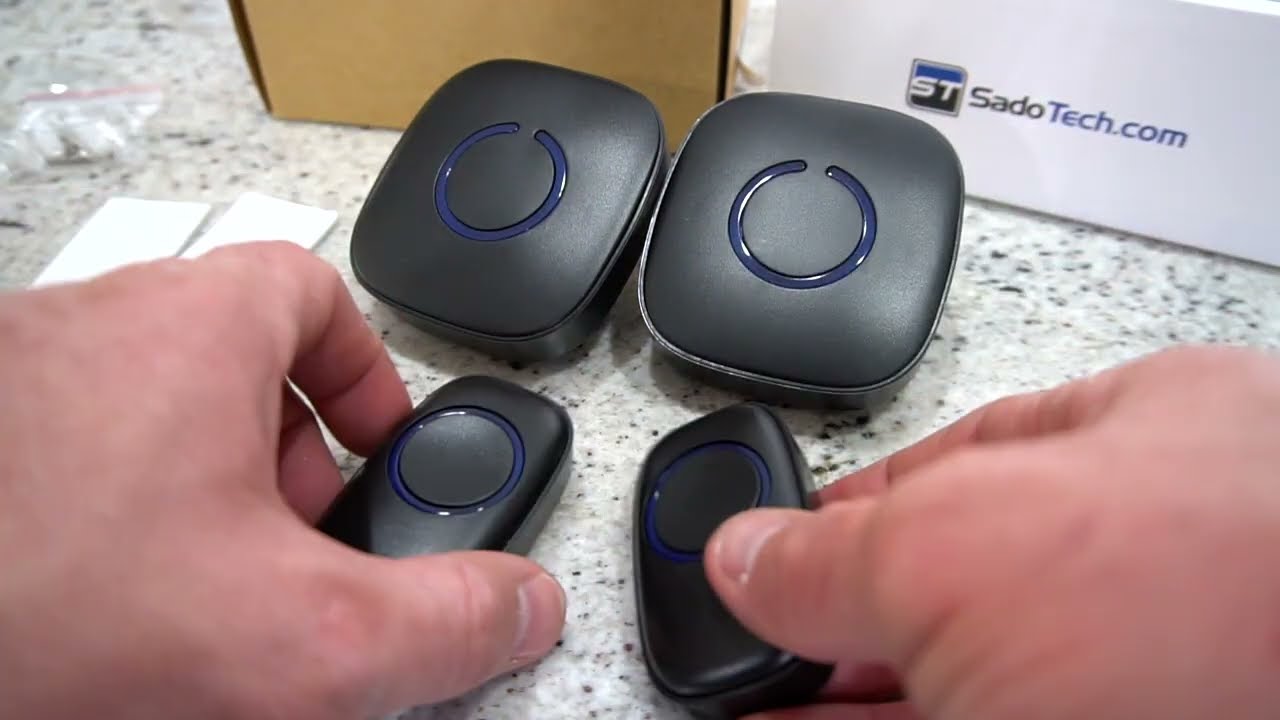
Setup Instructions for SadoTech Expandable Wireless Multi Unit Long Range Doorbell Alert System
Автор: SadoTech.com
Загружено: 2019-11-09
Просмотров: 6528
Описание:
Select the desired tone by using the tone button on the Plugin Receiver.
Hold down the Volume button on the Plugin Receiver for 5 seconds.
Press the button on the Transmitter to connect to the Receiver.
This Receiver is now connected to this Transmitter.
To connect to a second Receiver, select the desired tone again.
Hold down the Volume button for 5 seconds.
Press the Transmitter.
Both Receivers are now connected to the same Transmitter.
To add a SECOND Transmitter, select a desired tone on the FIRST Receiver.
Hold down the Volume button for 5 seconds.
Press the button on the second Transmitter.
Now the first Receiver is connected to both Transmitters.
Repeat the process for the second Receiver.
Now both Receivers are connected to both Transmitters with different tones.
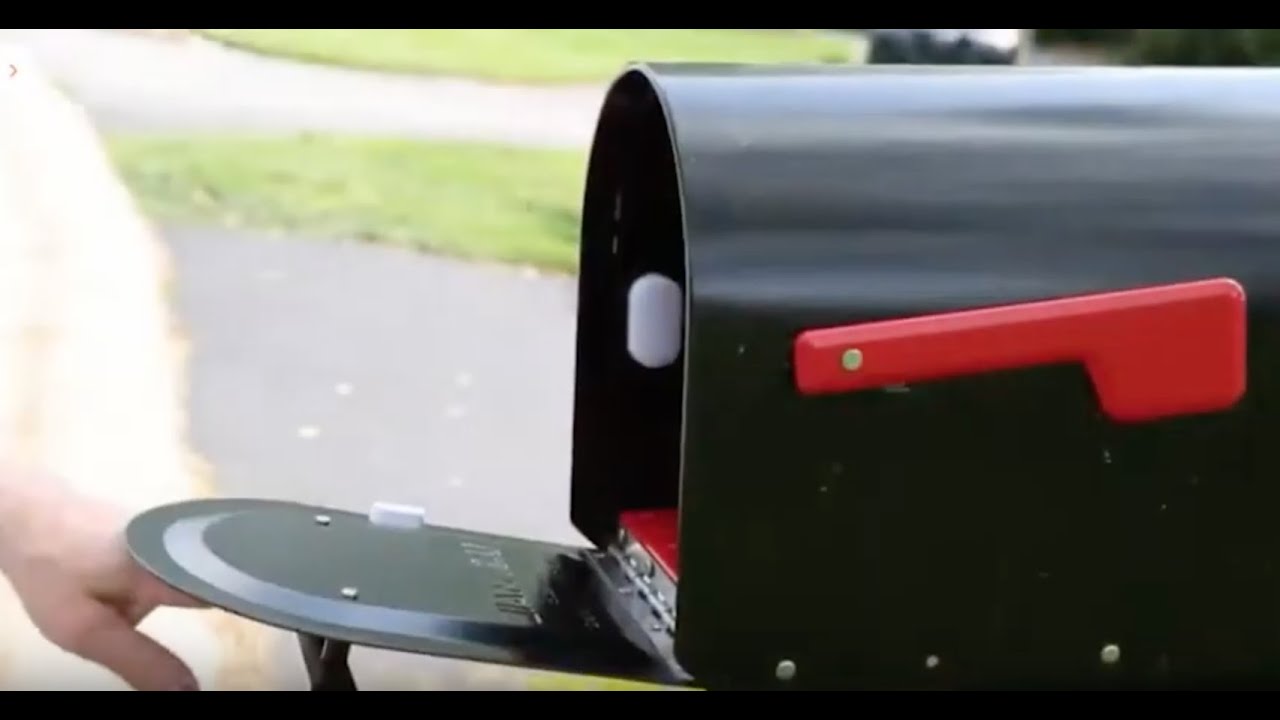
To connect to a Motion Sensor, select a desired tone.
Hold down the Volume button for 5 seconds.
Activate the Motion Sensor.
This Receiver is now connected to the Motion Sensor.
To connect a second Receiver to the Motion Sensor
Select the desired tone.
Hold down the Volume button for 5 seconds.
Activate the Motion Sensor.
Both of these Receivers are now connected to the Motion Sensor.
As well, as the Transmitters.
Повторяем попытку...

Доступные форматы для скачивания:
Скачать видео
-
Информация по загрузке: