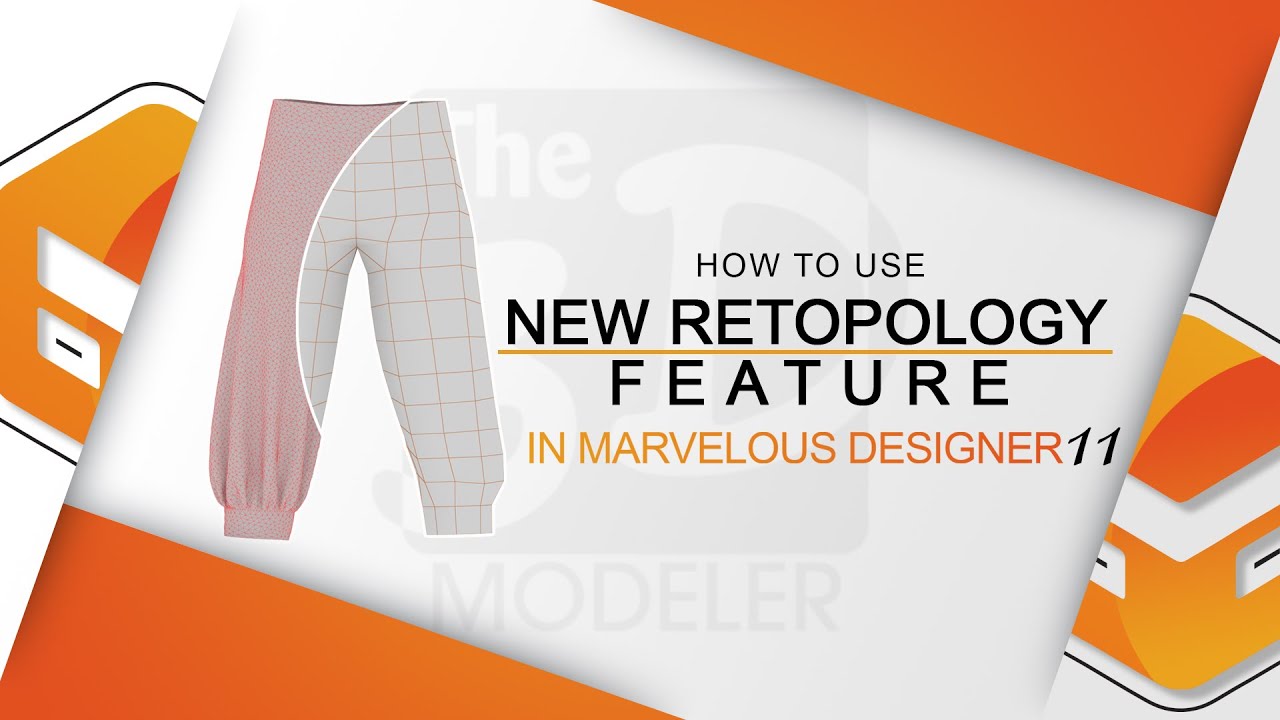
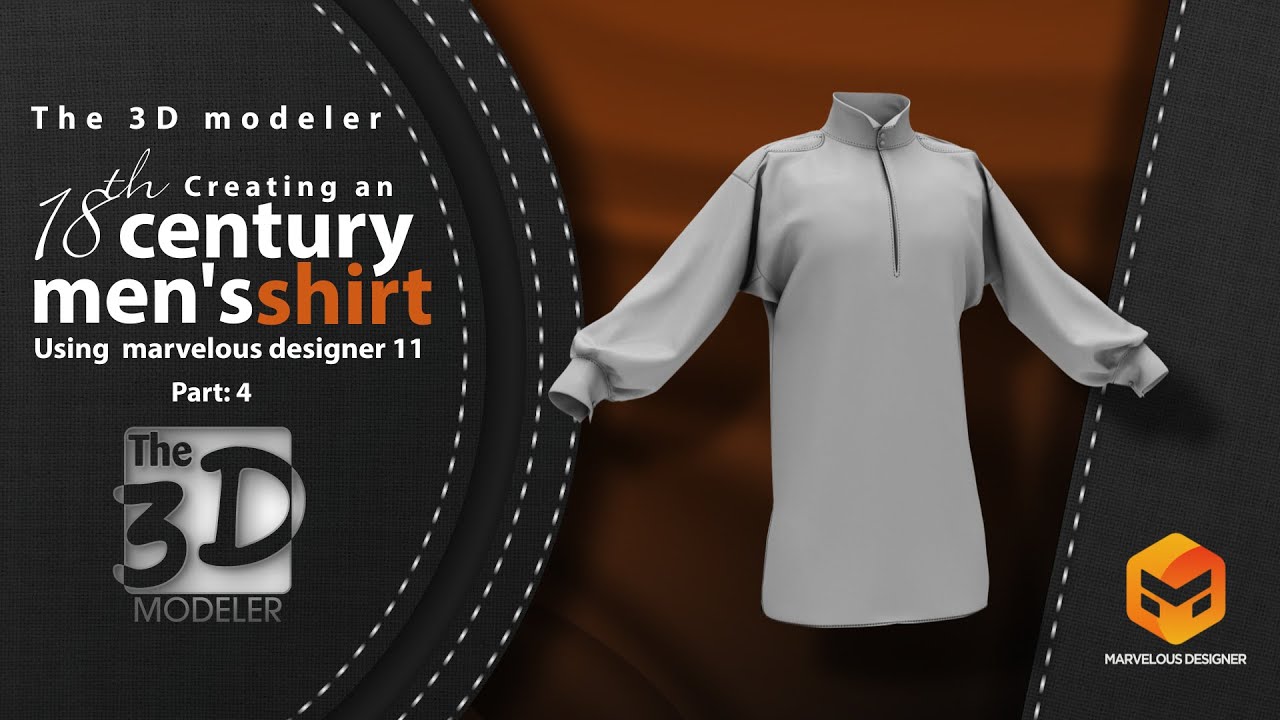
How to use the new retopology features in marvelous designer 11 & how to prepare the low poly model
Автор: The 3D modeler
Загружено: 2023-02-16
Просмотров: 5485
Описание:
Welcome to this tutorial on the amazing new retopology features in Marvelous Designer 11! 🚀 If you've ever struggled with messy topology or inefficient mesh structures, this update is a game-changer. In this video, I'll walk you through how to use these tools to create clean, optimized geometry with ease. Whether you're a fashion designer, character artist, or 3D enthusiast, these features will level up your workflow
🔹 Watch now and transform your modeling process!
🔹 Don't forget to like, comment, and subscribe for more tutorials!
🎬 Want to watch it:
How to create a harem pants: • How to create a harem pants in marvelous d...
How to retopology a high poly model in marvelous designer: • How to retopology a high poly model in mar...
⌚ Timestamps
0:00 introduction
0:14 how to find the retopology menu in marvelous designer 11
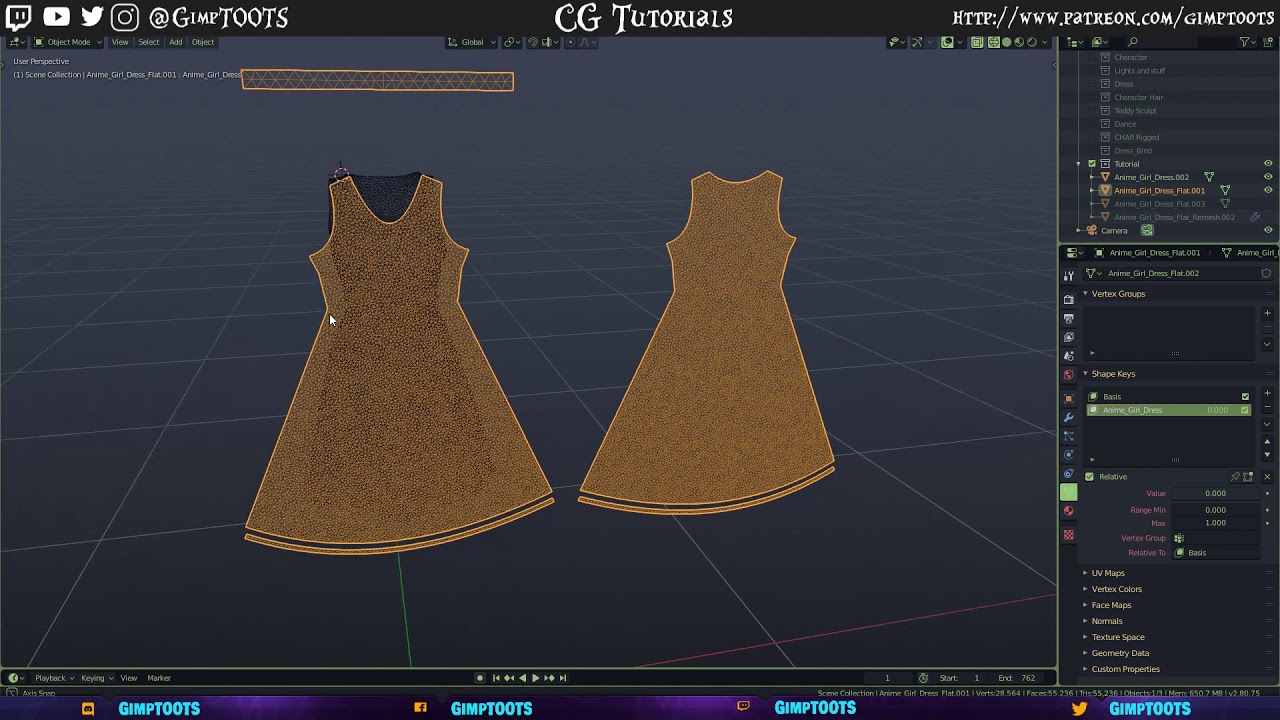
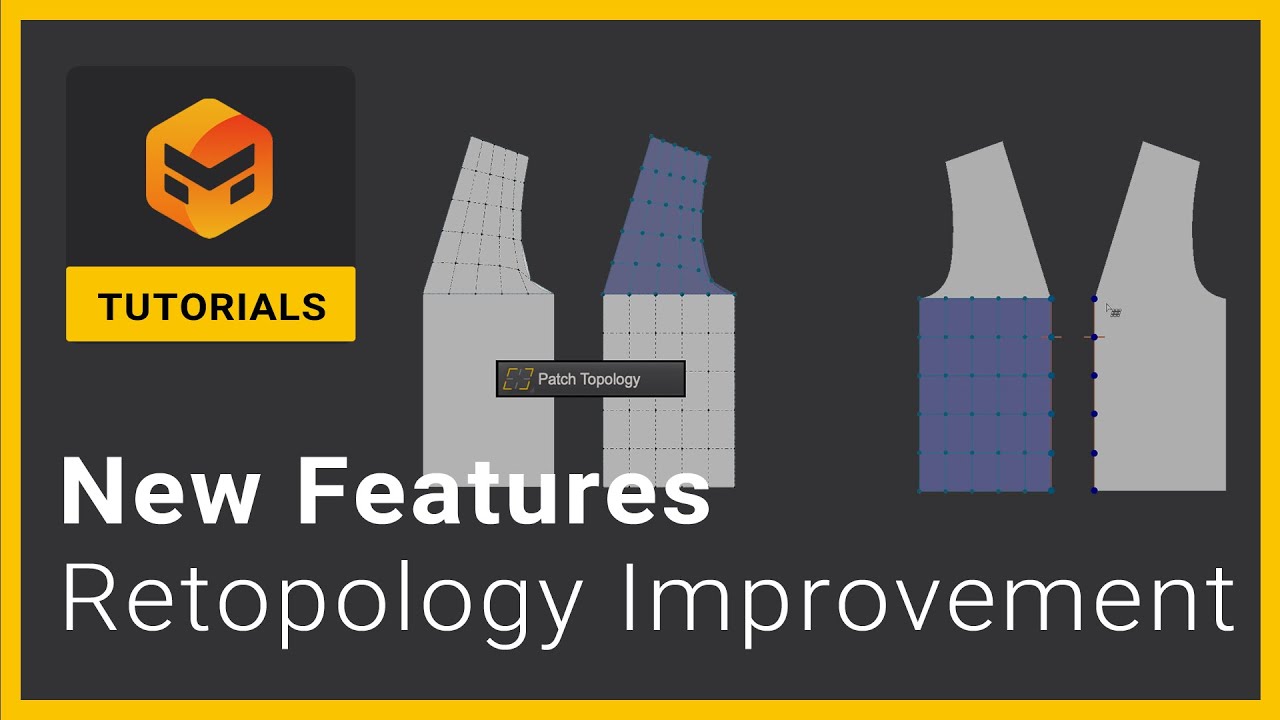
1:25 how to use patch topology feature to create topology on a pattern in marvelous designer 11
9:58 how to create a low poly model from the created topology in marvelous designer 11
11:30 how to edit uvs in marvelous designer 11
12:15 how to prepare the low poly model created in marvelous designer using 3ds max 2023
14:18 how to make a proper unwrapping uvs for a low poly model in 3ds max 2023
🔔 Subscribe to my YouTube channel
/ @the_3dmodeler
🚩 Connect with me on social:
Facebook: / the3dmodeler1
Instagram: / the_3d_modeler
#marvelousdesigner #3dcharacter #3dmodeling #retopology #cgartist #gamingdesign
Повторяем попытку...
Доступные форматы для скачивания:
Скачать видео
-
Информация по загрузке:








![Чудесный дизайнер для ZBrush [РАБОЧИЙ ПРОЦЕСС]](https://imager.clipsaver.ru/akY8gm_5Yrc/max.jpg)