Make Great Presentations Part 3: How to Make a Solutions Slide Using Office Shapes
Автор: Easy Digital Art
Загружено: 2026-03-17
Просмотров: 3
Описание:
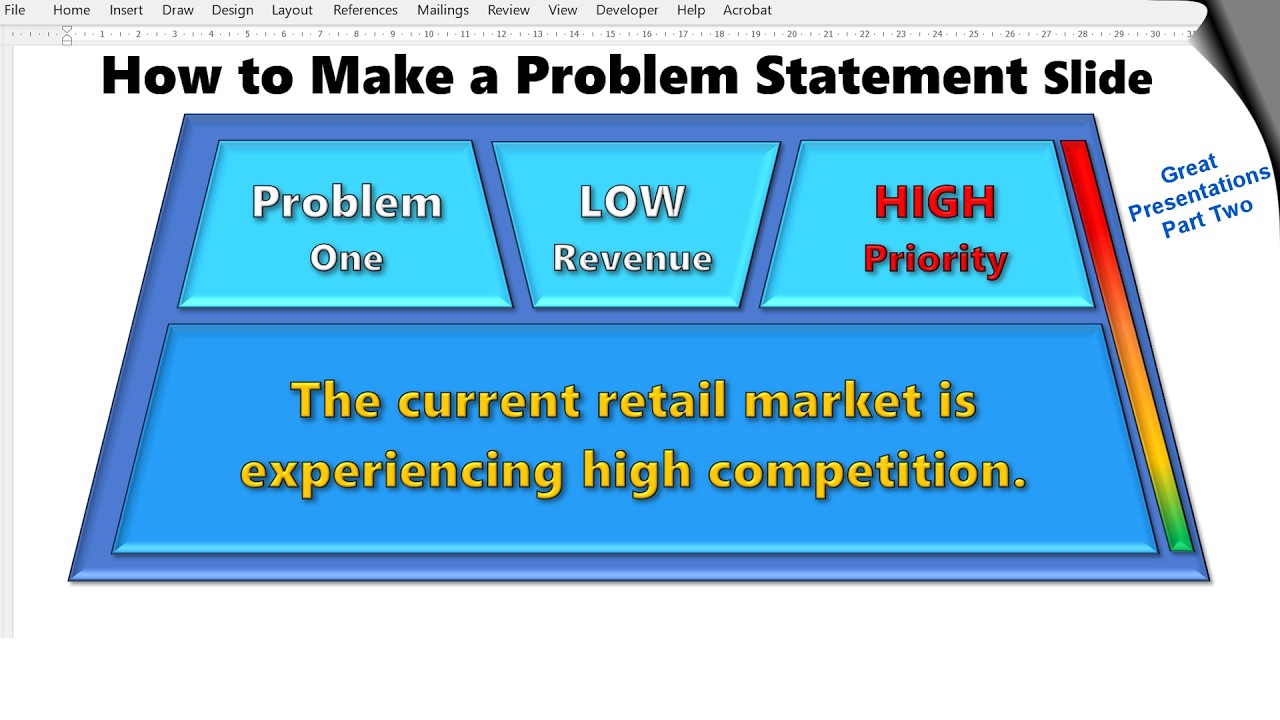
Want to design a clean, professional Solutions Slide for your presentation? In this tutorial, I’ll show you exactly how to create a solutions slide using Microsoft Office Word and Office Shapes. This step‑by‑step guide is perfect for pitch decks, business presentations, school projects, and anyone looking to improve their slide‑design skills.
🔍 What you’ll learn in this video:
How to design a Solutions Slide from scratch
How to use office shapes to build a structured layout
Tips for visual hierarchy, spacing, and alignment
How to format shapes for a modern, professional look
Simple design tricks to make your presentation stand out
🎯 Why this video helps you:
A strong solutions slide is essential for pitch decks, startup presentations, client proposals, and problem‑solution storytelling. This tutorial shows you how to create a slide that is clear, visually appealing, and easy for your audience to understand.
🛠️ Tools used:
Microsoft Word• Office Shapes • Basic formatting tools
Повторяем попытку...

Доступные форматы для скачивания:
Скачать видео
-
Информация по загрузке: