Make Great Presentations Part 1: How to Create a Key Takeaways Slide
Автор: Easy Digital Art
Загружено: 2026-03-13
Просмотров: 5
Описание:
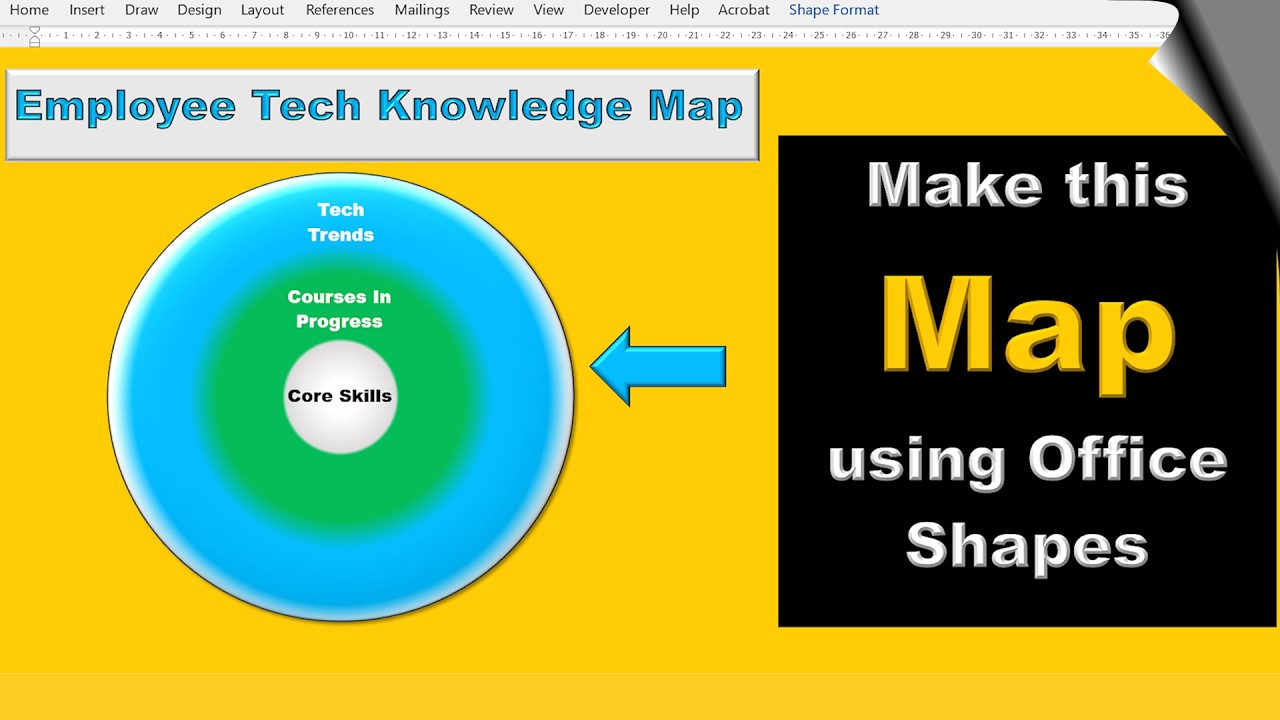
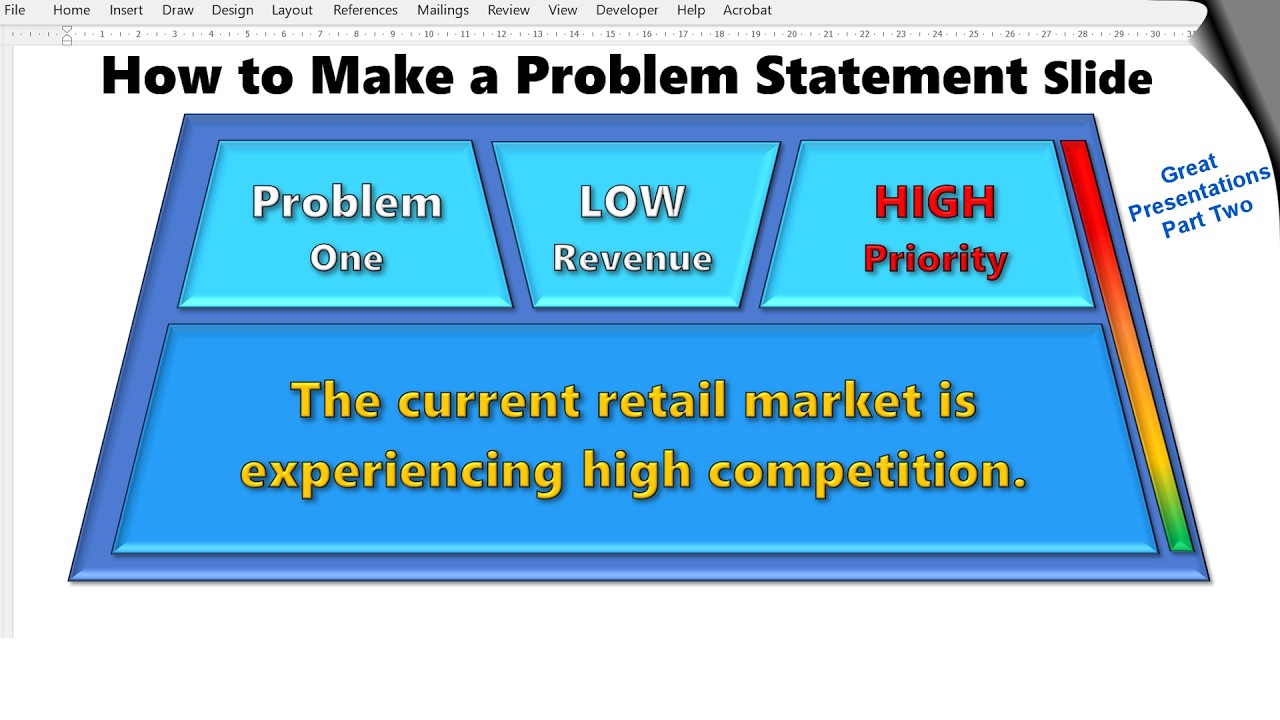
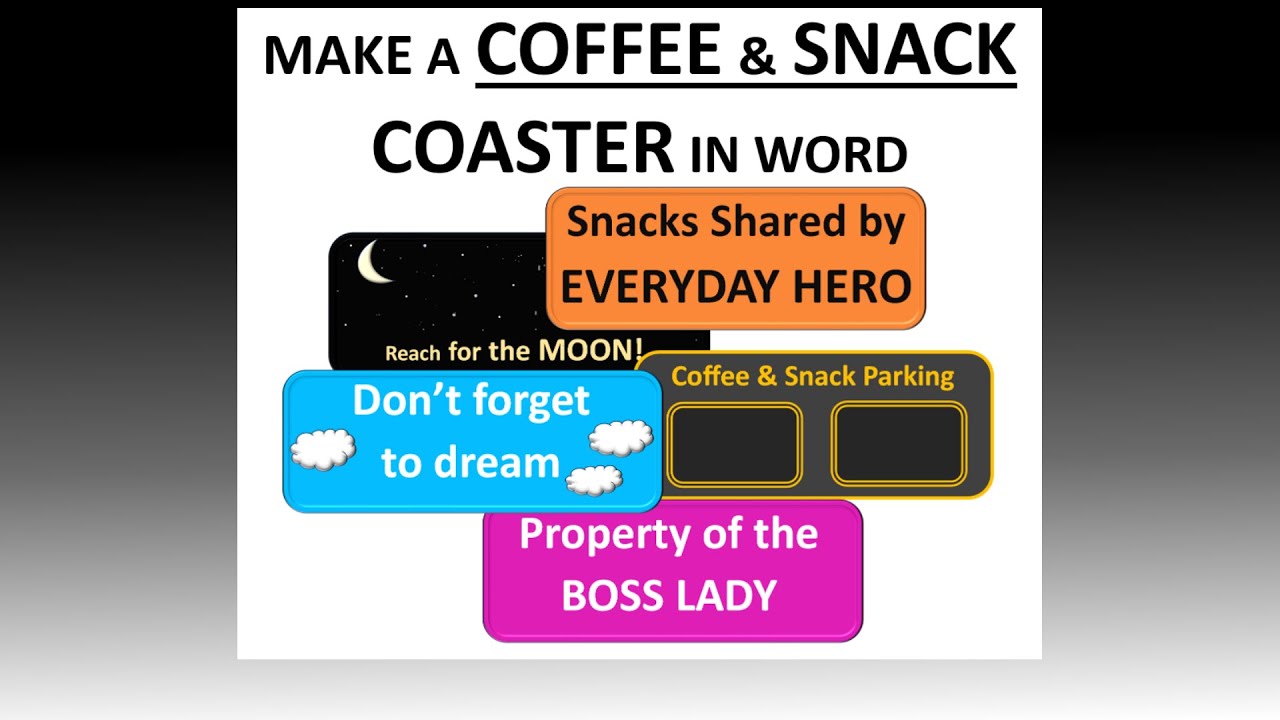
Creating a powerful presentation starts with clarity—and nothing delivers clarity like a well‑designed Key Takeaways slide. In this video, I walk you through how to build a clean, professional, and visually engaging takeaways slide using Microsoft Office shapes.
Whether you're preparing for a business meeting, a class presentation, or a conference talk, this simple technique helps your audience remember what matters most.
🎯 What You’ll Learn
How to structure an effective “Key Takeaways” slide
Smart ways to use Office shapes for clean visual design
Tips for alignment, spacing, and hierarchy
How to make your message stand out without clutter
💡 Why This Matters
A great Key Takeaways slide reinforces your message, boosts retention, and leaves your audience with a clear summary of your main points. Mastering this one slide can instantly elevate the professionalism of your entire presentation.
📌 Part of the Series: Great Presentations
This is Part 1 of my series on building better presentations—step by step, using simple tools you already have.
If you find this helpful, don’t forget to like, subscribe, and check out the next videos in the series.
Повторяем попытку...

Доступные форматы для скачивания:
Скачать видео
-
Информация по загрузке: