3. 𝗛𝗼𝘄 𝗧𝗼 𝗕𝘂𝗶𝗹𝗱 𝗮 𝗧𝗿𝗶𝗮𝗴𝗲 & 𝗣𝗿𝗶𝗼𝗿𝗶𝘁𝘆 𝗪𝗼𝗿𝗸𝗳𝗹𝗼𝘄 𝗳𝗼𝗿 𝗔𝗻𝗮𝗹𝘆𝘁𝗶𝗰𝘀 𝗗𝗲𝗺𝗮𝗻𝗱 𝗶𝗻 𝗦𝗺𝗮𝗿𝘁𝘀𝗵𝗲𝗲𝘁
Автор: Big O Notation
Загружено: 2026-03-16
Просмотров: 10
Описание:
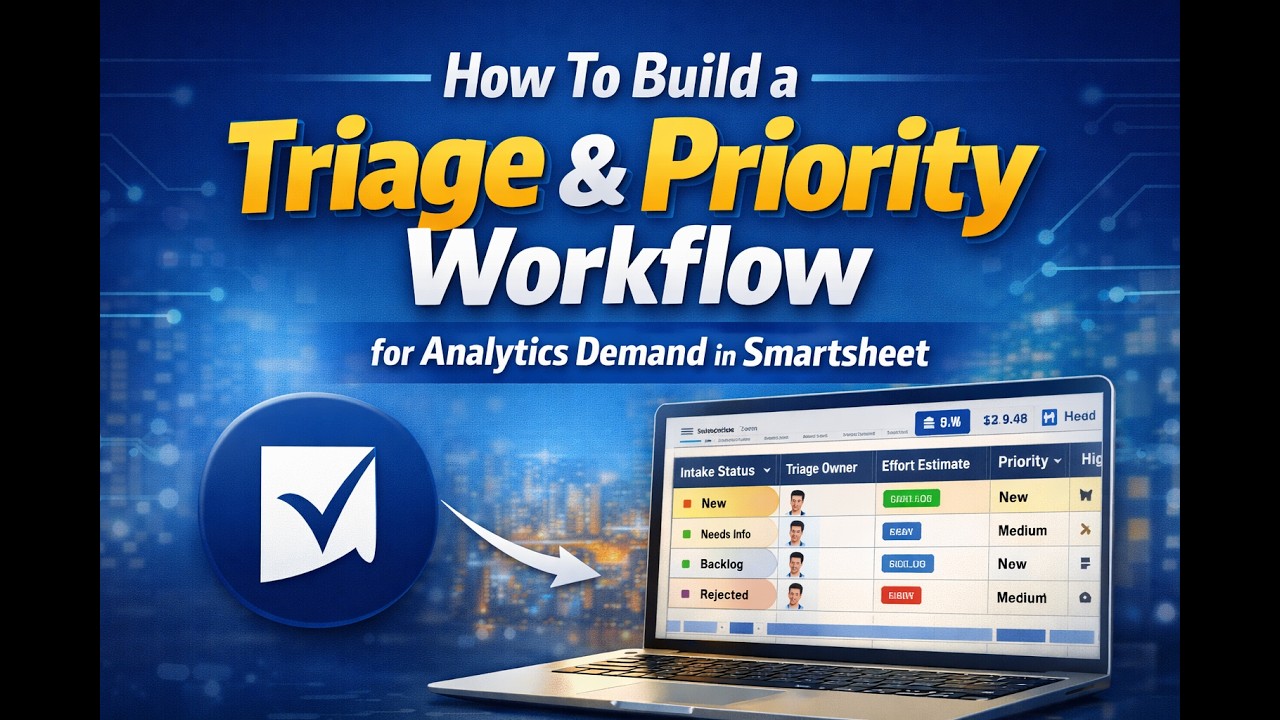
Are you managing analytics or BI requests in Smartsheet and still updating everything manually? In this video, I show you how to turn your Analytics Demand master sheet into a smarter intake and triage hub using simple Smartsheet columns, views, and automation rules—so every new request gets a clear status, owner, and priority without extra admin work.
You’ll learn:
• How to navigate the Smartsheet master sheet (table/grid views, filters, file options, and connections) for your analytics demand intake.
• How to extend your existing intake sheet with triage columns: Intake Status, Triage Owner, Effort Estimate (S/M/L), and Priority (1–5).
• How to configure dropdown values for statuses like New, Needs Info, Needs Approval, Approved, Backlog, and Rejected so your pipeline is always clear.
• How to build automation rules that set Intake Status to “New” whenever a row is added and auto‑populate a Triage Owner, giving you instant accountability.
• Practical tips on how Smartsheet inserts new rows from forms, what to check if you “don’t see” new requests, and how to keep your sheet readable (wrapping columns, hiding the primary column, etc.).
By the end, you’ll have an upgraded analytics demand sheet in Smartsheet that not only captures requests from your intake form, but also standardizes triage, effort estimation, and prioritization—setting you up for more advanced automations and dashboards in the next videos.
⏱ Timestamps
00:00 Recap: Analytics Demand Governance form (previous episode)
00:21 Master intake sheet overview (tabs, views, filters)
00:48 Hiding the primary column and cleaning up the layout
01:32 Reviewing captured request fields from the form
02:03 Creating the Intake Status column with dropdown options
02:57 Adding Triage Owner as the person accountable for new requests
03:14 Setting up Effort Estimate (small, medium, large)
03:32 Creating a numeric Priority column (1–5, manager‑driven)
04:09 Understanding how new form rows appear in the sheet
04:38 Building the “New Request = New Status” automation
05:20 Building the “New Request = Triage Owner” automation
05:46 Final review and next steps
If you’re leading a data, BI, or analytics team and want to move from messy spreadsheets to a structured, automated intake and triage process in Smartsheet, this video is for you.
👉 If you found this helpful, subscribe for more videos on analytics leadership, Smartsheet workflows, and demand governance for data teams.👍 Like this video to help more analytics leaders discover it.
💬 Comment below: How are you currently tracking intake status and ownership for new analytics requests?
🔗 Connect with me
LinkedIn: / anm-saifuzzaman-mba-518938186
Podcast Channel: / @favbrothers
Повторяем попытку...
Доступные форматы для скачивания:
Скачать видео
-
Информация по загрузке:




![Тестирование API простыми словами + практика | Postman, Connekt, HTTP [Полный ГАЙД с 0 до Senior]](https://imager.clipsaver.ru/TXUyoVP9CpA/max.jpg)





![Best of Deep House [2026] | Melodic House & Progressive Flow](https://imager.clipsaver.ru/Il-ZpBuC8tA/max.jpg)
![🔴NOCNA ZMIANA | KAMILA BIEDRZYCKA & DR MIROSŁAW OCZKOŚ [NA ŻYWO]](https://imager.clipsaver.ru/UcvJzaQ2TYA/max.jpg)




