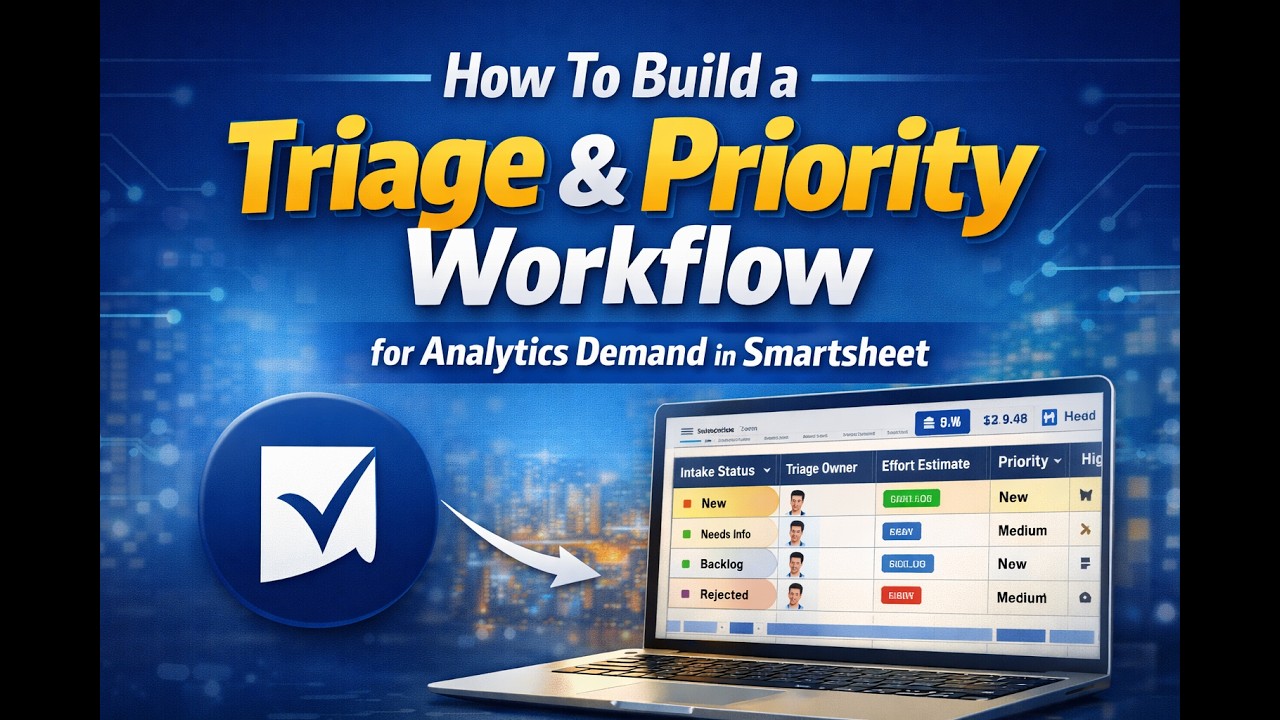
2. 𝗛𝗼𝘄 𝗧𝗼 𝗕𝘂𝗶𝗹𝗱 𝗮 𝗦𝘁𝗮𝗻𝗱𝗮𝗿𝗱𝗶𝘇𝗲𝗱 𝗔𝗻𝗮𝗹𝘆𝘁𝗶𝗰𝘀 𝗗𝗲𝗺𝗮𝗻𝗱 𝗜𝗻𝘁𝗮𝗸𝗲 𝗙𝗼𝗿𝗺 𝗶𝗻 𝗦𝗺𝗮𝗿𝘁𝘀𝗵𝗲𝗲𝘁
Автор: Big O Notation
Загружено: 2026-03-16
Просмотров: 9
Описание:
Are you an analytics leader drowning in ad‑hoc BI requests from email, chat, and random conversations? In this video, I show you how to design a Smartsheet‑based Analytics Demand Intake Form so you can centralize requests, improve requirements quality, and run your team like a true decision support function instead of a reactive help desk.
You’ll learn:
• How to build an Analytics Demand Intake Form in Smartsheet step‑by‑step (using the free version interface)
• Which core fields to include: requester name, email, department, title, and a system‑generated Request ID so every request is uniquely tracked
• How to structure a “Request Definition” section that captures business questions, decisions this will support, and justification instead of vague “need a dashboard” asks
• How to capture requested output type (dashboard, data extract, ad‑hoc analysis, report) so your team knows exactly what to deliver
• How to collect deadlines, urgency levels, strategic initiatives, and data source availability to support triage, prioritization, and effort estimation
• How to use file upload so stakeholders can attach sample datasets or reference files directly to their request
By the end, you’ll have a working analytics & BI intake form in Smartsheet that standardizes demand, improves data quality at intake, and lays the foundation for workflow automation, delivery tracking, and leadership dashboards in future episodes.
⏱ Timestamps
00:00 Why unmanaged analytics demand is a problem
00:36 Series recap: Automating analytics & BI demand
01:28 Smartsheet form overview and settings
02:20 Creating the Analytics Demand Intake Form
03:10 Adding Request ID (auto‑number system field)
03:55 Capturing requester details (name, email, department, title)
05:20 Building the “Request Definition” section
06:10 Business questions and decision/justification fields
07:40 Configuring requested output type options
09:10 Deadlines, urgency, and strategic initiative flags
10:30 Data source availability and file upload
12:00 Submitting a real example request and reviewing the result in the sheet
📌 Resources mentioned
• Example Analytics Demand Intake fields (requester info, business question, decision impact, urgency, deadlines, output type, data sources, attachments)
• Ideas for using the intake sheet later for dashboards and demand reporting
If you lead a data, BI, or analytics team and want to move from scattered, low‑quality requests to a structured, transparent intake process, this video is for you.
👉 If you found this helpful, subscribe for more videos on analytics leadership, Smartsheet workflows, and demand governance for data teams.
👍 Like this video to help more analytics leaders discover it.
💬 Comment below: How do analytics and BI requests currently come into your team?
🔗 Connect with me
LinkedIn: / anm-saifuzzaman-mba-518938186
Podcast Channel: / @favbrothers
Повторяем попытку...

Доступные форматы для скачивания:
Скачать видео
-
Информация по загрузке: